A practical CRM pipeline setup guide for service teams that want cleaner lead management.
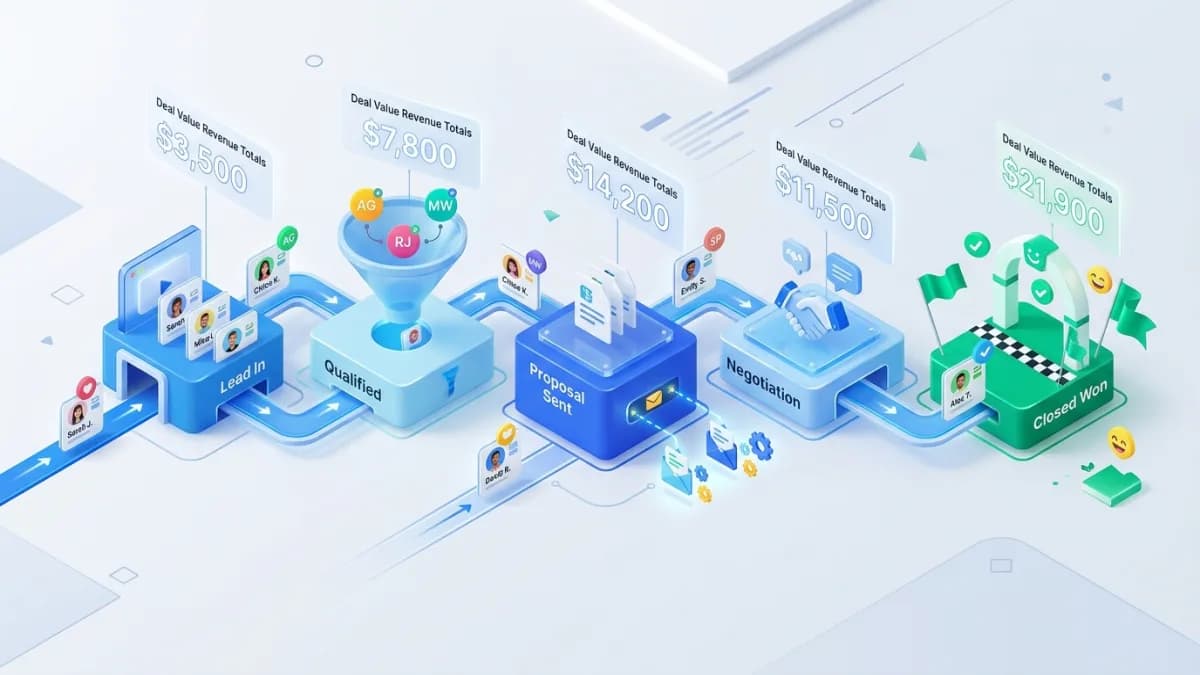
A small service team needs a CRM pipeline that makes the next action obvious. Staff should be able to see who owns an inquiry, what has happened, what the customer is waiting for, and when someone should follow up. A colorful board is useful only when those meanings are consistent.
Pipeline setup begins with the service process and offer structure. Online Business Consultation can help clarify service packages and commercial processes before selecting a system. CRM configuration and integrations should be scoped separately against the resulting requirements.
Describe how a suitable customer currently moves through the business. Include website forms, phone calls, referrals, discovery conversations, scope confirmation, proposals, and acceptance. Note where information is lost or responsibility becomes unclear.
Do not copy a large enterprise sales process merely because it is a CRM default. A small team may need fewer stages, provided each stage communicates a meaningful change in the customer's position.
For an illustrative three-person design studio, a practical journey could include new inquiry, discovery arranged, scope confirmed, proposal sent, decision pending, won, and lost. These are examples to adapt, not universal stage requirements.
Define the evidence required to move a record. Proposal sent should mean a specific proposal was delivered, with its version and value recorded. Qualified should mean the team's agreed suitability criteria were checked.
Avoid stages such as warm or promising unless the team can explain them consistently. Those labels can conceal personal impressions and make reporting unreliable.
Keep activities separate from stages. Sending an email or making a call is usually an activity within the process. If every action becomes a column, the pipeline becomes difficult to scan and compare.
HubSpot's pipeline documentation describes stages and notes that capabilities depend on the object and subscription. Verify the current options in the chosen CRM rather than assuming all plans support the same automation or restrictions.
A contact is a person. A company is an organization. An opportunity or deal represents a potential piece of work. One customer may have several opportunities over time, and one opportunity may involve several contacts.
For the design studio, a returning company requesting a new website should not require a duplicate contact record merely to create another project opportunity. Preserve the relationship while keeping the scope and commercial history distinct.
Choose stable identifiers and a duplicate-handling process. Email addresses can help matching, but they can change or be shared. Avoid automatically merging records based only on similar names.
The CRM implementation guide explains broader requirements and migration considerations that support these data-model decisions.
Start with contact details, source, requested service, owner, stage, next action, and due date. Add estimated value, expected decision date, and relevant qualification details when they are meaningful.
Do not make every field mandatory at first contact. Staff may not know the budget or decision-maker before discovery. Requiring invented values makes the database look complete while weakening its reliability.
Use controlled options for fields you need to report consistently, such as service type or lost reason. Allow notes for context that does not fit a category. Review the choices periodically so other does not become the destination for most records.
Keep sensitive personal information out of free-text notes unless the business has a legitimate need and appropriate controls. A sales pipeline should contain what is necessary to manage the opportunity.
Every active opportunity needs one accountable owner, even when several colleagues contribute. Define routing by service, geography, capacity, or another practical rule. Include a fallback when the preferred owner is absent.
Create a visible queue for unassigned or failed-routing records. An automation error should not silently remove an inquiry from attention. The team needs a routine way to identify and repair exceptions.
The lead-management workflow guide explains how form submissions connect to ownership and follow-up. Test that handoff before adding sophisticated pipeline rules.
Record the next action and date for each active opportunity. Follow up on requested scope, confirm a discovery call, or review a proposal with the customer are actionable notes. Chase lead is less useful.
Define how reminders respect working hours and customer expectations. A reminder for staff differs from an automated message sent to the customer. Keep those actions separate so an overdue internal task does not trigger an inappropriate email.
Review opportunities with no next action or unusually long stage duration. The goal is to resolve uncertainty, not pressure staff to move records forward without evidence.
Good early automations include assigning an owner, creating a follow-up task, acknowledging receipt where appropriate, and notifying the team of failed routing. These rules should be understandable and testable.
Define stop and re-entry conditions. A won or lost opportunity should not keep receiving prospecting reminders. A returning customer with a new inquiry may need a new opportunity without restarting every old sequence.
Test duplicate form submissions and integration retries. The same inquiry should not create several deals or send repeated acknowledgments. Preserve a source reference that helps identify repeated events.
Do not automate a judgment the team has not defined. If staff disagree about qualification, adding a workflow can spread the inconsistency faster.
Store the current proposal reference, version, amount, currency, and status. If scope changes, preserve enough history to understand what the customer accepted. A pipeline value should not remain tied to a superseded quote without explanation.
Define won according to the business process. It might require signed acceptance, a deposit, or another explicit commitment. Keep invoicing and payment state distinguishable from sales acceptance where they are separate.
Use lost reasons that lead to useful learning, such as unsuitable scope, timing, price, no decision, or competitor selected. Do not force a confident reason when the customer did not provide one.
Review new inquiries, qualified opportunities, stage movement, time in stage, overdue actions, and won work. Explain the denominator when reporting conversion. Leads created in one month may close in a later period.
Treat weighted pipeline values as estimates based on assumptions, not guaranteed revenue. Default stage probabilities may not reflect the team's history. Review them with adequate data before relying on them for financial planning.
The dashboard governance guide helps define metrics and source ownership when reporting extends beyond the CRM.
Test a new inquiry, a duplicate submission, a returning customer, a reassigned owner, a revised proposal, a lost opportunity, and a reopened discussion. Confirm notifications, permissions, and reporting for each case.
Train staff using those scenarios rather than only showing settings screens. Provide concise stage definitions and a clear place to report workflow problems. Review the process after the team has used it with real work.
Use the fewest stages that clearly represent meaningful customer progress. Add a stage when it changes ownership, required evidence, or the next action, not merely because the software permits more columns.
That depends on the CRM model and business process. Spam, support requests, and clearly unsuitable inquiries may belong elsewhere. Define the rule so reporting remains consistent.
Staff can find each opportunity, understand its status, identify the owner, and act on the next step. Reliable reporting follows from those everyday habits and clear definitions.

A practical portfolio website guide for freelancers, consultants and creative experts who need better client trust.
Read article →
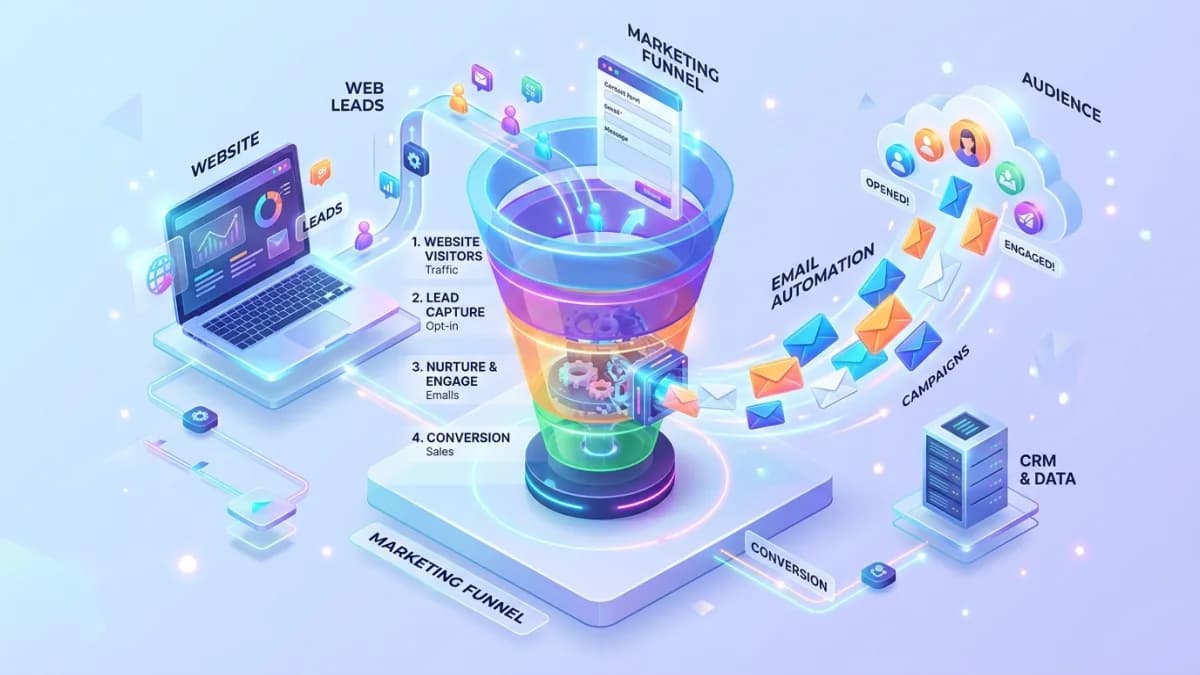
A practical guide to email automation that helps website leads receive faster, more relevant responses.
Read article →
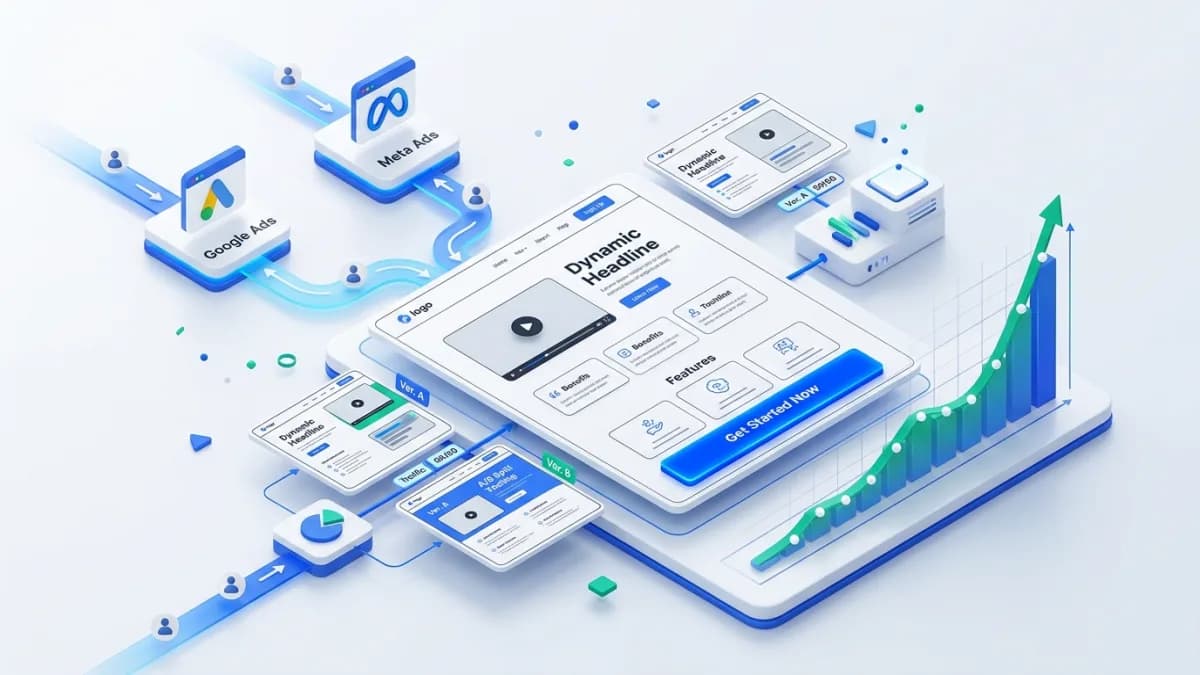
A practical guide to landing pages that support paid ads, service inquiries and campaign conversion.
Read article →
Author
Anushka Dahanayake builds SEO-focused websites, e-commerce platforms, dashboards, and automation systems for businesses worldwide.
