A practical guide to landing pages that support paid ads, service inquiries and campaign conversion.
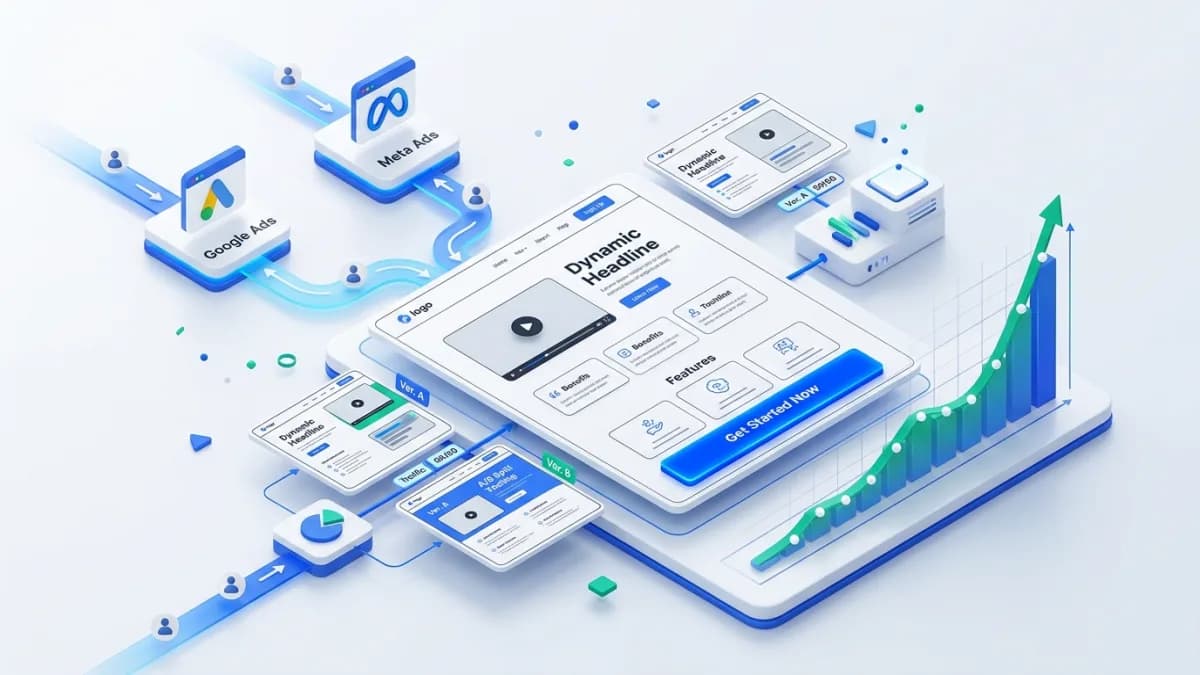
A landing page for paid traffic should continue the conversation started by the advertisement. Visitors arrive with a particular expectation about the offer, audience, price, or result. The page needs to confirm that expectation, explain the decision, and provide a dependable way to act.
Landing Page Design is most effective when the brief includes the campaign message and lead-handling process. A visually polished page cannot create qualified inquiries if the offer is unclear or submissions disappear after the form succeeds.
Write the offer in concrete terms. Identify who it serves, what is included, important exclusions, and the next step. A service consultation, product purchase, quote request, and downloadable guide require different commitments from the visitor.
Read the actual ads and targeting context. Someone clicking an urgent repair ad needs immediate service availability and coverage information. Someone exploring a long-term design project may need examples, scope, and a thoughtful inquiry process.
Avoid combining several unrelated offers on one destination simply to reduce page count. A shared page can work when the audience and decision are coherent. Otherwise, visitors must reconstruct the relevance themselves.
The opening should identify the offer and make the main action understandable. Use a literal heading rather than a vague slogan that could belong to any business. Supporting copy can explain value and suitability.
For an illustrative commercial-cleaning campaign, the page might clearly identify recurring office cleaning in the supported region. The ad's promised quote process should agree with the page, including whether an inspection is required before pricing.
Keep material conditions visible. A starting price, eligibility rule, minimum contract, or limited service area changes the decision. Hiding it below a long sequence of promotional sections can generate unsuitable inquiries.
After confirming the offer, explain what the customer receives, how the process works, what evidence supports the business, and what happens after the action. The exact order depends on the offer and audience.
Use service-specific details. For cleaning, these could include site types, scheduling arrangements, responsibility for supplies, and how scope is assessed. Generic claims about excellence do not help a facilities manager compare providers.
Keep sections focused and readable on mobile. A long page can be useful when the decision requires detail, but length should come from relevant explanation. Repeating the same promise under several headings makes the page harder to scan.
Choose relevant project examples, testimonials, credentials, and process evidence. Explain the scope of the proof. A testimonial about communication does not establish a guaranteed cost saving or a particular technical capability.
Use real project images with appropriate permission. Avoid presenting stock photographs as completed client work. If an example is hypothetical, label it as illustrative and do not attach invented results.
For the cleaning example, a clear inspection process and accurate service checklist may provide more useful reassurance than decorative badges. Customers need to know what the business can actually deliver.
List each field and explain why the business needs it at this stage. Collect enough information to route and assess the inquiry, while avoiding details that can be gathered more naturally in the follow-up conversation.
For a quote request, service type, location, contact details, and a short description may be useful. A detailed property inventory might be appropriate later unless it materially affects whether the business can respond.
The W3C's forms tutorial explains accessible labels, instructions, validation, and notifications. Apply these principles so people can understand the form and recover from errors using different devices and assistive technologies.
Keep entered information when a correctable error occurs. Use specific messages and make the success state clear. A color change alone is not enough to communicate that a submission failed or succeeded.
Explain what happens next and set a response expectation the team can meet. Do not promise an immediate personal reply if the business only reviews inquiries during working hours.
Send the lead to an owned workflow with a responsible person and fallback route. The lead-management guide explains why a submission needs status, ownership, and a next action after it leaves the page.
Test notification failure and duplicate submissions. A visitor may retry after a slow response, and an email provider may delay delivery. The business should have a durable record rather than relying on one notification message.
Open the page through the ad destination on a phone. Check loading, layout, readable text, images, forms, and any booking or payment handoff. A page tested only inside an editor preview can behave differently with campaign parameters and third-party scripts.
Inspect common browsers and slower connections relevant to the audience. Avoid overlays that hide the form or consent controls. Ensure phone and email actions use the intended destination.
Keep the primary task available if a nonessential widget fails. A broken chat script should not prevent someone from reading the service scope or submitting an inquiry.
Define the conversion event carefully. A button click, form start, successful submission, qualified lead, and won customer are different stages. Report them separately where possible.
Use a reliable success signal for completed forms, and prevent repeated tracking from inflating submissions. Keep personal information out of analytics parameters. Connect lead outcomes through an appropriate internal identifier where the systems support it.
Review lead quality with the sales or service team. A page that produces more forms but mostly out-of-area requests may need clearer eligibility information. Lower volume with better fit can be commercially preferable.
The CRM implementation guide helps define the downstream records needed to evaluate that quality consistently.
Choose a hypothesis such as whether clearer scope reduces unsuitable inquiries or whether a shorter initial form improves valid submissions. Define the primary metric and guardrails before making the change.
Use randomized testing when traffic and measurement support it. For smaller campaigns, combine usability observations with cautious before-and-after analysis and note concurrent changes in advertising or demand.
Avoid declaring a winner after a handful of leads. A single valuable customer can dominate a small sample, while short-term form volume may not reflect eventual sales quality. Review the outcome over an appropriate business cycle.
Provide the campaign assets, audience, offer, proof, required fields, routing rules, and measurement requirements. Identify who approves service claims and who handles incoming leads.
Specify the expected states: loading, validation error, submission failure, success, and unavailable booking or service conditions where relevant. These states are part of the experience, not optional technical polish.
Ask for a handover that includes content ownership, integration details, test evidence, and a method for updating offers without breaking tracking or forms. A landing page often changes with campaigns, so maintenance needs to be practical.
Decide according to the visitor's task and need for reassurance. Focus is useful, but people may still need company, policy, or contact information. Do not hide essential context merely to force one action.
No. The right form balances completion effort with the information needed to qualify and route the inquiry. Remove unnecessary fields, but retain details that materially improve the next step.
Yes, when the ads make compatible promises to a similar audience. If the offers or eligibility differ, separate destinations or clearly tailored content may provide a more coherent experience.

A practical portfolio website guide for freelancers, consultants and creative experts who need better client trust.
Read article →

A practical guide for companies planning a more structured corporate website with room for growth.
Read article →
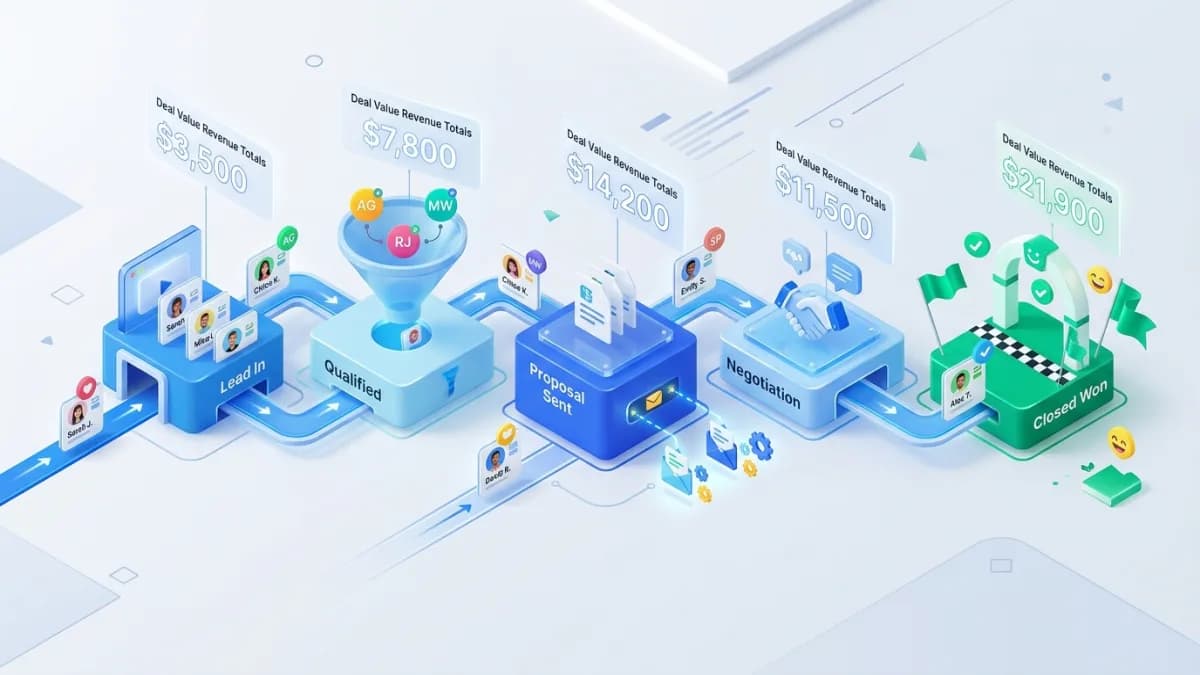
A practical CRM pipeline setup guide for service teams that want cleaner lead management.
Read article →
Author
Anushka Dahanayake builds SEO-focused websites, e-commerce platforms, dashboards, and automation systems for businesses worldwide.
