
Lead Management Automation: From Form Submission to Follow-Up
A practical lead management automation guide for small businesses that need faster response, CRM routing, qualification, follow-up sequences and lead reporting.
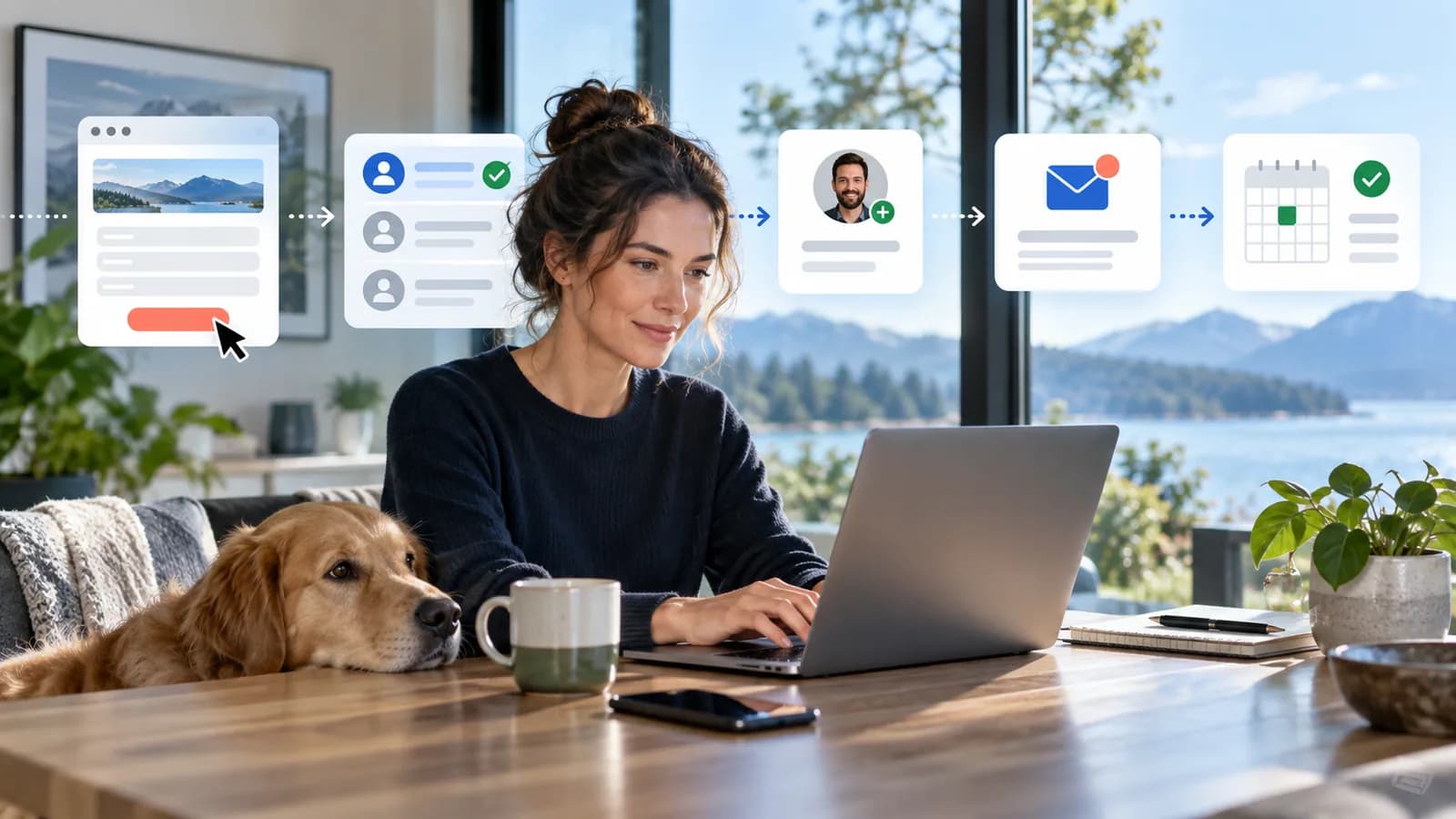
Lead management automation begins the moment someone raises their hand. A visitor submits a form, requests a quote, books a call, downloads a resource, sends a WhatsApp message or asks for more information. What happens next determines whether the business responds like a professional system or a sleepy inbox.
Most businesses do not lose leads because they lack traffic. They lose leads because response is slow, ownership is unclear, information is missing, follow-up is inconsistent, or the team cannot see which leads became real opportunities.
Automation can fix that, but only if the workflow is designed carefully.
This guide explains how to build lead management automation from form submission to follow-up: capture, validation, CRM sync, deduplication, routing, qualification, response timing, reminders, nurture, reporting, privacy and handoff to sales or onboarding.
Use this with the Small-Business Automation Guide, CRM Implementation Guide, Client Onboarding Automation Guide, and SEO Reporting Dashboard Guide.
Key Takeaways
- Lead automation should make response faster, ownership clearer and reporting more trustworthy.
- Every lead workflow needs a source of truth, usually the CRM.
- Form fields should collect enough information to qualify the lead, but not so much that conversion drops or privacy risk increases.
- Routing rules should assign leads by service, location, urgency, value, language, workload or account ownership.
- Follow-up automation should support human sales work, not blast generic messages forever.
- Lead status definitions must be clear: new, contacted, qualified, disqualified, working, converted and lost.
- GA4 lead events can connect marketing performance to offline lead outcomes when configured properly.
- Privacy, consent, access control and spam protection are part of lead automation, not afterthoughts.
What Lead Management Automation Means
Lead management automation uses software to move a potential customer through the early sales process.
It may:
- capture website form data
- validate required fields
- send confirmation
- create or update CRM records
- assign lead owner
- notify sales
- create follow-up tasks
- classify lead source
- score lead quality
- trigger email or SMS follow-up
- track qualification status
- move converted leads to onboarding
- report source-to-revenue performance
The goal is not to automate persuasion. The goal is to make sure no qualified lead disappears into the fog.
The Lead Workflow Map
A practical workflow:
| Step | Purpose |
|---|---|
| Visitor submits form | Capture request and context |
| Validate data | Check required fields and spam risk |
| Create CRM record | Establish source of truth |
| Deduplicate | Avoid duplicate contacts and deals |
| Route lead | Assign owner based on rules |
| Notify owner | Trigger fast response |
| Send confirmation | Tell prospect what happens next |
| Qualify | Decide fit and priority |
| Follow up | Calls, emails, messages or booking |
| Update status | Keep reports accurate |
| Convert or close | Move to onboarding or lost reason |
Each step should have an owner, expected time and failure path.
Lead Capture Forms
Forms should collect enough information to act.
Common fields:
- name
- phone
- company
- service needed
- message
- budget range
- timeline
- location
- preferred contact method
- consent checkbox where needed
Use fewer fields for top-of-funnel inquiries and more fields for high-intent quote requests.
Form design rules
Good forms:
- work on mobile
- explain what happens next
- validate errors clearly
- protect against spam
- show a confirmation message
- send internal notification
- create a CRM record
- track conversion event
Bad forms:
- ask unnecessary private information
- fail silently
- send leads only to one inbox
- show vague errors
- do not track source
- do not confirm submission
The FTC advises businesses not to collect personal information they do not need. Apply that directly to forms. If a field is not used for qualification, routing or delivery, remove it.
CRM Sync and Deduplication
The CRM should be the source of truth for lead status.
When a form is submitted, automation should:
- create or update contact
- create lead or deal
- attach source and campaign data
- store form submission details
- assign owner
- create next task
- mark lifecycle stage
Deduplication rules should consider:
- email address
- phone number
- company domain
- existing open deal
- recent submission
Avoid creating five records for one person because they submitted twice. Duplicate records break reporting and annoy sales teams.
Lead Routing Rules
Routing decides who owns the next action.
Routing can use:
- service requested
- location
- budget
- urgency
- language
- lead source
- account owner
- product/category
- availability
- round-robin distribution
- existing customer status
Examples:
- Website development inquiries go to the web team.
- Existing customers go to account owner.
- High-budget quote requests notify senior sales.
- Support-looking inquiries go to support, not sales.
- Unqualified spam is held for review.
Routing must include a fallback owner. Otherwise edge cases become orphan leads.
Qualification and Scoring
Qualification turns inquiries into useful pipeline.
Define what qualifies a lead:
- real contact details
- relevant service need
- service area fit
- budget fit
- timeline fit
- decision-maker access
- problem urgency
- business legitimacy
Lead scores can help, but do not overcomplicate them.
Simple scoring:
- service fit: 0 to 5
- budget fit: 0 to 5
- urgency: 0 to 5
- completeness: 0 to 5
- source quality: 0 to 5
Status definitions:
- New: submitted but not reviewed
- Contacted: first response sent or call attempted
- Qualified: meets criteria
- Disqualified: not a fit
- Working: active sales conversation
- Converted: became customer
- Lost: opportunity closed without conversion
Use lost and disqualified reasons. They are gold for improving marketing and sales.
Fast Follow-Up Workflow
Speed matters because intent fades.
A simple fast-response workflow:
- 1Lead submits form.
- 2CRM record is created.
- 3Owner is assigned.
- 4Owner receives notification.
- 5Prospect receives confirmation.
- 6Follow-up task is due immediately or within defined SLA.
- 7Reminder fires if no contact is logged.
- 8Escalation fires if SLA is missed.
Follow-up channels:
- phone
- SMS
- calendar booking
Avoid pretending every inquiry is the same. A high-intent quote request deserves different follow-up from a newsletter signup.
Response templates
Prepare approved templates for common situations:
- high-intent quote request
- discovery call booking
- request outside service area
- budget mismatch
- missing information
- existing customer inquiry
- partnership or vendor inquiry
Templates should help staff move faster without sounding robotic. Keep room for personalization. The best template gives structure, not personality removal.
Missed response escalation
Define what happens when the owner does not respond.
For example:
- after 30 minutes, send reminder to owner
- after 2 hours, notify sales manager
- after 24 hours, create recovery task
- after 3 days, move to nurture if no response from prospect
Escalation should protect the opportunity without shaming the team. The system is there to catch dropped balls before customers notice the floor.
Nurture and Re-Engagement
Not every lead is ready now.
Nurture automation can include:
- helpful education emails
- case studies
- service explainers
- reminder to book call
- proposal follow-up
- seasonal campaign
- abandoned quote reminder
- reactivation after no response
Nurture rules:
- make opt-out easy
- stop when lead replies
- stop when converted
- avoid excessive frequency
- personalize by interest where possible
- do not send irrelevant messages
Human sales should know what nurture messages were sent. Otherwise follow-up feels disconnected.
Measurement and Attribution
Lead automation should measure more than form submissions.
Google Analytics 4 recommends lead-generation events such as generate_lead, qualify_lead, disqualify_lead, working_lead and close_convert_lead for online and offline lead funnels. That matters because businesses need to know which channels create qualified and converted leads, not only raw inquiries.
Track:
- form submissions
- source/medium/campaign
- new leads
- qualified leads
- converted leads
- response time
- contact attempts
- booking rate
- proposal rate
- win rate
- lost reasons
- revenue by source
If using paid ads, enhanced conversions for leads and offline conversion import may help connect website leads to later sales outcomes when implemented correctly and with privacy requirements understood.
Privacy, Consent and Security
Lead data can include personal information, budgets, business plans and contact details.
Protect it.
Controls:
- collect only needed fields
- use HTTPS
- restrict CRM access
- avoid sharing lead data in public channels
- do not expose form submissions in URLs
- avoid logging sensitive data unnecessarily
- use spam protection
- review vendors and integrations
- remove access for former staff
- document retention rules
The legal rules depend on where your leads are. Under the EU GDPR and UK GDPR you need a lawful basis for processing each lead (often legitimate interests or steps before a contract for replying to an inquiry), should collect only the data you need, and should have data processing agreements with your CRM, form and email vendors. Marketing emails to individuals in the EU and UK generally need prior opt-in consent under the ePrivacy rules and PECR, with a limited "soft opt-in" exception for existing customers. In the US, commercial email must follow CAN-SPAM (accurate headers and subject lines, a physical postal address and a working opt-out honoured within 10 business days), and California residents have rights under the CCPA as amended by the CPRA where your business meets its thresholds. This is general information, not legal advice.
OWASP Top 10:2025 includes risks such as broken access control, security misconfiguration, authentication failures, logging failures and mishandled exceptional conditions. Lead systems touch all of these when forms, CRMs, APIs and notifications are connected.
Testing the Workflow
Test before traffic arrives.
Test cases:
- normal inquiry
- missing required field
- invalid email
- duplicate contact
- existing customer
- high-priority lead
- low-fit lead
- spam submission
- CRM unavailable
- notification fails
- wrong routing condition
- mobile form submission
- analytics event
For each test, confirm:
- CRM record
- owner assignment
- task creation
- notification
- confirmation email
- status
- analytics event
- fallback behavior
Run test leads monthly. Forms are mischievous little doors; they like to break quietly.
100-Point Lead Automation Score
Use this before launch.
| Area | Points | What 100 percent work looks like |
|---|---|---|
| Form design | 10 | Fields are useful, mobile-friendly and privacy-aware |
| CRM sync | 15 | Submissions create/update accurate records |
| Deduplication | 10 | Duplicate contacts and deals are handled |
| Routing | 15 | Leads are assigned by clear rules with fallback owner |
| Follow-up SLA | 10 | Tasks, reminders and escalation protect response time |
| Qualification | 10 | Statuses, criteria and lost reasons are defined |
| Measurement | 10 | Lead, qualified lead and converted lead metrics are tracked |
| Privacy/security | 10 | Access, consent, retention and integrations are reviewed |
| Testing | 5 | Normal, failure and edge cases are tested |
| Maintenance | 5 | Workflow owner and review cadence exist |
Score interpretation
- 90 to 100: Ready for launch.
- 75 to 89: Good, but fix weak routing or measurement.
- 50 to 74: Run as controlled pilot first.
- Below 50: Do not automate yet; define the process.
Frequently Asked Questions
What is lead management automation?
Lead management automation is the process of using software to capture inquiries, create CRM records, route leads, trigger follow-up, qualify opportunities and measure conversion from source to customer.
What should happen after a form submission?
The lead should be validated, stored in the CRM, assigned to an owner, confirmed to the prospect, followed up within a defined time and tracked through qualification and conversion.
Should every lead get automated emails?
No. Automated confirmation is useful, but follow-up should match intent, source and fit. High-value leads often need fast human response.
How do I prevent missed leads?
Use CRM ownership, immediate notifications, follow-up tasks, SLA reminders, escalation rules and monthly test submissions.
What lead metrics matter most?
Track response time, qualified lead rate, proposal rate, conversion rate, lost reasons and revenue by source. Raw form submissions alone are not enough.
Is lead automation safe for personal data?
It can be safe if you collect only needed data, restrict access, use secure forms, review integrations and avoid exposing sensitive information in logs or notifications.
Final Recommendation
Treat every lead like a live business opportunity until it is properly qualified.
Build a workflow that captures the inquiry, routes it, confirms it, follows it up, measures it and protects the data. The goal is simple: no good lead should be lost because the system was asleep.
If you want your website forms connected to your CRM, email and other business tools, see Business Automation & Integrations.
Related posts

Shared vs VPS vs Managed Hosting for a Small Business Website or Store
A plain comparison of shared hosting, VPS and managed hosting or PaaS for small business sites and online stores: responsibilities, isolation and performance, the signs a WooCommerce store or Next.js app has outgrown shared hosting, GDPR data residency, and a decision table.
Read article →

Business Email Compromise and Invoice Fraud: How Small Businesses Stop It
A defensive guide to business email compromise and invoice fraud for small businesses: how the scams work at a high level, the red flags, the payment and email controls that stop them, and what to do in the first hours after a fraudulent transfer in the US, UK and EU.
Read article →

A Practical Incident Response Plan for Small Businesses (with Template)
How a 5 to 50 person business can plan for a cyber incident: who does what, the contact list to keep offline, a first-hour checklist, containment, evidence preservation, communication, recovery, breach-notification duties under GDPR, UK GDPR and US state laws, and a fill-in template.
Read article →
Author
Anushka Dahanayake
Anushka Dahanayake builds SEO-focused websites, e-commerce platforms, dashboards, and automation systems for businesses worldwide.