A practical guide to email automation that helps website leads receive faster, more relevant responses.
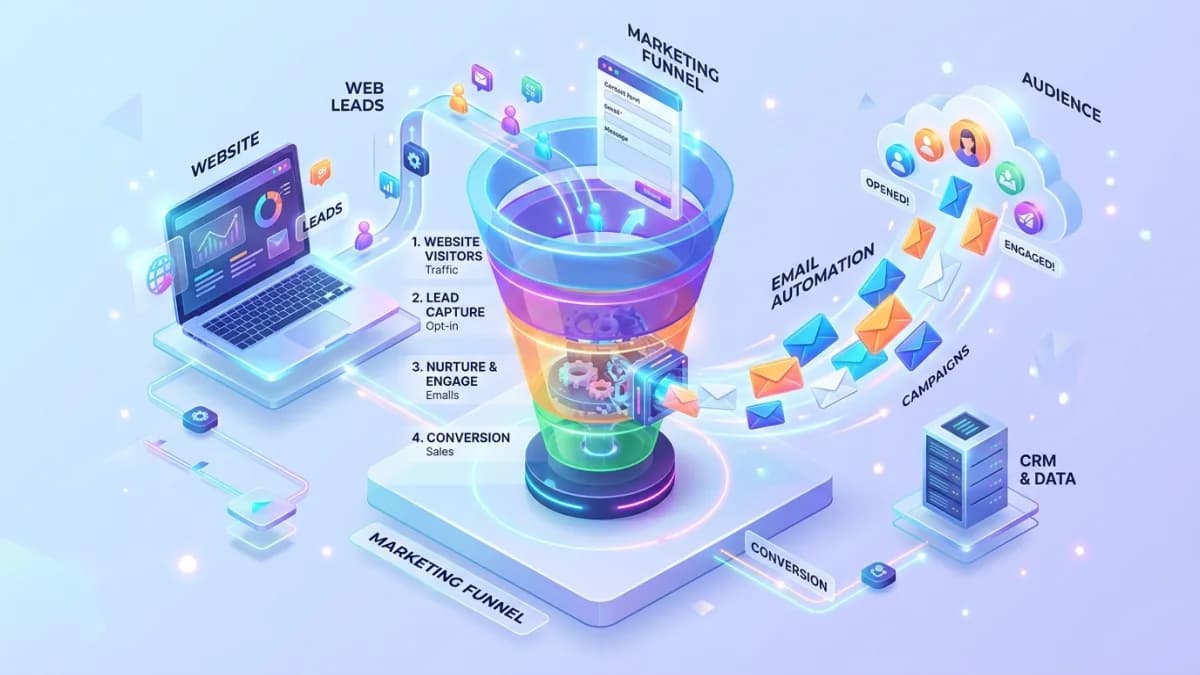
Website lead automation should help someone receive an appropriate response and help the business continue the conversation. It should not turn every form submission into a long sequence of generic promotional messages. The right workflow depends on what the person requested, what permission the business has, and who will handle the next step.
Marketing Consultation can help assess campaign relevance and conversion gaps before an email workflow is commissioned. It is a strategy starting point; email-platform setup, CRM integration, and sending-domain work require an explicitly agreed implementation scope.
Separate quote requests, contact inquiries, newsletter signups, guide downloads, booking requests, and support messages. These actions create different expectations. A customer asking about an existing order should not receive the same sales sequence as a new prospect requesting a brochure.
For an illustrative interior-design business, a project inquiry may need confirmation and a human review, while a newsletter signup may enter a permission-based editorial welcome flow. A booking request may need scheduling information and a reminder tied to a confirmed appointment.
Write the purpose of each workflow in one sentence. This prevents an automation from accumulating unrelated messages simply because the platform makes adding steps easy.
An acknowledgment of a specific request has a different purpose from ongoing promotion. Keep that distinction clear in form language, subscription records, and workflow rules. Do not assume that providing an email address for one task authorizes every future campaign.
Check the requirements applicable to the business, recipients, and message type. For US commercial email, the FTC's CAN-SPAM compliance guide explains obligations including accurate identification and opt-out handling. Other markets may impose different or additional requirements.
Maintain permission and suppression information in the appropriate system. An unsubscribe or complaint should not be undone by importing an older spreadsheet or submitting another unrelated form.
Define the event that starts the workflow, the information required, the branches that change the path, and the events that stop it. A reply, booking, disqualification, unsubscribe, or completed sale may require different treatment.
Mailchimp's automation-flow documentation describes triggers, rules, actions, and exit conditions, with feature availability depending on the plan. Review the chosen platform's current capabilities before designing a flow it cannot support.
For the design-business example, the first acknowledgment might confirm receipt and explain the review process. A later informational message should be sent only when appropriate to the request and permission. Once a person replies, the workflow should hand over to the responsible team member rather than continue as though no conversation exists.
State what was received, what happens next, and how the person can correct or add information. Use a recognizable sender and a monitored reply address. Avoid claiming that a team member personally reviewed the request when the message is automated.
Set a realistic response expectation. If the team works on business days, say so in a way customers can understand. Do not promise an immediate quote when scope assessment is required.
Include only the information necessary for the confirmation. Avoid repeating sensitive form details unnecessarily. A clear reference number can help the customer and team connect later messages to the original request.
Use service type, request category, customer status, and relevant timing when those fields affect the response. Segmentation should make the message more useful, not merely insert a first name into identical copy.
For example, a renovation inquiry may need preparation guidance different from a single-room styling request. The content should reflect that difference accurately and link to the appropriate service information.
Avoid excessive branching based on weak signals. An email open does not reliably establish purchase intent, and a single page view may have several explanations. Use stronger customer actions and explicit information where possible.
Create or update the appropriate lead record and assign an owner. Include the request source, relevant consent state, workflow status, and next action. The team should not need to search several inboxes to understand what the customer has received.
The lead-management guide explains why intake, ownership, and exception handling matter. Email automation should support that process rather than operate as a disconnected campaign tool.
Define what happens when an owner is absent or routing fails. Use a monitored exception queue and a fallback owner. A successful email send does not prove that anyone in the business will respond.
Use a domain and sender identity the business controls. Configure the authentication required by the sending provider and receiving services, and verify the resulting records rather than assuming that adding a DNS entry completed the task.
Google's email sender guidelines describe authentication and other requirements for mail sent to personal Gmail accounts, including additional obligations for bulk senders. Apply the requirements relevant to the actual sending pattern and check current provider guidance.
Monitor bounces, complaints, and suppression behavior. A delivered status from one system does not guarantee that a person saw the message in their inbox. Keep sender reputation and list quality part of ongoing operations.
Submit the same form twice and verify the intended behavior. Repeated submissions or integration retries should not create duplicate leads and several identical emails unless there is a deliberate reason.
Test missing names, unusual characters, long company names, invalid addresses, and unavailable optional fields. Personalization needs sensible fallbacks. A message beginning with an empty greeting or an internal variable name undermines confidence.
Inspect links and layout on mobile and in representative email clients. Ensure the message remains understandable without images. Test unsubscribe and preference links where they apply.
Simulate a failed CRM handoff or email action in a controlled environment. Record who sees the failure and how the workflow recovers. Silent automation failures can leave customers waiting while dashboards appear normal.
Track valid requests, successful acknowledgments, replies, bookings, qualified opportunities, and completed sales according to the workflow's purpose. Opens and clicks can provide context but should not be treated as definitive evidence of interest.
Use the CRM requirements guide to define downstream statuses consistently. Without those definitions, an automation report may count every contact as a qualified lead.
Compare outcomes with the previous process cautiously. Changes in traffic source, offer, or seasonality can affect results. Record the automation release date and concurrent campaign changes so later analysis has context.
Review links, service descriptions, response expectations, and staff ownership when the business changes. An old sequence can continue sending outdated pricing or booking instructions long after the website is corrected.
Keep a workflow diagram, message versions, entry and exit rules, source fields, and access owners. Document how to pause the flow and how to inspect contacts already in progress before changing its rules.
Use the number justified by the request, permission, and customer journey. There is no universal sequence length. Every message should have a useful purpose and stop when the recipient's status changes appropriately.
It should be warm and clear without misleading the recipient about human review. A truthful acknowledgment is more dependable than a message pretending someone has assessed a request instantly.
It can handle predictable routing and information delivery. Questions about suitability, scope, exceptions, and relationships still need accountable human judgment.
A practical portfolio website guide for freelancers, consultants and creative experts who need better client trust.
Read article →
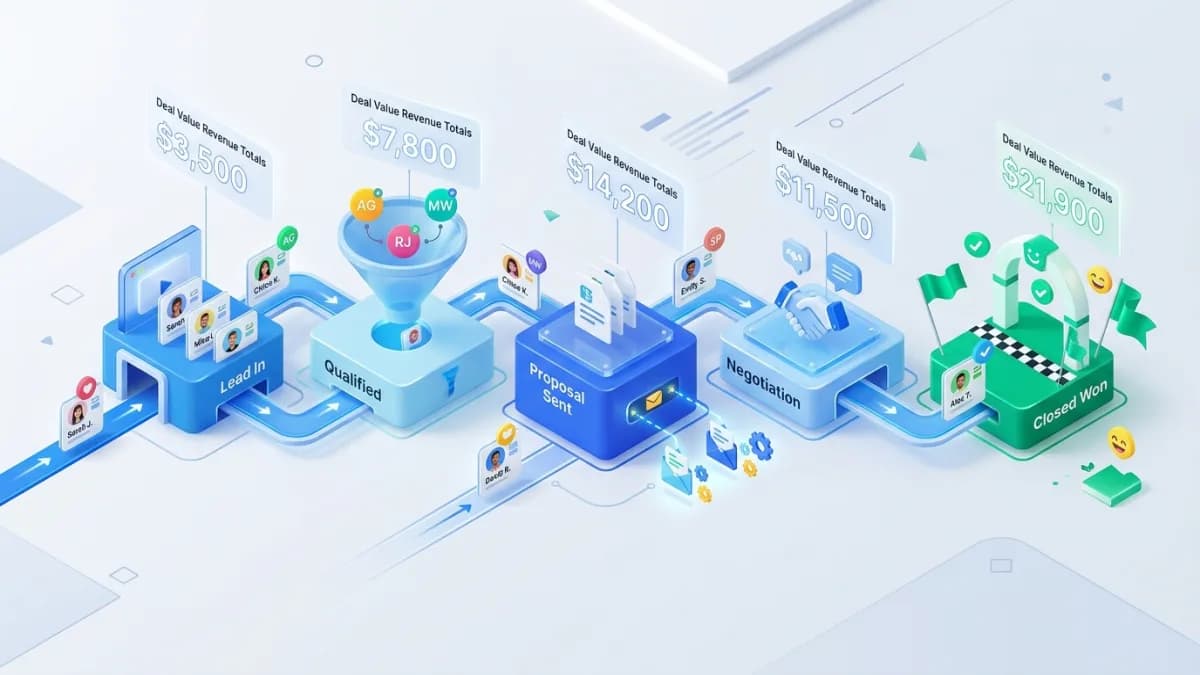
A practical CRM pipeline setup guide for service teams that want cleaner lead management.
Read article →
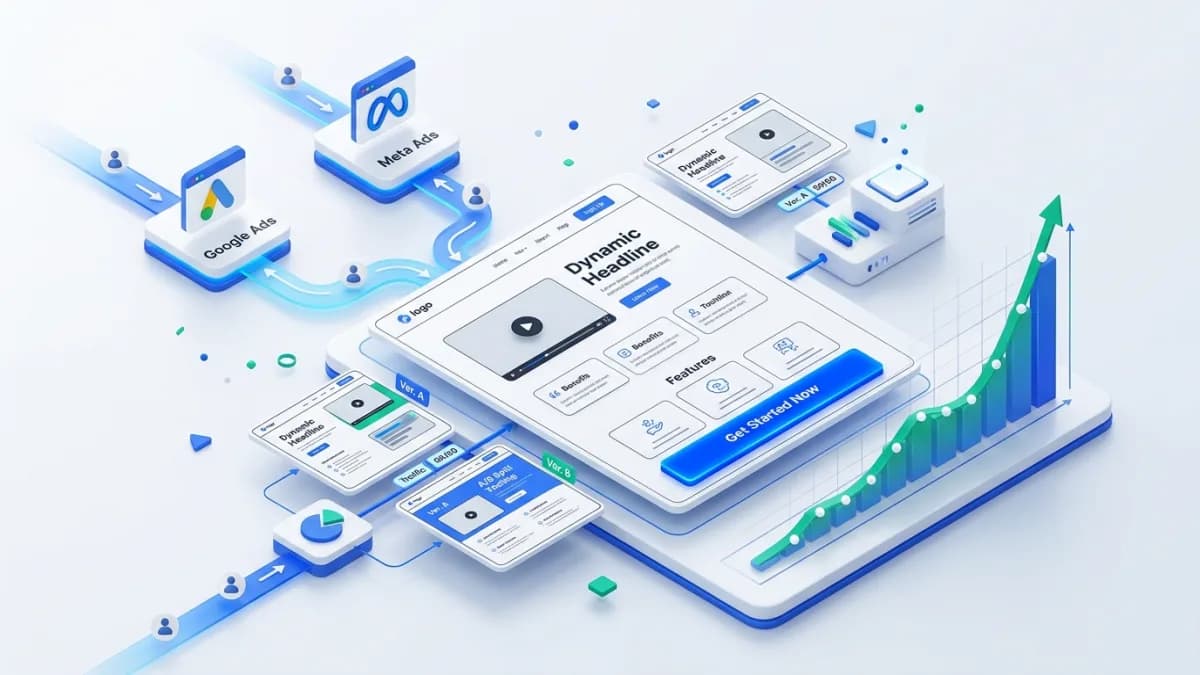
A practical guide to landing pages that support paid ads, service inquiries and campaign conversion.
Read article →
Author
Anushka Dahanayake builds SEO-focused websites, e-commerce platforms, dashboards, and automation systems for businesses worldwide.
