
Portfolio Website Development Guide for Freelancers and Experts
A practical portfolio website guide for freelancers, consultants and creative experts who need better client trust.
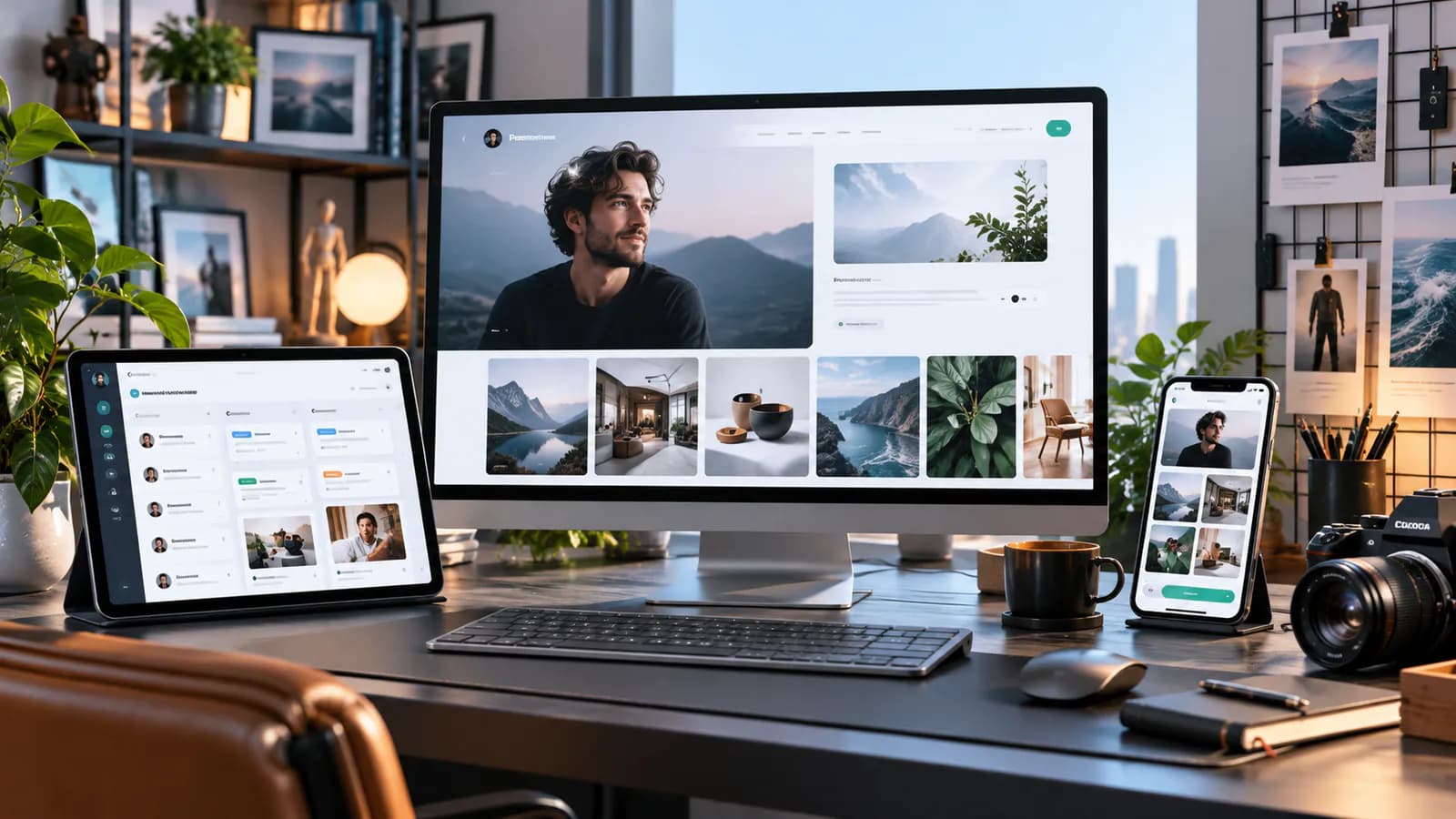
A portfolio website should help a potential client decide whether your experience fits their problem. A gallery can show taste, but a hiring decision also depends on your contribution, how you work, and whether you understand constraints. Freelancers and independent experts need to make those details visible without turning every project into a lengthy presentation.
The useful starting point is the work you want next. A photographer seeking commercial interiors commissions needs a different portfolio from one selling family sessions. A developer moving into accessibility work should make that expertise easy to find, even if older projects cover many disciplines. Your archive can be broad; the route presented to prospective clients should have a clear direction.
Choose Projects for Relevance, Not Just Appearance
Write down three characteristics of the assignments you want: client type, problem, and scope. Then assess your existing work against those characteristics. Select projects that collectively demonstrate the important capabilities. Three well-explained examples can provide more hiring evidence than twenty unexplained thumbnails.
For each candidate project, record what you can legitimately show. Confirm permission to use the client's name, screenshots, testimonials, and performance data. Work completed through an agency may require attribution or permission from more than one party. If permission is unavailable, explain an anonymized problem and your approach without exposing confidential material.
Do not present a concept project as a paid engagement. A clearly labeled independent redesign can demonstrate judgment, especially for someone early in their career. State the assumptions and what was not validated. That honesty gives the reader a fair basis for assessing the work.
Consider a developer who wants more booking-system projects. A visually ordinary scheduling application may be a better lead project than a beautiful promotional microsite. The case study can explain conflicting availability, canceled appointments, and the administrative workflow. Those details show the next client that the developer understands the problem behind the interface.
Write Case Studies Around Decisions
A strong case study has a short summary for scanning and enough detail for a serious buyer. Open with the client context, the assignment, your role, and the outcome. Then explain two or three decisions that materially affected the result.
Suppose a consultant helped a training company reorganize its course offer. Useful detail includes how the original packages confused buyers, what evidence informed the new grouping, and how the sales team used the resulting material. A statement such as "improved the user experience" tells the reader much less.
Separate measured results from observations. If inquiries increased, name the comparison period and acknowledge simultaneous changes such as increased advertising. If no reliable analytics exist, describe the delivered capability: the team can now publish sessions without developer assistance, for example. Do not manufacture a percentage to make the story look complete.
Credit collaborators. Explain whether you led strategy, supplied photography, developed the interface, or supported implementation. A precise account of a limited contribution is more credible than implying you performed an entire team's work.
Give Each Audience a Sensible Route
Most independent portfolios need a homepage, a selected-work index, individual project pages, an about page, and a contact route. Add service pages when visitors need to understand distinct offers. A downloadable resume can help recruiters, but it should not be the only place clients can learn about your experience.
Organize the navigation using terms a visitor understands. "Work," "Services," and "Contact" are usually easier to interpret than clever labels. Where you serve two different audiences, create two explicit routes. A speaker who also offers organizational consulting can direct event organizers to speaking topics and business buyers to consulting engagements.
Avoid making visitors filter a tiny project collection before they can see anything. Filters become useful when the collection is large enough that readers struggle to find relevant work. Otherwise, an intentional order and short project labels are sufficient.
Make Visual Proof Readable
Show the artifact at a useful scale. A full website screenshot reduced to a narrow strip rarely reveals the work. Use a representative view, then close-ups of the decisions you discuss. A photographer might show a room-wide image alongside a detail that illustrates lighting control. A developer might pair the customer interface with a carefully redacted administrative view.
Write captions that add information. "Appointment rescheduling without calling reception" is more informative than "Dashboard screen." Provide text explanations for work shown in images so the portfolio remains understandable when images are unavailable or difficult to inspect.
Test image-heavy pages on an ordinary mobile connection. Avoid making a reel or large animation a prerequisite for reading the introduction. Preserve image dimensions so the page does not jump while media loads. Where motion is used, it should support the work rather than delay access to it.
Turn Interest Into a Useful Inquiry
A portfolio contact form should gather enough information to start a conversation. Ask for a name, reply address, project description, and a relevant timing question. A budget range can help when project fit depends heavily on investment, but allow the visitor to say they are still defining it.
Explain what happens after submission using a response expectation you can actually meet. Route messages to an actively monitored address and test the notification. A successful form screen is not evidence that the email reached you.
Use visible labels and clear error messages. The W3C forms tutorial explains the role of labels, instructions, and feedback in accessible forms. These basics matter on portfolios because an inaccessible inquiry form can prevent someone who already likes your work from contacting you.
Plan Search Visibility Around Your Specialty
Name projects and services descriptively. A case study title combining the kind of work and its context is more useful than a client name alone when that name is unfamiliar. Include the industries, locations, and skills that are relevant, but avoid inserting every service keyword into every paragraph.
Link case studies to the service they demonstrate. If a reader finishes a product photography project, offer a route to your commercial photography scope rather than only a return to the gallery. Keep retired projects accessible when they remain useful, or replace their prominent position with more relevant work.
Review inquiries as well as visits. Track which case studies prospects mention, which projects attract unsuitable requests, and which recurring questions still require an email explanation. Those observations tell you what the portfolio needs next.
The business website development guide helps distinguish a service-led site from a project gallery. When inquiry handling becomes repetitive, the lead follow-up guide can help you organize the response after someone contacts you.
Frequently Asked Questions
Do I need many completed client projects?
No. You need enough evidence to support the work you offer. Early-career portfolios can include clearly labeled independent work, smaller engagements, and detailed explanations of decisions. Avoid disguising speculative work as a commercial result.
Should I display prices?
Display fixed prices when the scope is genuinely standardized. For variable assignments, an indicative starting scope or explanation of pricing factors may be more accurate. The reader should understand whether you sell a short session, a complete project, or an ongoing engagement.
What should the developer receive?
Prepare approved project assets, role descriptions, service copy, contact requirements, and any existing URLs that must remain accessible. Agree on how you will add future projects. A portfolio that requires a developer for every text correction can become stale quickly.
Portfolio Website Development is most useful once you know what evidence you want to present. Bring a small, deliberate selection of work and a description of the clients you want to reach; the design can then make that evidence easy to assess.
Related posts

Shared vs VPS vs Managed Hosting for a Small Business Website or Store
A plain comparison of shared hosting, VPS and managed hosting or PaaS for small business sites and online stores: responsibilities, isolation and performance, the signs a WooCommerce store or Next.js app has outgrown shared hosting, GDPR data residency, and a decision table.
Read article →

How to Secure a New Ubuntu VPS: A Setup Checklist for Business Websites
A step-by-step hardening checklist for a fresh Ubuntu 26.04 or 24.04 LTS VPS that will host a business website, with copy-paste commands for SSH keys, ufw, unattended-upgrades, fail2ban, time sync, swap, monitoring and backups.
Read article →

Deploy a Next.js 16 App on a VPS with Nginx, systemd or PM2, and HTTPS
A working guide to running Next.js 16 on your own VPS: Node.js LTS, build-time versus runtime environment variables, a systemd unit and PM2 alternative, an Nginx server block with certbot HTTPS, the standalone output option, logs, and a two-port release script.
Read article →
Author
Anushka Dahanayake
Anushka Dahanayake builds SEO-focused websites, e-commerce platforms, dashboards, and automation systems for businesses worldwide.