
Business Website Development Guide for Small Companies
A practical guide for small companies planning a business website that needs to look credible, load quickly, explain services clearly and convert visitors into real inquiries.
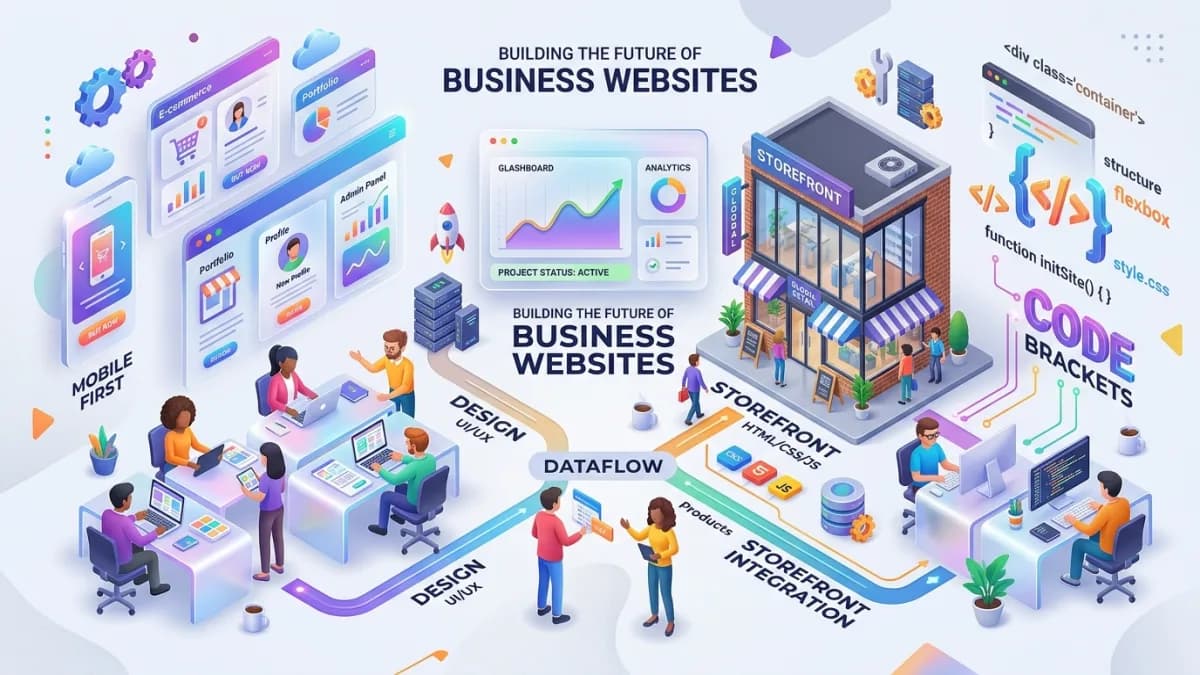
A business website is not just a digital brochure. For a small company, consultant, local service provider, agency or growing startup, the website is often the first place a serious buyer checks before they trust you enough to contact you. It must explain what you do, who you help, why you are credible, how the process works, what the next step is and whether the business feels safe to work with.
Good business website development starts before design. The strongest sites are built from a clear business model, a focused page structure, sharp service positioning, fast technical foundations and a simple path to inquiry. A beautiful website that does not explain the offer will underperform. A content-heavy website that is slow or confusing will also underperform. The goal is balance: professional design, useful content, strong SEO structure and practical conversion paths.
This guide is written for business owners who want a website that can support real growth in markets such as the USA, UK, Europe, Canada and Australia. It also matches the way our Business Website Development, Landing Page Design, Website Redesign and Website Maintenance services are planned.
Key Takeaways
- A business website should be planned around trust, clarity, search visibility and lead generation.
- The page structure should match how buyers evaluate your service, not how the company internally describes itself.
- Service pages matter more than decorative sections because they answer buying questions.
- Fast loading, mobile layout, clear navigation and accessible forms are core business features.
- SEO should be built into URLs, headings, metadata, internal links and content depth from the start.
- A website is not finished at launch; it needs updates, security checks, analytics review and content improvements.
- The best website scope is the smallest version that can explain the business properly and support the next sales conversation.
What a Business Website Must Do
A business website has four main jobs.
First, it must create trust. Visitors should quickly understand that the business is real, active and capable. That trust can come from a clear offer, professional presentation, founder details, company information, case studies, reviews, contact details, policies and useful explanations.
Second, it must reduce confusion. Many websites fail because they use vague claims such as "digital solutions" or "innovative services" without explaining the exact problem solved. A good site says who the service is for, what is included, what the process looks like and what result the client can reasonably expect.
Third, it must generate action. The website should guide visitors toward a booking, inquiry, quote request, call, email or order. A contact button hidden in the footer is not enough. Conversion paths should appear where the visitor naturally has enough information to move forward.
Fourth, it must be maintainable. A site that only one developer can understand becomes risky. Content should be easy to update, forms should be tested, analytics should be visible and maintenance responsibilities should be clear.
Start With the Buyer Journey
Before choosing colors or layouts, define the visitor's decision path.
A buyer usually wants to know:
- Do you solve my specific problem?
- Have you worked with businesses like mine?
- Can I understand your process?
- Do you look credible enough to contact?
- What will this cost or what affects the price?
- How quickly can this start?
- What happens after I submit the form?
Your website should answer these questions in a calm order. The homepage gives the overview. Service pages explain the details. Case studies or project pages show proof. The about page adds personal or company credibility. Blog posts answer deeper questions and support SEO. Contact pages remove friction from the next step.
When the buyer journey is ignored, websites become either too thin or too busy. Thin sites make people uncertain. Busy sites bury the decision under too many sections.
Plan the Core Pages
Most small business websites need these pages:
- Homepage
- Main services page
- Individual service pages
- About page
- Contact or booking page
- Portfolio, case studies or projects page
- Pricing or packages page when appropriate
- Blog or resource section when SEO is part of the growth plan
- Legal pages such as privacy, terms and cookies where needed
Not every website needs all of these on day one. A consultant may start with a homepage, service page, about page and contact page. A corporate business may need team pages, career pages, project pages and a CMS. An e-commerce business needs product, category, cart, checkout, account and policy pages.
The mistake is trying to solve every future need in the first build. Start with the pages that support current sales. Leave room for expansion.
Write Service Pages That Sell Clearly
Service pages are the commercial center of a business website. They should not be generic copies of the homepage.
A strong service page includes:
- A clear service name in the H1.
- A short explanation of who the service is for.
- The problem the service solves.
- Deliverables or included work.
- Outcomes the client should expect.
- Process steps.
- Timeline or scope guidance.
- Pricing guidance or quote factors.
- FAQs.
- Relevant proof.
- A clear call to action.
For example, a business website development page should explain responsive design, content structure, contact forms, technical SEO, speed, analytics and handover. A landing page design page should focus more on campaign intent, one action, form placement, tracking and conversion copy.
This is why supporting articles should point toward the closest matching service page. A reader learning about website planning should naturally land on Business Website Development. A reader researching redesign risks should land on Website Redesign.
Design for Trust and Readability
Eye-friendly design is practical, not decorative.
Good readability usually means:
- Short paragraphs.
- Clear headings.
- Enough spacing between sections.
- Strong contrast.
- Predictable navigation.
- Buttons that clearly describe the action.
- Mobile layouts that do not squeeze text.
- Forms with simple labels.
- Tables that remain readable on smaller screens.
Trust design means the website feels organized and current. Visitors should not have to guess whether the business is still active. Use real service names, recent examples, direct contact paths and specific language.
Avoid filling the first screen with vague slogans. The hero section should quickly say what the business does and who it helps. Supporting copy can explain the value. The next section should show proof, services or a clear path forward.
Build the Technical Foundation
Technical quality matters because it affects search, user experience and maintenance.
Important foundations include:
- Responsive layout.
- Fast image delivery.
- Clean semantic HTML.
- One H1 per page.
- Descriptive title tags and meta descriptions.
- Schema where appropriate.
- Accessible form labels.
- Secure hosting.
- SSL.
- Backups.
- Spam protection.
- Analytics and conversion events.
- Error handling.
- Redirects for changed URLs.
If you sell to the US, UK or EU, plan a few compliance basics into the build rather than bolting them on later:
- Cookies and tracking: in the EU and UK, non-essential cookies such as analytics and ad pixels need prior consent under the ePrivacy rules and PECR, and rejecting must be as easy as accepting.
- Forms: collect only what you need, explain how inquiry data is used in the privacy notice, and keep marketing opt-in separate from the inquiry itself (GDPR and UK GDPR). California residents also have rights under the CCPA/CPRA.
- Accessibility: WCAG 2.2 Level AA is the practical target. US businesses face ADA Title III lawsuits over inaccessible websites, and the European Accessibility Act has applied to many consumer-facing e-commerce and service sites since 28 June 2025.
This is general information, not legal advice.
For a simple marketing site, WordPress may be enough if editing freedom is important. For a custom system with dashboards, booking flows or advanced integrations, a modern framework such as Next.js may be more appropriate. The right choice depends on the business model and operating capacity, not trend language.
Add Lead Generation Paths
A business website should make inquiry easy.
Use several types of conversion paths:
- Primary booking or quote button in the header.
- Service-specific inquiry buttons.
- Short contact forms.
- Phone, email or WhatsApp links if relevant.
- Calendar booking for consultation-heavy services.
- Download or lead magnet only when it genuinely helps the sale.
Forms should ask for enough information to qualify the lead without becoming exhausting. A website quote form might ask for business type, required pages, current website, budget range, timeline and contact details. A landing page inquiry might need only name, email, campaign goal and message.
After submission, the visitor should know what happens next. A thank-you message, expected response time and confirmation email all reduce uncertainty.
Prepare SEO Before Launch
SEO should not be added after launch as a separate cleanup project.
Before publishing, prepare:
- Keyword map for homepage and service pages.
- Unique page titles and meta descriptions.
- Clean URLs.
- Internal links between services and related blog posts.
- Image alt text.
- Sitemap.
- Robots rules.
- Canonical URLs.
- Local SEO elements if the business serves a geographic area.
- Analytics and Google Search Console setup.
The homepage should usually target the brand and broad business offer. Individual service pages should target specific services. Blog posts should answer supporting questions, comparisons, costs and checklists.
Supporting blog content is valuable because it builds topical coverage around the services. But the service pages must be clear first. Blog traffic without strong service pages leaks opportunity.
Website Development Checklist
Use this checklist before approving a new business website:
| Area | Questions to answer |
|---|---|
| Offer clarity | Can a new visitor understand the business in five seconds? |
| Page structure | Does every core service have a page or section? |
| Mobile | Does the layout work cleanly on common phone widths? |
| Speed | Are images optimized and unnecessary scripts avoided? |
| SEO | Are titles, descriptions, headings, URLs and internal links ready? |
| Trust | Are proof, contact details and company signals visible? |
| Forms | Are all forms tested and protected from spam? |
| Analytics | Are inquiries and key actions tracked? |
| Maintenance | Is there a plan for updates, backups and changes? |
Frequently Asked Questions
How many pages does a small business website need?
Many small businesses can start with five to eight strong pages: homepage, services, one or more service detail pages, about, contact, portfolio or projects and legal pages. More pages are useful only when they support search, sales or customer trust.
Should I choose WordPress or a custom website?
Choose WordPress when easy content editing and plugin availability matter most. Choose a custom website when the business needs unique workflows, integrations, dashboards, performance control or a more specific product experience.
What makes a business website SEO-friendly?
A website is SEO-friendly when it has clear page purpose, crawlable content, fast loading, clean URLs, useful internal links, proper metadata, accessible content and enough depth to answer the searcher's intent.
When should a business redesign its website?
Redesign when the site looks outdated, loads slowly, fails on mobile, no longer explains the offer, has weak conversion paths or cannot support current marketing. A redesign should protect existing SEO URLs and analytics.
What is the next step after planning?
Turn the plan into a page list, content outline, design direction, technical requirements and launch checklist. That gives the developer enough detail to quote accurately and build without constant guesswork.
The strongest business websites also keep one owner responsible for reviewing forms, service copy, proof, pricing notes, images and analytics every month. That simple ownership habit prevents the site from slowly becoming outdated after the launch work is finished.
Related posts

Shared vs VPS vs Managed Hosting for a Small Business Website or Store
A plain comparison of shared hosting, VPS and managed hosting or PaaS for small business sites and online stores: responsibilities, isolation and performance, the signs a WooCommerce store or Next.js app has outgrown shared hosting, GDPR data residency, and a decision table.
Read article →

How to Secure a New Ubuntu VPS: A Setup Checklist for Business Websites
A step-by-step hardening checklist for a fresh Ubuntu 26.04 or 24.04 LTS VPS that will host a business website, with copy-paste commands for SSH keys, ufw, unattended-upgrades, fail2ban, time sync, swap, monitoring and backups.
Read article →

Deploy a Next.js 16 App on a VPS with Nginx, systemd or PM2, and HTTPS
A working guide to running Next.js 16 on your own VPS: Node.js LTS, build-time versus runtime environment variables, a systemd unit and PM2 alternative, an Nginx server block with certbot HTTPS, the standalone output option, logs, and a two-port release script.
Read article →
Author
Anushka Dahanayake
Anushka Dahanayake builds SEO-focused websites, e-commerce platforms, dashboards, and automation systems for businesses worldwide.