
Service Website Analytics Setup Guide
A practical analytics setup guide for service businesses that need to measure website leads.
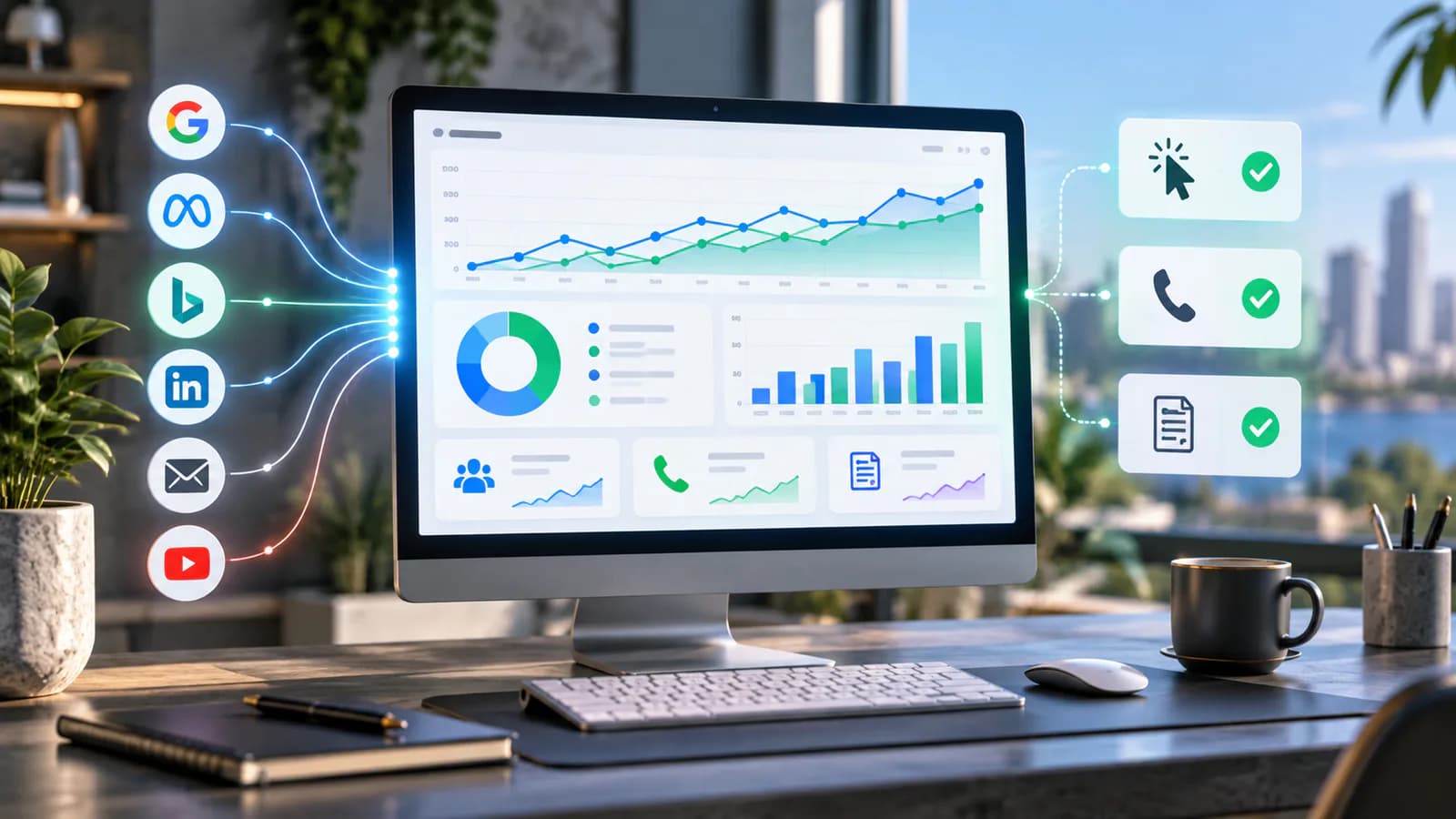
A service website should be measured by the inquiries and appointments it helps create, with enough detail to distinguish genuine outcomes from casual clicks. Page views show activity, but they do not tell you whether a form worked, a booking was confirmed or the resulting request matched the service.
Start with a small measurement plan tied to the business's contact routes. Define the successful action for each route and the system that can confirm it. Then add supporting interaction events where they help explain friction. This keeps reporting understandable to the people who must act on it.
Map the actual contact paths
List forms, booking tools, phone links, email links and any external messaging destinations. Record which service pages use each route and where the resulting conversation is stored. A website may have several forms maintained by different tools, so do not assume one installation covers everything.
Separate intent signals from confirmed outcomes. A phone tap indicates an attempt to call, not a completed conversation. A click to a calendar indicates interest, not a booked appointment. A successful server-accepted form submission is stronger evidence than a submit-button click.
For an illustrative consulting site, the primary outcomes might be accepted project inquiries and confirmed planning calls. Downloads and service-page engagement can be secondary signals. The dashboard should not give all four the same commercial meaning.
Define events and their timing
Write an event contract with the action, event name, trigger, useful parameters and owner. Use a controlled vocabulary for service type and form identity. Avoid creating a new event name for every page when a shared event with clear parameters would answer the same question.
Google's recommended GA4 events include generate_lead for a lead action. Use the current event specification where it fits, and document what your implementation considers a lead. The name alone does not establish that the request was accepted or suitable.
Keep quality assessment separate from initial submission. The website may confirm that a request arrived, while staff later determine whether it is relevant. Connecting those stages requires an appropriate system and identifiers, not a stronger claim attached to the initial event.
Track form success from a reliable signal
Use the form system's supported success response or a confirmed server outcome. Do not fire the primary lead event merely because the visitor clicked submit. Validation failure, network errors and spam rejection can all occur after that click.
If a thank-you page is used, consider repeated visits and direct access. A page load may need additional context to represent a new accepted request reliably. Test refresh, back navigation and multiple submissions so the reporting behavior is understood.
Keep the confirmation accessible and clear. The W3C's form-notification guidance explains how success and error feedback should help users understand the result. The visible message and analytics event should describe the same outcome.
Handle booking tools and external destinations
Determine whether the scheduler offers a supported confirmation callback or integration. Verify it against the current provider documentation and test the actual embedded or external flow. An iframe does not automatically expose every action to the parent page's analytics.
When only an outbound click can be measured, label it honestly. Report booking interest rather than confirmed bookings. Reconcile with the scheduler's records separately until a reliable integration is available.
Test different time zones, reschedules and canceled appointments where they affect the business's reporting. A newly created booking and a later cancellation should not be confused with an attended consultation. Each stage belongs to a different operational question.
Treat phone and email clicks as supporting signals
Measure taps when they help compare contact preferences or identify broken routes. Record a controlled contact type and service context, not the visitor's personal information. Test the actual telephone and email destination after changes to the site.
Do not assume a phone tap caused a connected call or that an email link resulted in a sent message. The device may open an application that the visitor closes. Any additional call or CRM measurement needs its own implementation and clear definitions.
For a business that closes most inquiries by phone, website click data may be only one part of the picture. Use staff records and appropriately configured call systems where available, while preserving the distinction between observed events and inferred business outcomes.
Keep personal information out of general analytics
Do not send names, email addresses, phone numbers or free-text project descriptions as event parameters. Google's guidance on avoiding personally identifiable information also makes URL and page-title review important. A thank-you URL containing an email address can leak information beyond the form system.
Use non-sensitive, controlled values such as service category, form ID and entry page. Where records need to be connected across systems, design that relationship with appropriate access and data-handling controls. General analytics should not become a second unstructured customer database.
Test supported consent states and document expected measurement gaps. For visitors in the EU and UK, the ePrivacy rules (PECR in the UK) generally require prior consent before non-essential analytics or advertising cookies are set, and rejecting should be as easy as accepting. If you use Google Ads or send conversions to Google from EEA or UK traffic, implement Consent Mode v2 so tags respect each choice. Do not interpret every missing event as a technical defect or attempt to bypass a visitor's choice.
Preserve useful source information
Adopt a consistent campaign-tagging convention for external campaigns. Keep source, medium and campaign labels understandable and stable. Avoid tagging ordinary internal links as new acquisition campaigns, which can confuse interpretation.
Record the landing page and service context where the implementation supports it. A prospect may read several articles before inquiring, so the final form page does not tell the whole story. Do not promise perfect cross-device attribution when the available data cannot support it.
The SEO reporting guide helps connect visibility with inquiry outcomes. Use it to distinguish search performance from the quality of the requests generated through the site.
Build an acceptance test around real requests
Submit an ordinary inquiry, trigger a validation error, interrupt the connection and retry. Confirm the visible result, stored request, staff notification and event behavior for each case. Use controlled test data and mark it so staff can remove it from operational reporting appropriately.
For the consulting example, test a request from a service page and one from an article. Verify that both use the same success definition while preserving meaningful context. Then book a test call and confirm whether analytics records a completed booking or only the outbound click.
Check for duplicate events from plugins, tag-manager rules and custom scripts. Assign one owner for the primary action. A dashboard showing twice as many leads as the request system should trigger investigation, not celebration.
Connect reporting with lead handling
Review accepted inquiries alongside staff classifications such as relevant, out of scope, duplicate and spam. Keep the definitions consistent enough to compare periods. A larger submission count may not be useful if most requests are unrelated to the offer.
The lead-management automation guide explains the handoff after submission. Measurement should reveal whether the website produces usable requests and whether the business responds, without pretending those are the same stage.
Start with a compact report: successful inquiries, confirmed bookings where available, supporting contact clicks, source context and known tracking limitations. Add more detail only when it changes a decision. Excessive segmentation can make a small site's data harder to interpret.
Label uncertainty in the report itself
Place known limitations beside the relevant number. If bookings are measured only as outbound clicks, say so in the label rather than hiding the qualification in a separate document. If staff quality classifications are incomplete for the latest period, identify that period as provisional. This allows business owners to use the report without accidentally comparing confirmed outcomes with incomplete signals.
Maintain the event contract
Recheck tracking after form changes, scheduler replacement, consent updates and redesigns. Keep the implementation owner and test cases with the website handover. A new button or embedded tool can silently bypass the original event setup.
Review discrepancies between analytics and operational records regularly. Use consistent time zones and exclude controlled tests in a documented way. Investigate sudden changes in the relationship rather than expecting exact equality from systems with different coverage.
Frequently Asked Questions
Is a thank-you page enough to measure leads?
It can be part of the setup, but verify that the event represents a new accepted request and behaves sensibly on repeat or direct visits. Test the actual form workflow rather than relying on the URL name.
Should phone taps count as leads?
Keep them as contact-intent signals unless another reliable system confirms the conversation. Label the report clearly so the business does not confuse attempted contact with a usable inquiry.
What should development deliver?
Business Website Development should include a documented event plan, verified contact paths and a clear reporting handover. Bring the business's lead definitions and receiving systems so measurement reflects the way inquiries are actually handled.
Related posts

Product Pricing Page Guide for Digital Products
A practical guide to pricing pages for templates, downloads, courses and other digital products.
Read article →

E-commerce Site Search Optimization Guide
A practical guide to improving internal store search for better product discovery and conversion.
Read article →

E-commerce Email Capture Guide for Store Growth
A practical guide to capturing email subscribers without damaging the shopping experience.
Read article →
Author
Anushka Dahanayake
Anushka Dahanayake builds SEO-focused websites, e-commerce platforms, dashboards, and automation systems for businesses worldwide.