
E-commerce Site Search Optimization Guide
A practical guide to improving internal store search for better product discovery and conversion.
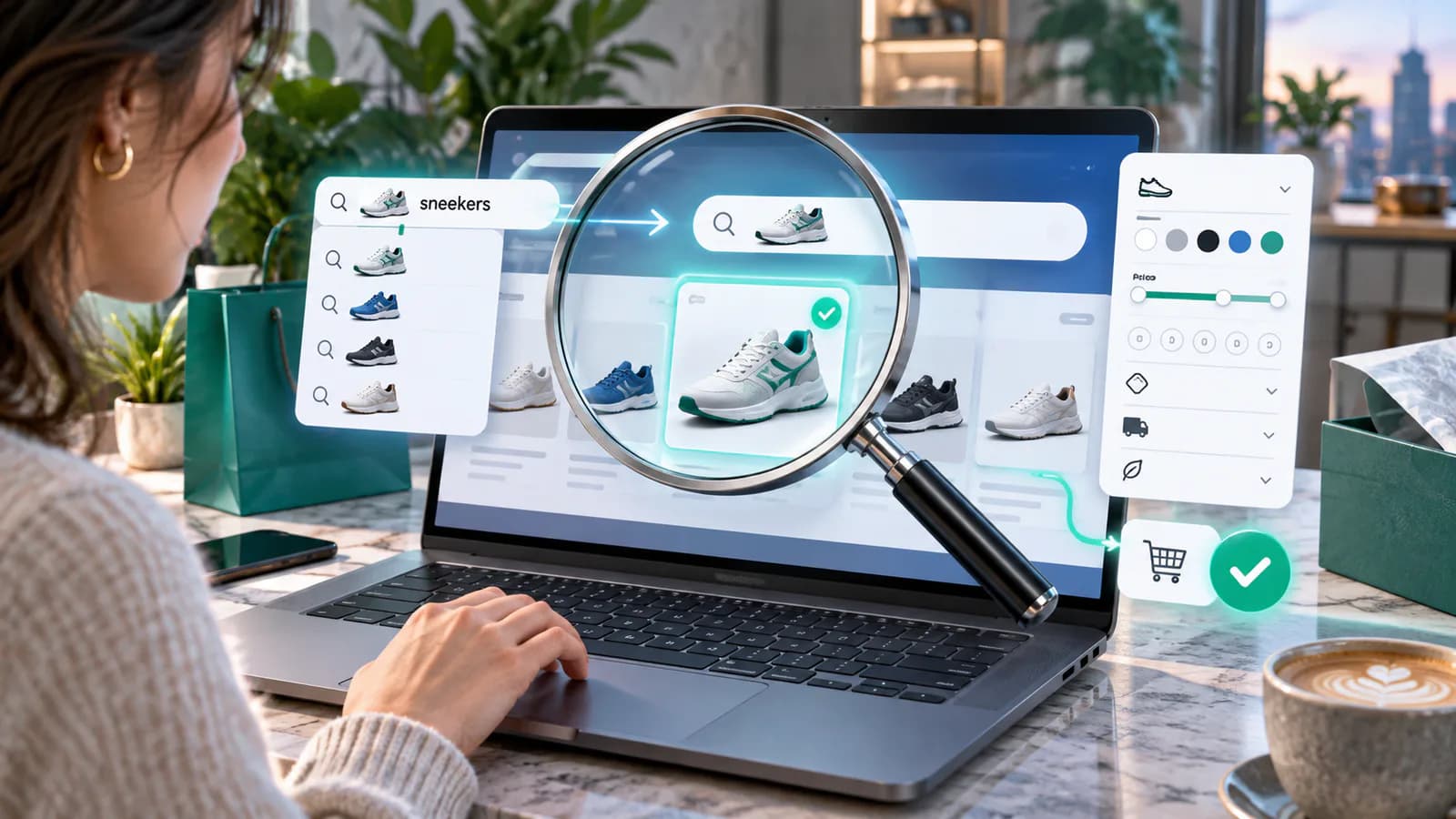
Internal store search serves customers who are trying to express a need in their own words. They may type a product name, a model number, a use case or an imperfect description. Search optimization means helping those queries reach suitable products while making uncertainty and unavailable results clear.
Begin with search evidence and catalog quality. An advanced search app cannot reliably compensate for incorrect dimensions, missing compatibility fields or several products sharing an ambiguous title. Fix the information and the retrieval behavior together.
Build a query review set
Collect common search queries, queries returning no results and queries followed by quick exits or repeated reformulation. Remove obvious automated noise and avoid exposing personal information that visitors may have entered into the search box.
Group the queries by intent: exact product, category, attribute, compatibility, use case and support question. "AB-240 replacement filter" needs different handling from "small desk" or "where is my order." Treating all three as ordinary keyword searches can produce unhelpful results.
Create a manageable test set and record the expected result for each query. Include misspellings, spacing differences, plural forms and a few unsupported products. The test set should represent real demand rather than only terms the current search already handles well.
Fix product data before adding rules
Review the fields the search system actually indexes. Ensure product names identify the item, model numbers are consistent and meaningful attributes are stored in the appropriate place. Check whether variant information is searchable in the current implementation.
For a replacement-parts store, a model number hidden in an image is unlikely to be a reliable searchable source. A product description saying "fits many popular models" also fails to provide the exact compatibility information buyers need.
Use a canonical format for identifiers, but retain legitimate alternate forms where the search system supports them. Test a model with and without hyphens. Do not broaden compatibility merely to return more results; an incompatible part appearing confidently is worse than a truthful no-result response.
Add synonyms carefully
Synonyms can connect customer vocabulary with catalog terminology. "Belt bag" and "waist bag" may refer to the same product family in a given store. "Leather" and "vegan leather" do not mean the same material and should not be treated as interchangeable facts.
Shopify's Search & Discovery documentation explains synonym groups and other search controls. Use the equivalent documented capability for your platform and test the actual result instead of assuming a rule behaves identically across engines.
For every new synonym, review both directions and adjacent queries. A broad word such as "case" can refer to a phone cover, a carrying case or a quantity of goods. One careless rule can improve a single query while degrading many others.
Rank for relevance before promotion
Merchandising boosts can highlight a new or commercially important item, but they should not overwhelm the query's meaning. A promoted accessory should not outrank the exact replacement part a buyer requested unless the relationship is clearly useful.
Write a relevance order for the test set. Exact identifier matches, compatible products and genuinely related alternatives may deserve different treatment. Document where stock status, price or business priorities affect ordering.
Give temporary boosts an expiry date. A promotion that remains active after the product becomes unavailable can quietly damage search for months. Keep the rule owner and reason visible in the search administration process.
Make predictive search useful
Suggestions should help the customer complete the task, not fill the screen with loosely related content. Distinguish product suggestions from category links and support pages. A customer typing an exact model should be able to recognize it quickly.
Test keyboard navigation, focus behavior and selecting a suggestion on a phone. Ensure the full search results remain available when suggestions are not useful. Avoid interfaces where the first suggestion is selected accidentally as the user tries to finish typing.
Check product labels in the suggestion panel. Variant names, quantities and price ranges may need clarification even in a compact space. A small product image is not enough to distinguish two nearly identical replacement parts.
Design results for comparison
Show the original query, a meaningful result count where available and relevant filtering options. Use attributes suited to the returned product type. A mixed result set may need clear grouping before a long list of filters becomes useful.
Make selected filters visible and removable. If a customer searches for "desk" and then narrows by width, the page should explain why only a few items remain. Preserve the query when a filter is removed so the customer does not have to begin again.
Test stock behavior explicitly. A temporarily unavailable exact match might remain useful with a truthful status and alternatives. A permanently discontinued item may require a different presentation. Do not hide every unavailable result without considering the customer's identification task.
Turn no-result pages into useful recovery
A no-result page should state that the store could not find a match and offer relevant ways forward. Keep the query editable, suggest checking a model number and link to appropriate categories or support when useful.
Do not pretend unrelated products are exact matches. For the query "AB-240 filter," a category of general cleaning accessories should be labeled as a broader alternative. If compatibility is uncertain, say so and provide a route to ask before purchase.
Review no-result searches as demand evidence, not automatic instructions to add products. A query may reveal missing inventory, missing synonyms, poor product data or a support need. Classifying the reason leads to a more useful action than simply reducing the no-result rate.
Worked example: test an exact replacement-part query
Use a hypothetical AB-240 filter to test the difference between finding an item and recommending a substitute. First search the exact identifier, then try AB240 and AB 240. Record whether each query reaches the same verified compatible product. A broader filter category is not an acceptable exact-match result simply because it contains the word filter.
Next mark the item temporarily unavailable in a test catalog. The result should communicate that status without suggesting an incompatible part is equivalent. Check whether the customer can open the product information, ask about availability or inspect explicitly compatible alternatives. Then restore stock and verify that the status updates.
Finally search an unsupported identifier, such as AB-999. Keep the no-match message truthful and offer a route to identify the appliance model. This example defines expected behavior, not a measured client result. Save the three query variants and the unsupported query as a small regression set for future catalog and search-rule changes.
Measure search without misleading comparisons
Track search use, result interaction, reformulation, no-result frequency and downstream purchases where your analytics allows it. Search users often arrive with stronger intent, so their conversion rate cannot by itself prove search caused the difference.
Use the same query set before and after changes. Record whether suitable products appear and whether irrelevant results were introduced. If a relevance change improves common terms but breaks exact model queries, the aggregate click rate may hide a serious problem.
Check query tracking quality and privacy. Avoid sending raw search terms containing personal information into advertising systems. Limit access to logs and retain only what is justified for the analysis and applicable obligations.
Establish a maintenance routine
Assign a search owner to review the most consequential failures and temporary rules. Product launches, renamed ranges and new customer vocabulary should trigger updates to the query set. Retired products should trigger review of boosts and alternatives.
Keep a record of each change, the problem it addresses and the expected result. This helps distinguish an editorial correction from an engine or integration regression. Re-run the difficult queries after theme, app or catalog changes.
For a small store, begin with the twenty queries that reveal the clearest issues. Solve them carefully and expand from evidence. A long list of untested synonyms is less valuable than a smaller set with predictable behavior.
Frequently Asked Questions
Should search always return something?
No. A clear no-result response is preferable to presenting incompatible or unrelated products as suitable matches. Recovery options should be honest about the relationship.
Is a paid search app necessary?
Only when the required behavior exceeds the existing system's capabilities. First demonstrate the gaps with real queries and corrected product data, then evaluate candidate tools against that same set.
How often should synonyms be reviewed?
Review them when the catalog or customer vocabulary changes and when query evidence shows unexpected results. Broad rules deserve more scrutiny than narrowly defined equivalents.
The category SEO guide helps distinguish useful browsing destinations from arbitrary URL combinations. The revenue validation guide supports dependable downstream measurement.
E-commerce Website Development can connect searchable product data, result interfaces and testing into a store search experience built around actual customer queries.
Related posts

How to Adapt a Master Product Description Across Marketplaces
Keep product facts consistent while adapting titles, attributes, variants and descriptions to each sales channel's requirements.
Read article →

Product Pricing Page Guide for Digital Products
A practical guide to pricing pages for templates, downloads, courses and other digital products.
Read article →

Etsy to Shopify Expansion Guide
A practical guide for Etsy sellers building an owned Shopify store without losing marketplace momentum.
Read article →
Author
Anushka Dahanayake
Anushka Dahanayake builds SEO-focused websites, e-commerce platforms, dashboards, and automation systems for businesses worldwide.