
Checkout Trust Signals Guide for Online Stores
A practical guide to adding trust signals that help shoppers feel safer at checkout.
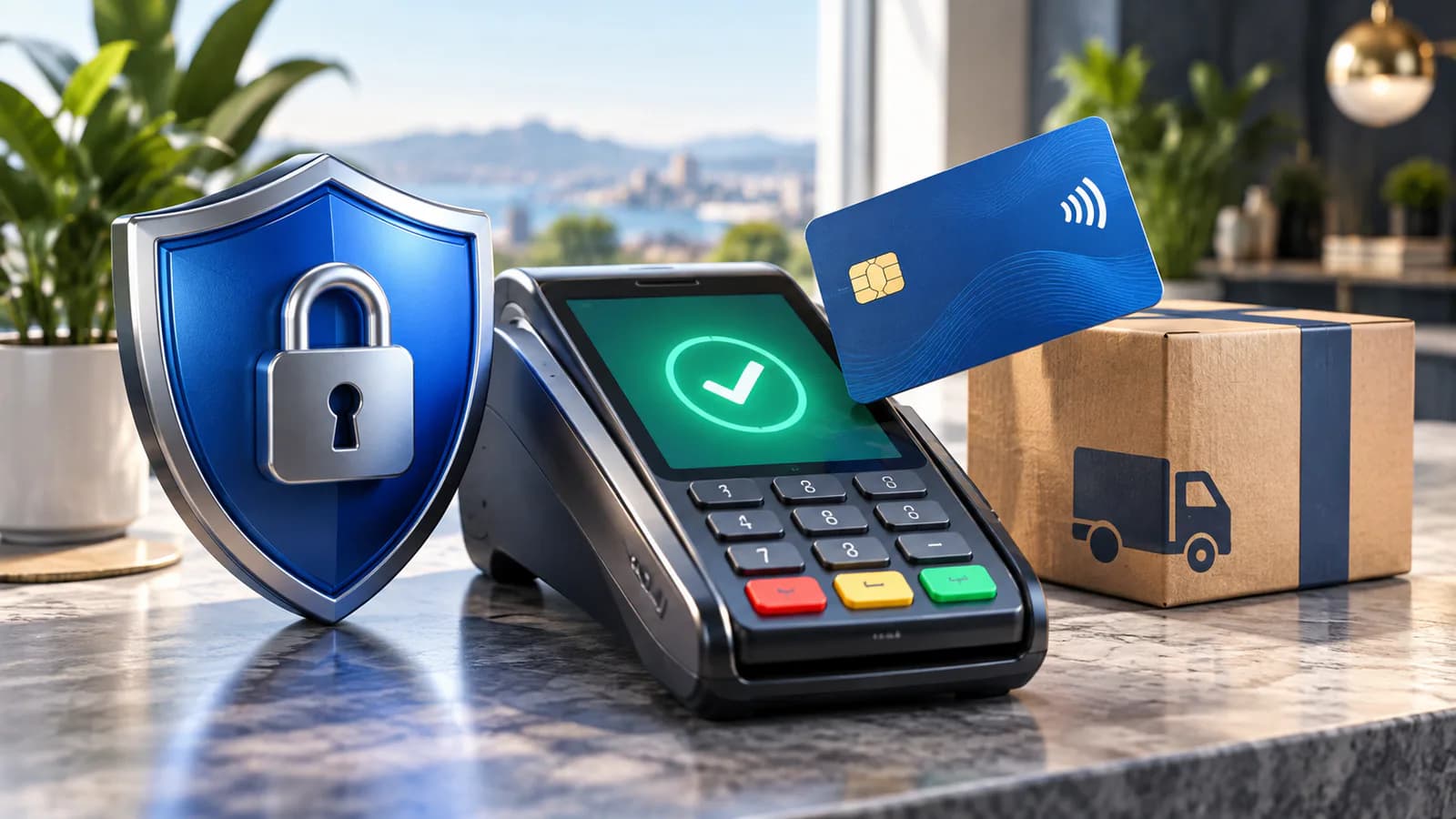
Checkout trust comes from consistency between what the store promises and what the customer sees while paying. Clear totals, recognizable payment handling, accurate delivery information, and reachable support do more useful work than a crowded row of unexplained badges.
The customer is deciding whether to share information and commit money. Any sudden change in price, delivery expectation, business identity, or product details can create doubt. Start by identifying those moments of uncertainty rather than adding decorative reassurance to an otherwise confusing checkout.
Show the Full Cost as Early as Practical
Explain how delivery and other charges are calculated before the final payment step. If the exact amount depends on an address, say so and provide an estimate or calculator where the platform and business rules support it.
Keep the total understandable. Distinguish item subtotal, discount, delivery, and other applicable charges. Avoid labels that require the customer to guess whether a fee is mandatory or optional.
For an illustrative homewares store, a customer buying a $40 item may abandon when a large handling charge first appears after entering payment details. The trust problem is the unexpected condition, not necessarily the absence of a security icon.
Test promotions and mixed baskets. A free-delivery message should not remain visible when the basket does not qualify. If certain products are excluded, explain that condition where the promise appears.
Make Delivery Expectations Specific and Honest
Distinguish dispatch time from transit time. A product that takes several days to prepare should not be described as arriving within the carrier's transit estimate alone.
Show relevant availability and delivery limitations before payment. If items may arrive separately, if a product is made to order, or if a location is not served, the customer needs to know before committing.
Use date estimates only when the underlying process supports them. Do not turn a broad supplier estimate into an exact guaranteed arrival. Where uncertainty exists, explain it in plain language.
Check that product pages, cart messages, checkout, and confirmation emails agree. Trust can be damaged when each surface provides a different version of the same delivery promise.
Explain Returns at the Point of Decision
Provide a concise summary of the relevant return process and a link to the complete policy. Explain how a customer begins a request, what product-specific conditions apply, and where support is available.
Keep the summary accurate. If a personalized item follows different conditions from ordinary stock, do not display an unrestricted return promise beside it. Have the business verify applicable obligations and policy wording for its markets.
Avoid making the customer search through a dense policy to answer a simple question about fit or damage. The policy can contain formal detail while the checkout presents the key practical information.
The checkout optimization guide explores how policy clarity fits with other checkout decisions, including field design and payment handling.
Use Genuine Payment and Security Cues
Display only payment methods the store actually accepts for the relevant customer and market. A logo that leads to an unavailable option creates frustration and can make the store look careless.
Keep business identity recognizable through any payment-provider handoff. Explain an external payment step when it could surprise the customer. Use the provider's supported integration and approved assets rather than inventing a certification badge.
Do not imply that an HTTPS connection guarantees the merchant's honesty or product quality. It is part of technical protection, not proof of every aspect of the business. Likewise, a self-created "verified secure" badge has little meaning without an identifiable basis.
Ask the developer to explain the actual payment flow, error handling, and provider responsibilities. Trustworthy communication should reflect real implementation rather than a marketing claim pasted into the footer.
Keep Forms Predictable and Recoverable
Use visible labels and explain why unusual information is required. If a telephone number is needed for delivery, state that purpose. Avoid collecting optional information as though it were essential.
Provide useful errors close to the problem and preserve completed fields where appropriate. The W3C form notification guidance explains the value of clear success and error feedback. Customers should know whether an action succeeded and how to recover when it did not.
Do not label an order successful before the payment or order state supports that conclusion. For a pending method, explain what is pending and what the customer should expect next. Ambiguous confirmation creates duplicate orders and support contacts.
Test repeated taps and returning from a payment provider. A customer should not need to guess whether they were charged. Provide a way to check the order or contact support with a reference.
Place Social Proof Where It Answers a Question
Use genuine reviews with appropriate attribution and context. Product reviews can help establish suitability before checkout. Store-level service reviews may help explain delivery and support, but they should not be presented as reviews of a specific product if they are not.
Avoid inventing customer counts, live purchase notifications, or scarcity. These devices can mislead customers and distract from the actual decision. A new store can be transparent about its identity and policies without pretending to have extensive trading history.
Do not overload the payment area with review carousels or promotional popups. A customer already trying to pay needs a stable, focused interface. Supporting evidence should be available without interrupting the task.
The product-page guide helps place product evidence earlier, so checkout does not have to answer every unresolved question at once.
Keep Support Reachable Without Creating a Detour
Offer a support route appropriate to the business's staffing. A chat widget that always appears available but never receives a response may create more doubt than a clear email contact with honest hours.
Explain what information helps resolve a checkout issue, such as an order reference or a description of the error. Do not ask customers to send complete payment credentials by email or chat.
Where possible, let customers view essential help without losing their basket or entered details. A policy link that unexpectedly replaces the checkout can interrupt the purchase and make recovery difficult.
Review support questions from failed checkouts. Repeated questions about currency, delivery, or payment status identify the trust information that needs improvement.
Audit Trust Through a Real Purchase Rehearsal
Ask someone unfamiliar with the store to choose an item and explain what they expect to pay, when they expect it, and what they would do if it is unsuitable. Compare those answers with the actual order conditions.
Then complete the agreed test purchase. Inspect the payment handoff, confirmation screen, email identity, order details, and support route. Include a failed payment so the recovery experience receives equal attention.
Record inconsistencies with screenshots and exact wording. Prioritize unclear totals, unavailable methods, misleading delivery claims, and uncertain payment status before experimenting with decorative elements.
Measure checkout completion alongside refunds, support contacts, and payment errors. A change that encourages more purchases through a misleading promise is not a sound trust improvement.
Frequently Asked Questions
Which trust badge converts best?
There is no universal answer. First make sure every displayed cue has a legitimate basis and resolves a real uncertainty. Clear costs and dependable behavior often need attention before badge placement.
Should policies appear in full at checkout?
Usually a relevant summary and accessible complete policy are easier to use. The summary must accurately reflect product-specific conditions and the business's actual process.
Can I promise fast delivery to reduce abandonment?
Only promise what the operation can support. Improving conversion through an unrealistic estimate shifts the problem into complaints, refunds, and lost trust after purchase.
What should an optimization brief include?
Bring the checkout flow, payment methods, delivery and return rules, and recurring customer questions. Checkout Optimization can then address the concrete sources of uncertainty that affect customers while they pay.
Related posts

Business Email Compromise and Invoice Fraud: How Small Businesses Stop It
A defensive guide to business email compromise and invoice fraud for small businesses: how the scams work at a high level, the red flags, the payment and email controls that stop them, and what to do in the first hours after a fraudulent transfer in the US, UK and EU.
Read article →

Passkeys and MFA for Small Teams: What to Choose and How to Roll It Out
A practical guide to multi-factor authentication for small businesses: SMS codes vs authenticator apps vs passkeys and security keys, which accounts to protect first, how to avoid lockouts with recovery codes and backup methods, and a phased rollout plan for a small team.
Read article →

Shopify vs WooCommerce Checkout Comparison
A practical checkout comparison for store owners choosing between Shopify and WooCommerce.
Read article →
Author
Anushka Dahanayake
Anushka Dahanayake builds SEO-focused websites, e-commerce platforms, dashboards, and automation systems for businesses worldwide.