
Email Marketing Automation Map for Service Businesses
A practical guide to mapping email automation for service businesses.

A service-business email map should follow the reader's relationship with the business. Someone downloading a planning guide has a different need from a prospect reviewing a proposal or a client preparing for kickoff.
Define Entry And Exit Conditions
Create separate paths for opted-in subscribers, active inquiries, proposal follow-up and clients. Record why a person enters a path and what ends it. A reply or booking should stop messages that keep asking for that same action.
For a consulting firm, a guide subscriber might receive an example of a useful project brief and a later invitation to discuss fit. A prospect with a proposal needs answers about scope and timing, not a generic introduction to the company.
Choose Content By Unanswered Questions
Use sales conversations to identify hesitation: uncertainty about cost, access requirements, timescale or who supplies content. Give each message one useful answer and one appropriate next step. Avoid invented urgency and repeated discounts for services whose scope has not been assessed.
Keep marketing preference records and suppression handling explicit. Do not treat submitting an inquiry as permission for every future campaign. Confirm the applicable rules for the audience and sending program before launch: in the EU and UK, marketing email generally needs prior consent, with only a narrow existing-customer (soft opt-in) exception, while US commercial email must meet CAN-SPAM requirements such as a working unsubscribe and a physical postal address.
Review Replies Alongside Clicks
Track qualified responses, booked conversations and complaints. Opens are an incomplete signal of genuine attention and should not be the sole trigger for aggressive follow-up. Review individual journeys to see whether people receive competing sequences.
Draw The Journey As A Set Of Decisions
Map each journey with an entry event, audience condition, message purpose, waiting period, next decision and exit. Keep the diagram readable enough that a salesperson can review it without platform training. A sequence is not simply email one, email two and email three; it is a set of conditions under which another message is useful.
Separate lifecycle states from interests. A person can be interested in website redesign while already being a client for maintenance. They may need service education about one offer and operational updates about another. Avoid one broad customer label that suppresses all useful information or permits every campaign indiscriminately.
Assign an owner for the journey and an owner for replies. These may be different people, but neither responsibility should be implicit. A helpful automated email can generate a real question, and that question must reach someone who understands the offer.
Work Through A Service-Guide Subscriber
Consider an illustrative consultancy offering a downloadable website planning guide. A visitor chooses to receive the guide and the stated follow-up content. The first message delivers the requested resource and sets expectations. The next useful message could show how to identify missing project requirements, provided that fits the subscription promise.
The subscriber clicks through to a page about redesign planning but does not inquire. That behavior suggests an interest, not a confirmed budget or imminent purchase. The journey can continue with relevant educational material without moving the person into an active sales pipeline based solely on a click.
A week later, the subscriber submits a redesign inquiry. The inquiry workflow records the new conversation and pauses educational messages that would conflict with direct follow-up. The assigned consultant answers the specific request. If the subscriber later books discovery, the scheduling invitation stops and preparation communication begins under the appointment process.
If the person instead unsubscribes from marketing, the educational journey ends. Their record should retain the relevant preference state so another import or service-interest update does not silently reactivate it. This example explains coordination between journeys; it is not a claim about a particular platform's default behavior or expected conversion rate.
Keep Eligibility And Preferences Explicit
Document what each form promises and which journey that promise permits. Store relevant preference history rather than treating the existence of an email address as permission to send every campaign. Review the requirements that apply to the actual audience and sending program before launch.
Platforms distinguish contact states in specific ways. Mailchimp's contact-type guidance describes subscribed, unsubscribed and other contact categories. Map your business rules to the product's actual status model instead of using an ordinary tag as the only control over marketing eligibility.
Test preference changes across integrations. A CRM update that refreshes a contact's company name should not overwrite an unsubscribe. If different systems store preferences, define the authority and synchronization direction. Keep an exception process for conflicting records rather than resolving them in favor of more sending.
Choose Content From Real Buyer Questions
Collect recurring questions from discovery calls, proposals and support. Group them by decision: understanding the problem, comparing approaches, preparing information and deciding whether the service fits. Use those groups to give each email a distinct purpose.
For a service that requires client-supplied content, one message might explain what approved copy means and show an example of a usable brief. Another might clarify the difference between redesign and maintenance. These are more useful than repeatedly claiming that the business provides excellent service without explaining what the reader should do next.
Keep examples honest. Label illustrative scenarios and avoid presenting invented outcomes as client results. Link to a deeper article when the answer needs more room, but make the email itself understandable. A vague teaser that forces a click for every useful detail can weaken trust.
Coordinate Parallel Journeys
Create a priority rule for active sales conversations, onboarding, support and general marketing. The right ordering depends on the business, but conflicts need an explicit resolution. A client discussing a serious delivery issue should not receive an unrelated celebratory upsell because the marketing system has no awareness of the relationship.
Avoid building one enormous workflow with every possible branch if several small journeys can share clear eligibility controls. At the same time, document their interactions in one map so the team can see where a contact might enter more than one sequence.
Add a manual pause with a reason and review date. Staff need a way to respect context the automation does not know. Review paused records periodically so a temporary decision does not become an unexplained permanent exclusion.
Design Replies And Exit Conditions First
Decide what happens when a recipient replies, books, requests a proposal, declines or changes service interest. Recheck the current state immediately before sending a delayed message. A journey that was appropriate when scheduled may no longer fit the conversation.
Handle ambiguous events deliberately. An out-of-office response differs from a substantive question, and a bounced email differs from a person declining the offer. Route uncertain cases for review where needed instead of letting a simplistic keyword rule control the entire relationship.
The lead-management workflow guide helps define inquiry handoffs. The CRM implementation roadmap is useful when the underlying lifecycle fields are not yet consistent enough to support segmentation.
Pilot The Map Before Increasing Volume
Use test contacts representing a subscriber, active prospect, current client, unsubscribed person and ambiguous legacy record. Walk each through entry, delay and exit. Inspect the inbox and the internal activity history so you can explain why every message was sent or suppressed.
Test a reply during a delay, a booking recorded by staff and a preference update from another system. Confirm that a failed send does not create a second contact or restart the entire sequence. Review personalized fields for missing values and inappropriate fallbacks.
Start with one journey whose purpose is clear. Monitor replies, complaints, qualified conversations and correction work. Add another journey only when ownership and suppression rules remain understandable. More branches are not automatically a more sophisticated customer experience.
Evaluate Useful Outcomes
Measure the action each message is meant to support. Resource delivery, clarification replies and qualified consultations are different outcomes. Keep earlier engagement signals visible for diagnosis, but do not use opens alone as proof that the reader is ready for direct sales pressure.
Review performance by comparable audience groups and sufficient elapsed time. A long-cycle service can generate a valuable conversation well after the first click. Avoid attributing every later sale to the most recent email without acknowledging other contact and the existing relationship.
Business Automation & Integrations is relevant when the agreed map needs to be connected across forms, a CRM and an email platform. Confirm the platform and implementation details in the agreed scope. The planning deliverable should be a readable map with clear eligibility, message purpose, exits and responsible people.
Frequently Asked Questions
Should an inquiry automatically enter a nurture sequence?
Only when it fits the stated permission and conversation. Respond to the specific inquiry first and avoid conflicting messages. A person asking for a quotation should not be treated as a generic newsletter subscriber by default.
How long should a service email sequence run?
Let the buyer questions and relationship determine its length. End when there is no useful next message, the person takes the intended action or eligibility changes. A fixed long sequence can continue long after its original purpose has disappeared.
What is the most useful planning document?
A journey map showing entry, audience, purpose, delay, current-state checks, stop conditions and ownership. Include a worked contact example and the messages they should not receive. That makes implementation and later troubleshooting far more concrete.
Related posts
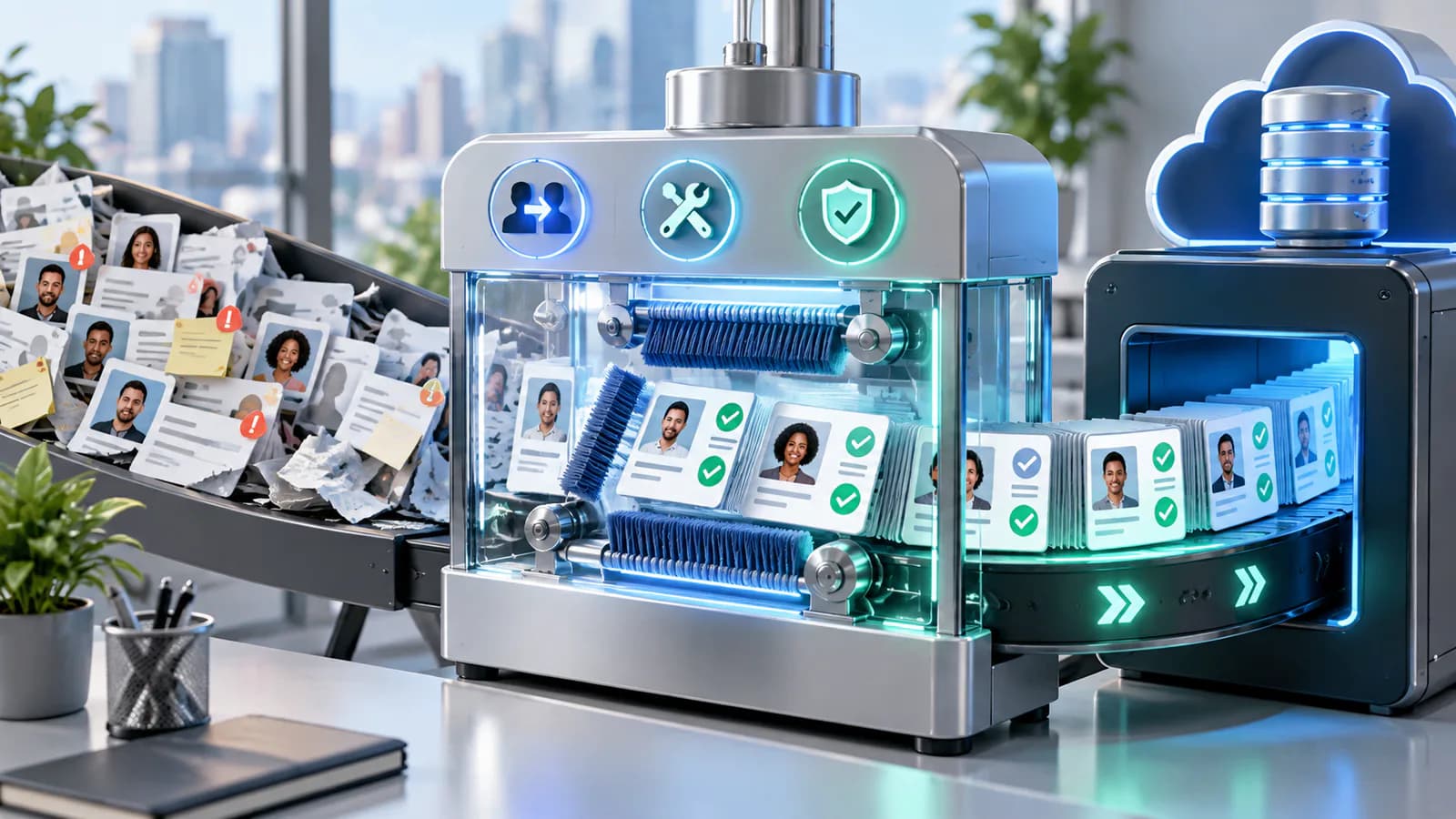
Customer Data Cleanup Guide Before CRM Migration
A practical customer data cleanup guide before moving into a CRM or automation system.
Read article →

Order Management Automation Guide
A practical order management automation guide for growing online stores.
Read article →

Inventory Automation Guide for Multi-Channel Sellers
A practical inventory automation guide for sellers managing multiple channels.
Read article →
Author
Anushka Dahanayake
Anushka Dahanayake builds SEO-focused websites, e-commerce platforms, dashboards, and automation systems for businesses worldwide.