
Customer Data Cleanup Guide Before CRM Migration
A practical customer data cleanup guide before moving into a CRM or automation system.
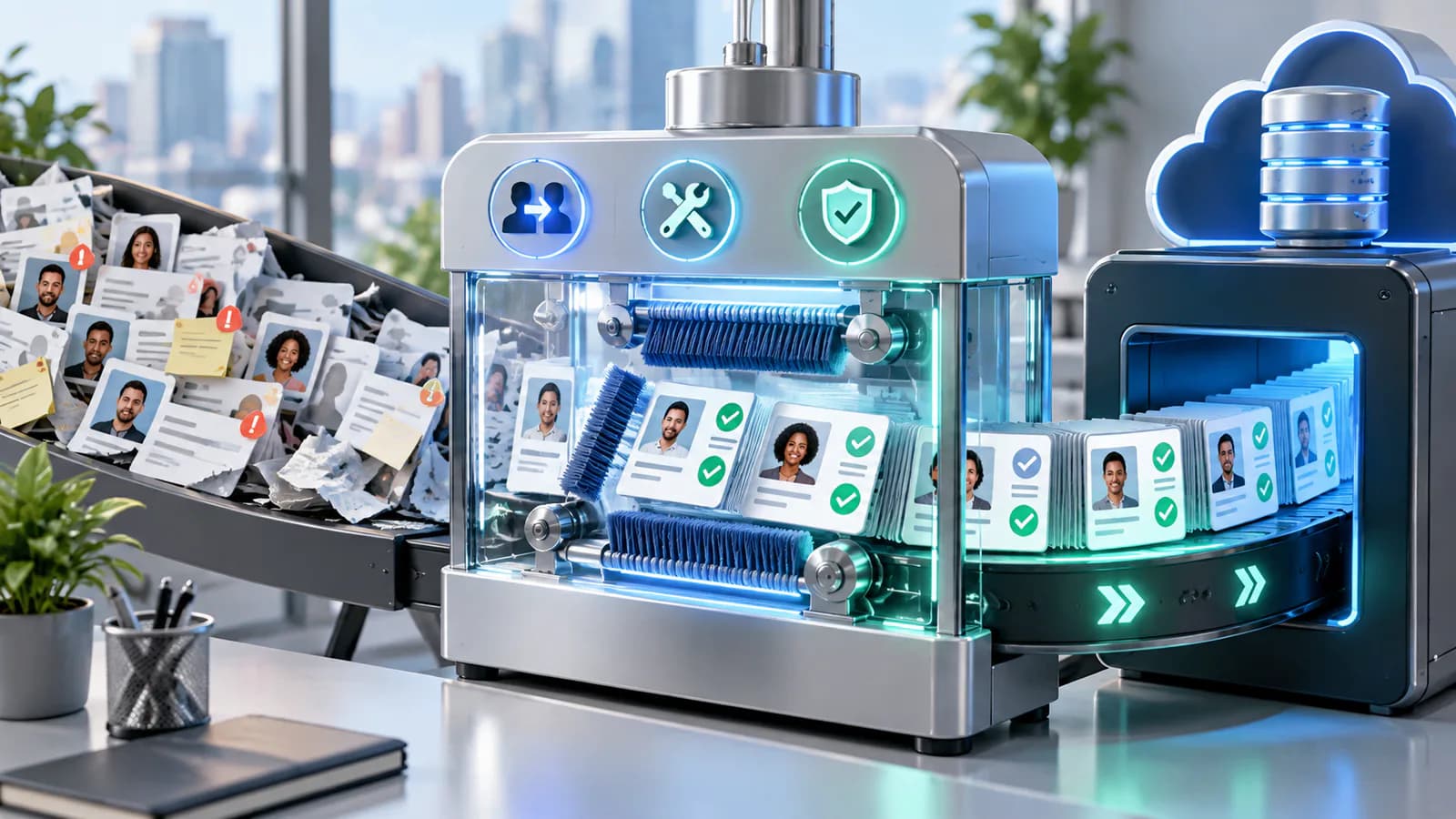
CRM migration is an opportunity to make customer records understandable, not simply move every old field into a new interface. Begin by deciding what the new team actually needs to sell and support responsibly.
Build A Field Dictionary
For each source field, record its meaning, format, destination and owner. Separate person, company and opportunity data. A company's billing address should not be copied into every contact record unless the new model requires it.
Standardize dates, telephone country codes and status values without erasing the original source. Keep legacy identifiers so imported records can be reconciled and corrections traced back. Store a protected original export before cleanup.
Review Duplicates Conservatively
An identical email address is a useful clue, not always proof of one person. Shared inboxes and employees changing companies complicate matching. Establish rules for automatic matches and send uncertain cases to review.
When merging, preserve meaningful notes, ownership and suppression history. A missing permission value must not become an affirmative marketing choice. Keep the source and date of recorded preferences rather than replacing them with a new import timestamp.
Pilot The Relationships
Import a representative group containing multiple contacts at one company, several opportunities, a former customer and an unsubscribed contact. Check relationships and workflow enrollment before scaling. Disable outbound automation during the migration unless a specific action has been deliberately approved.
Decide What Deserves To Move
Inventory the source datasets before cleaning individual rows. You may have active opportunities, former customers, newsletter subscribers, billing contacts and old event lists. These groups have different purposes and retention considerations. Do not treat every email address as a current sales lead simply because it can be imported.
Identify the business owner for each group and ask what the new CRM needs to support. Some historical records may belong in a controlled archive rather than the active pipeline. Keep the decision documented so the migration does not silently delete information or turn irrelevant history into daily sales work.
Preserve the original export in a protected location before transformations. Record extraction time and source system. A clean working copy should be traceable to the original so reviewers can investigate uncertain merges or missing notes without relying on memory.
Work Through A Duplicate-Contact Example
Consider an illustrative business with three records for Alex Rivera. One uses a company email and belongs to an active opportunity. Another uses a personal email from an older inquiry. The third uses a shared accounts address and contains invoice notes. Matching by name alone would merge potentially different roles and communication histories.
The reviewer confirms that the first two refer to the same person and preserves both source identifiers. They retain the current company relationship and the useful historical conversation. The accounts address remains associated with the billing role until its ownership is verified. It does not become Alex's primary marketing address just because it appears in the same company.
The older inquiry includes a suppression record. That history must survive the merge; a newer blank preference field should not erase it. The reviewer records the evidence and decision so a later question about messaging eligibility can be answered from the migrated data.
Import this example into the test environment and inspect the resulting contact, company and opportunity links. A successful row count does not prove that the relationships or preference history are correct. Use similar examples from the actual source data, with personal details redacted for external review.
Establish Matching Rules And Review Thresholds
Choose matching keys by object type. Contacts, companies and opportunities need different logic. Email can help identify a contact, while a company domain may help group organizations but can be misleading for subsidiaries or shared service providers. Opportunity names are rarely sufficient as unique identifiers.
HubSpot's deduplication documentation describes import matching using Record ID or properties configured for unique values. Check the exact rules of the destination CRM instead of assuming it will infer the intended merge from similar names.
Separate automatic matches from manual review. Exact trusted identifiers can support deterministic updates. Conflicting names, reused email addresses and uncertain company relationships deserve review. Record why a pair was merged or kept separate so cleanup decisions remain explainable.
Avoid using normalization to erase meaningful differences. Trimming accidental whitespace is different from replacing all company names with a shortened version. Keep original values where they help traceability, and document each transformation in a migration field map.
Clean Fields Without Inventing Facts
Standardize dates, phone formatting, country values and status names using explicit rules. If a date is ambiguous, do not guess whether it means March 4 or April 3. Mark it for review or preserve the source text alongside an unresolved state.
Map old status labels to the new pipeline carefully. Interested, contacted and proposal pending may have been used inconsistently by different staff. Sample the underlying notes before deciding that a label always maps to one destination stage.
Keep unknown values distinct from negative answers. No recorded budget is not a zero budget. No owner recorded is not the same as deliberately unassigned. These distinctions affect automation after migration, so preserve uncertainty until a responsible person can resolve it.
Protect Preferences And Sensitive Notes
Carry communication preferences with their source and relevant history. Separate permission for operational contact from marketing enrollment. A customer relationship does not justify replacing an unsubscribe with subscribed during a data cleanup.
Review free-text notes for unnecessary sensitive material before broadening access in the new CRM. A note previously visible to two people may become searchable by a whole sales team after import. Decide what should be restricted, summarized appropriately or kept outside the new system under the business's data-handling process.
Keep access invitations scoped to the migration work. External implementers usually need representative structure and controlled access, not unrestricted exports sent through ordinary messaging. Confirm how temporary files and test imports will be handled after validation.
Pilot Associations Before Full Import
Select a representative sample with one company and multiple contacts, a contact with several opportunities, an inactive customer, a suppressed contact and an ambiguous duplicate. Import into a suitable test environment or controlled pilot area with outbound workflows disabled.
Check associations, ownership, notes and dates from the user interface as well as import reports. Ask a salesperson to find the current next action for an opportunity and a support colleague to reconstruct the customer history. These tasks reveal errors that a successful import count can miss.
Reconcile created, updated, rejected and skipped records. Keep the rejection file and assign each exception. Do not repeatedly import the entire file to fix a few rows unless the matching behavior has been verified; otherwise, each retry can compound duplicates.
Plan Cutover And Reconciliation
Decide how changes made after the initial export will be captured. The old system may continue receiving inquiries while cleanup is underway. Use a defined cutoff, a final delta process or another controlled method appropriate to the platform. Document who owns the source during the transition.
Set acceptance criteria before the final import: record counts by group, association checks, preference preservation and a sample of historical conversations. Define how to reverse or repair an incorrect import without deleting legitimate records created afterward.
The CRM implementation roadmap helps connect cleanup to the new operating process. The API integration guide is useful when ongoing synchronization will follow migration and needs the same identifiers and ownership rules.
Prepare The Team For The New Data
Explain the new field definitions and which unresolved records still need review. Do not present every migrated field as equally trustworthy. A visible confidence or review status can prevent automation from treating uncertain historical data as verified current information.
After cutover, inspect a sample of new records and updates. Check that staff are using the intended fields and that synchronization is not restoring old values. Migration quality depends on the process that follows, not only the import file.
Business Automation & Integrations is relevant when the migrated CRM needs to be connected to forms, email or other business systems. Confirm CRM cleanup, migration execution and ongoing integration in the agreed scope. Require counts, exceptions and recovery evidence at handover.
Frequently Asked Questions
Should all duplicates be merged automatically?
No. Use trusted identifiers for automatic updates and review uncertain relationships. Shared inboxes, name collisions and people changing companies can make apparently obvious matches wrong. A smaller manual review queue is preferable to losing distinct customer histories.
Can missing data be filled from assumptions?
Avoid it. Preserve unknown values and assign important gaps for review. Invented budgets, dates or preferences can trigger incorrect automation and make later reporting look more certain than the underlying evidence supports.
When should outbound automation restart?
After the pilot and final reconciliation confirm eligibility, associations and suppression behavior. Restart deliberately for the intended records rather than enrolling every imported contact automatically. Monitor early results and keep a clear pause mechanism available.
Related posts

Email Marketing Automation Map for Service Businesses
A practical guide to mapping email automation for service businesses.
Read article →

Order Management Automation Guide
A practical order management automation guide for growing online stores.
Read article →

Inventory Automation Guide for Multi-Channel Sellers
A practical inventory automation guide for sellers managing multiple channels.
Read article →
Author
Anushka Dahanayake
Anushka Dahanayake builds SEO-focused websites, e-commerce platforms, dashboards, and automation systems for businesses worldwide.