
Customer Support Automation Without Losing Human Service
A practical customer support automation guide for businesses that want faster triage, self-service and follow-up without losing human care.
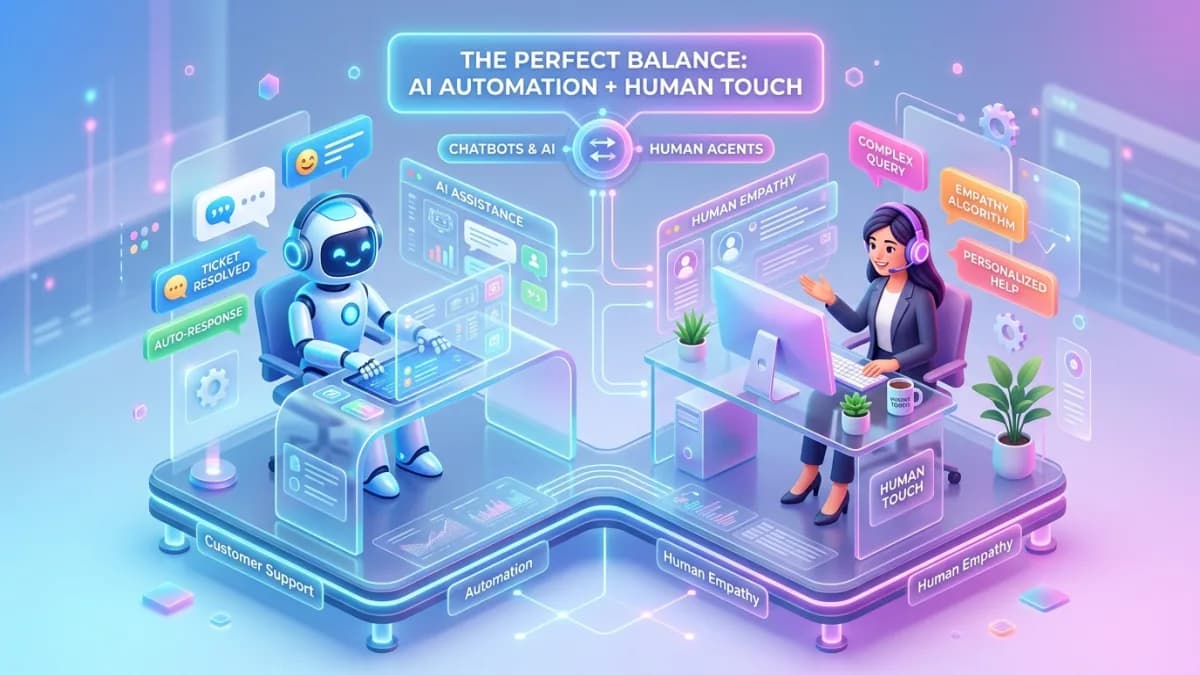
Customer support automation should help customers get answers faster without making them feel abandoned. The best support systems combine self-service, triage, routing, reminders, knowledge base content, AI assistance and human escalation. The worst systems trap customers in loops, hide contact options, send irrelevant replies and protect internal efficiency at the expense of trust.
Support automation is not about making customers talk to robots. It is about making sure the right issue reaches the right place with the right context.
This guide explains how to design customer support automation without losing human service. It covers ticket intake, categories, priorities, SLAs, knowledge base workflows, AI-assisted replies, escalation, customer history, privacy, accessibility and reporting.
Use this with the Small-Business Automation Guide, CRM Implementation Guide, Client Portal Development Guide, Business Dashboard Design Guide, and Business Automation & Integrations.
Key Takeaways
- Support automation should reduce waiting, repetition and routing errors while preserving human escalation.
- Start with ticket categories, priorities, owners and SLA rules before adding AI.
- Self-service works only when the knowledge base is accurate, searchable and maintained.
- AI can draft, classify and summarize, but high-risk replies should be reviewed.
- Customers need visible ways to reach a human when automation cannot solve the issue.
- Support data may contain sensitive information, so access control and privacy rules matter.
- Accessibility is essential for forms, chat widgets, status messages and error handling.
- Measure resolution quality, not only ticket deflection.
What Support Automation Means
Customer support automation uses software to structure and accelerate support work.
It may include:
- ticket forms
- automatic categorization
- priority routing
- SLA timers
- confirmation messages
- knowledge base suggestions
- chatbots
- AI summaries
- canned replies
- escalation reminders
- customer history lookup
- satisfaction surveys
- recurring issue reports
The goal is not to close tickets faster at any cost. The goal is to solve the right problem with less friction.
The Support Workflow Map
A practical workflow:
| Step | Automation | Human control |
|---|---|---|
| Customer asks for help | Form, email, chat or portal creates ticket | Customer can explain issue clearly |
| Categorize | System assigns issue type | Support can correct category |
| Prioritize | Rules assign urgency | Human can override |
| Route | Ticket goes to owner/team | Manager reviews queues |
| Respond | Template, article or AI draft assists | Agent approves message |
| Escalate | SLA or risk triggers escalation | Senior owner resolves |
| Resolve | Ticket is closed with outcome | Customer can reopen |
| Report | Trends appear in dashboard | Team improves process |
Every automation should make this map clearer.
Ticket Intake and Categorization
Good intake reduces back-and-forth.
Support forms may ask:
- customer name
- account/company
- order/project/reference number
- issue category
- urgency
- description
- screenshot/file
- affected product or service
- preferred contact method
Categories might include:
- billing
- login/access
- technical issue
- delivery status
- refund/cancellation
- document request
- account update
- bug report
- feature request
- general question
Do not ask customers to classify too precisely. If category choice becomes homework, they will choose randomly.
Priority, SLA and Escalation Rules
Priority should reflect business and customer impact.
Example priorities:
- Critical: service unavailable, payment failure, security issue
- High: blocked customer, urgent deadline, VIP account
- Medium: normal service issue
- Low: general question or non-urgent request
SLA rules may define:
- first response target
- resolution target
- escalation time
- owner
- customer update frequency
Escalation triggers:
- SLA breached
- customer replies multiple times
- payment or access affected
- possible security issue
- negative sentiment
- repeated bug
- high-value account
Automation should not hide urgent tickets behind a cheerful generic response.
Knowledge Base and Self-Service
Self-service is useful when it is honest and maintained.
Good knowledge base content:
- answers common questions
- uses plain language
- includes screenshots where useful
- shows last updated date
- links to support if unresolved
- avoids outdated policy
- is searchable
Self-service automations:
- suggest article based on category
- show help before ticket submission
- send article in confirmation email
- collect whether article solved the issue
- create article candidates from repeated tickets
Do not use self-service as a wall. Use it as a shortcut.
Knowledge base maintenance
Assign an owner for each important article.
Review:
- top viewed articles
- articles with low success
- articles that create follow-up tickets
- outdated screenshots
- old pricing or policy references
- missing troubleshooting steps
- confusing terminology
Support automation becomes weaker when the knowledge base decays. If the article is wrong, every chatbot, suggested reply and self-service flow built on that article becomes wrong at scale.
Ticket-to-article loop
Use repeated tickets as content signals.
When the same question appears often:
- 1Confirm the correct answer.
- 2Write or update the knowledge base article.
- 3Add the article to intake suggestions.
- 4Train support staff to use it.
- 5Measure whether related tickets decrease.
This keeps self-service connected to real customer problems.
AI-Assisted Support
AI can help support teams when controlled.
Useful AI tasks:
- summarize long ticket threads
- classify issue type
- draft replies
- suggest knowledge base articles
- detect sentiment
- extract order or account references
- identify repeated issues
- translate or simplify internal notes for review
High-risk AI tasks:
- promise refunds
- interpret contracts
- provide legal/medical/financial advice
- change account access
- send sensitive customer data
- close complaints automatically
OWASP's GenAI security work highlights risks such as sensitive information disclosure and overreliance. In support automation, this means AI-generated answers need boundaries, especially when the reply affects money, access, safety, policy or customer trust.
If you serve customers in the EU, the transparency rules in Article 50 of the EU AI Act have applied since 2 August 2026: people must be told they are interacting with an AI system, at the latest at the first interaction, unless that is obvious from the context. Label chatbots and AI-drafted replies clearly. This is general information, not legal advice.
Human Handoff
Human handoff should be visible and easy.
Trigger handoff when:
- customer asks for a person
- confidence is low
- issue repeats
- customer is upset
- payment/refund is involved
- account access is involved
- security is involved
- policy exception is requested
- AI cannot answer from approved knowledge
The handoff should include context:
- customer details
- issue summary
- previous messages
- suggested category
- urgency
- attempted self-service
- relevant documents
Do not make customers repeat everything. That is how automation turns from helpful assistant into tiny bureaucratic dragon.
Tone rules
Support automation should have tone guidelines.
Good automated support messages are:
- clear
- specific
- calm
- honest about next steps
- respectful of frustration
- short enough to read
Avoid:
- fake empathy
- over-cheerful language during serious problems
- blaming the customer
- vague promises
- hiding wait times
- pretending a bot is a person
Customers can forgive automation. They rarely forgive being manipulated by it.
CRM and Customer History
Support should connect to customer records.
Useful CRM context:
- customer status
- recent purchases
- active projects
- contract/package
- previous tickets
- assigned account owner
- onboarding status
- payment status
- important notes
But do not expose all CRM data to every support workflow. Agents need enough context to help, not unrestricted access to everything.
Privacy, Security and Access Control
Support tickets often contain sensitive information.
Controls:
- collect only needed information
- restrict ticket access by role
- hide private internal notes from customers
- avoid passwords in tickets
- redact sensitive data
- protect attachments
- control exports
- review vendor access
- remove former staff access
- set retention rules
The FTC recommends businesses avoid collecting unnecessary personal information and control access sensibly. Support workflows should follow that principle because customers often paste more detail than requested. For EU and UK customers, GDPR and UK GDPR add data minimisation, retention limits and access/deletion rights, and each helpdesk, chat or AI vendor that processes ticket data needs a data processing agreement.
Accessibility and UX
Support automation must be usable.
WCAG 2.2 guidance around input assistance, error identification, labels and status messages is especially relevant to support forms and chat widgets.
Checklist:
- clear form labels
- helpful error messages
- keyboard-accessible chat
- visible focus states
- plain-language categories
- confirmation after submission
- ticket reference number
- clear next steps
- accessible file upload
- no critical action hidden behind hover
If a customer needs support, they may already be frustrated. Do not make the interface another problem.
Support KPIs
Track:
- first response time
- resolution time
- reopen rate
- escalation rate
- SLA breach rate
- customer satisfaction
- self-service success rate
- tickets by category
- repeated issue volume
- backlog age
- human handoff rate
- automation error rate
Balance efficiency and quality.
A high deflection rate is not good if customers are silently giving up.
Quality review
Review a sample of automated and human-assisted tickets each month.
Look for:
- inaccurate replies
- poor handoff
- missed escalation
- confusing categories
- customer repeat contact
- unnecessary delay
- privacy exposure
- unsupported AI claims
- unresolved root causes
The goal is continuous improvement. Support automation should become smarter because the team learns, not because everyone hopes the bot becomes wiser on its own.
If support automation reduces visibility into real customer pain, it is not working. The system should make repeated issues easier to see, discuss and fix.
100-Point Support Automation Score
| Area | Points | What 100 percent work looks like |
|---|---|---|
| Workflow map | 10 | Intake, routing, response, escalation and closure are defined |
| Categories | 10 | Issue types are clear and useful |
| SLA rules | 10 | Priority, response and escalation targets are documented |
| Knowledge base | 10 | Articles are accurate, searchable and maintained |
| AI guardrails | 10 | AI assists with review and does not control high-risk outcomes |
| Human handoff | 15 | Customers can reach humans with full context preserved |
| CRM context | 10 | Agents see useful history without excessive access |
| Privacy/security | 10 | Data collection, access and retention are controlled |
| Accessibility/UX | 10 | Forms, errors and status messages are usable |
| Reporting | 5 | KPIs track quality, speed and recurring issues |
Score interpretation
- 90 to 100: Ready for controlled launch.
- 75 to 89: Good, but strengthen escalation or data controls.
- 50 to 74: Pilot internally or with one support category.
- Below 50: Do not automate yet; define support operations first.
Frequently Asked Questions
What is customer support automation?
It is the use of software to intake, categorize, route, respond to, escalate, measure and improve customer support requests.
Will automation make support feel less human?
It can if designed badly. Good automation preserves human handoff, context and empathy while reducing repetitive admin.
Should AI answer customers automatically?
Only for low-risk, approved knowledge areas. For refunds, account access, legal terms, complaints or sensitive issues, use human review.
What should be automated first?
Start with ticket intake, category routing, confirmation messages, SLA reminders and knowledge base suggestions.
How do I measure support automation success?
Track first response time, resolution time, reopen rate, customer satisfaction, escalation rate, self-service success and recurring issue reduction.
Final Recommendation
Automate the structure, not the care.
Use automation to capture context, route issues, suggest answers, remind staff and reveal patterns. Keep humans close to complex, emotional and high-risk situations. That is how support automation improves speed without draining trust from the customer experience.
If you want support automation connected to your website, CRM, portal, knowledge base and dashboards, see Business Automation & Integrations.
Related posts
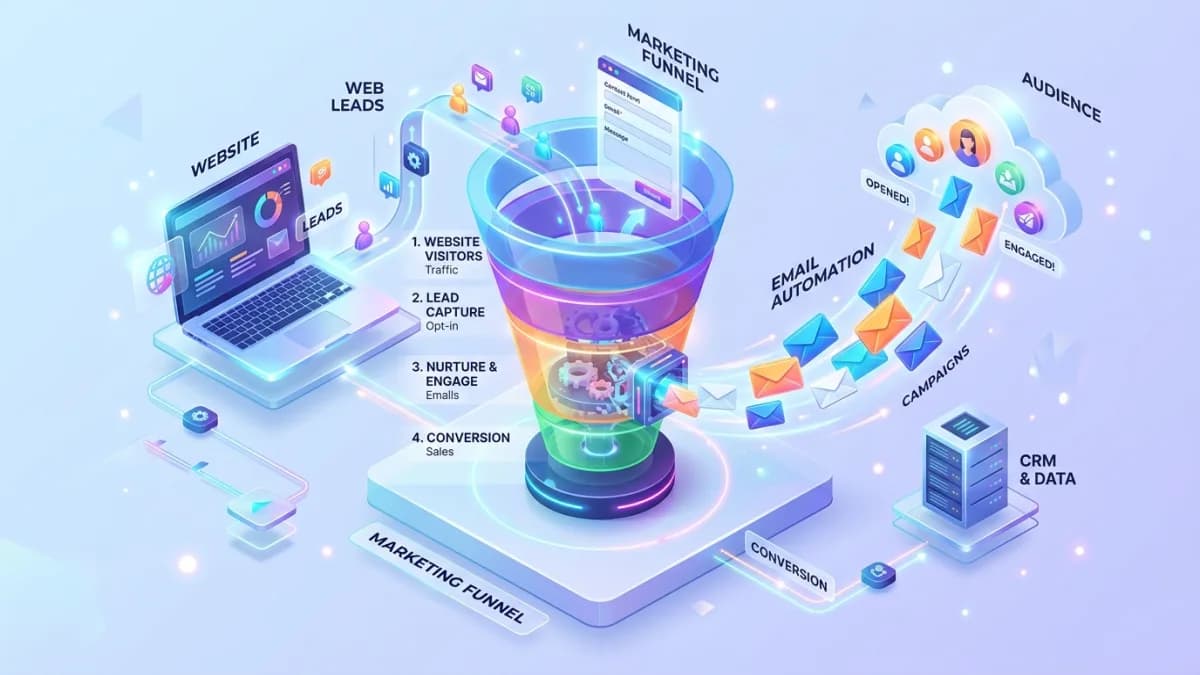
Email Automation Setup Guide for Website Leads
A practical guide to email automation that helps website leads receive faster, more relevant responses.
Read article →
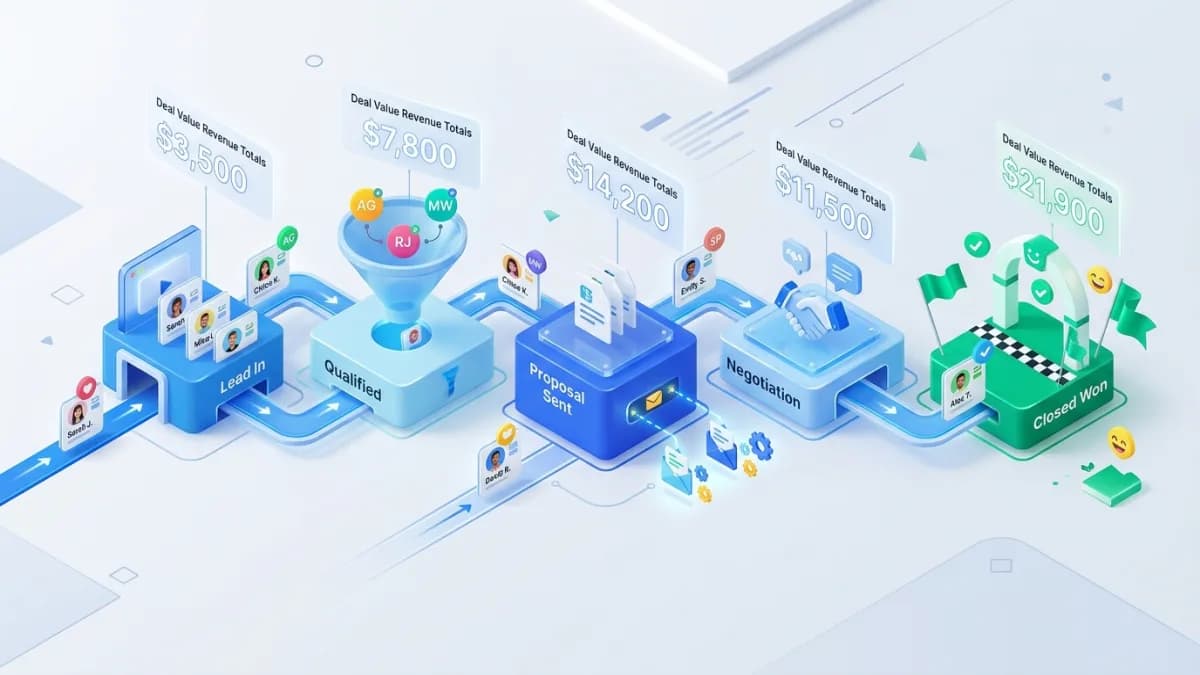
CRM Pipeline Setup Guide for Small Service Teams
A practical CRM pipeline setup guide for service teams that want cleaner lead management.
Read article →
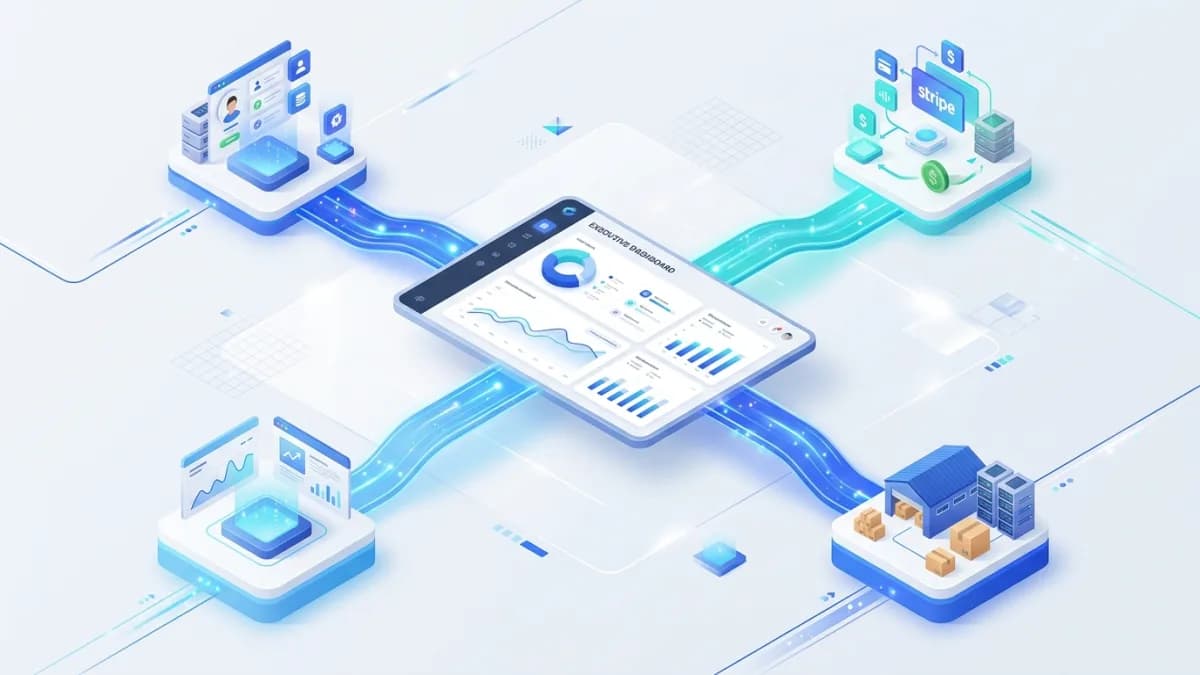
Business Dashboard Data Source Guide
A practical guide to planning dashboard data sources before building custom reporting tools.
Read article →
Author
Anushka Dahanayake
Anushka Dahanayake builds SEO-focused websites, e-commerce platforms, dashboards, and automation systems for businesses worldwide.