
Online Course Website Planning Guide
A practical guide to planning an online course website before building the platform.
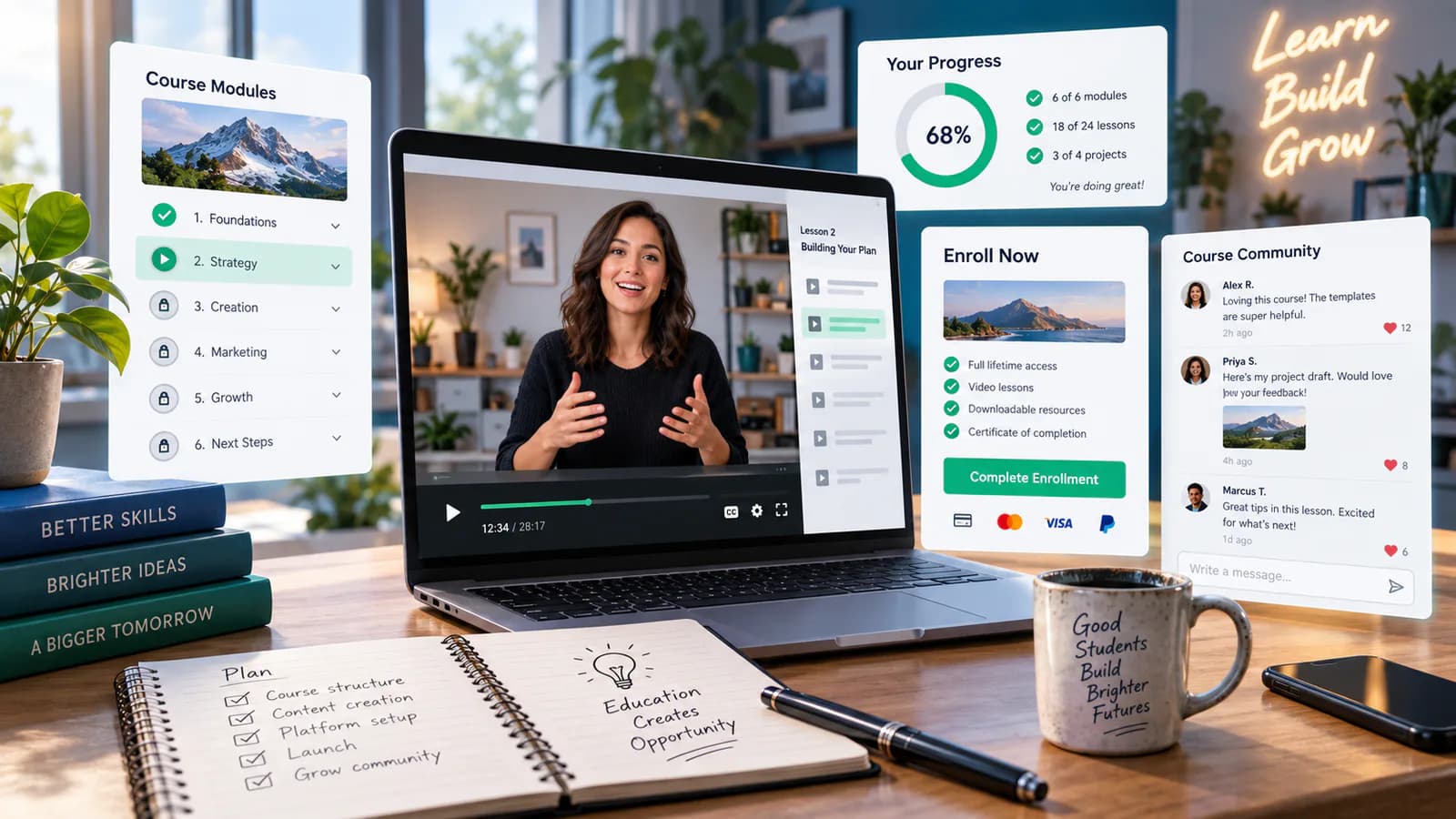
An online course website has to do two jobs well: explain the learning offer before purchase and give enrolled students dependable access afterward. A compelling sales page is incomplete if the payment succeeds but the student cannot find the first lesson, reset a password or understand how to get help.
Plan the learning experience and the commercial workflow together. Define the course, access rules and support commitments before choosing the platform or designing the landing page.
Define the learner and the promised outcome
Identify the student's starting knowledge, the task they want to perform and the evidence that would show progress. A beginner spreadsheet course and an advanced financial-modeling course need different prerequisites, examples and support expectations.
Write the outcome in terms the course can reasonably support. "Build a basic monthly budget workbook using the demonstrated methods" is clearer than "master finance." Avoid guarantees about employment, income or certification unless those claims are properly supported.
State who the course is not designed for when that prevents a poor purchase. Prerequisites, language, required software and expected practice time help students assess fit before paying.
Turn the curriculum into a usable structure
Organize modules around learning progress rather than the order in which videos were recorded. Each lesson should have a purpose, required material and a clear next step. Keep file naming and lesson titles consistent enough that students can find resources later.
For a hypothetical beginner spreadsheet course, the sequence might move from entering data to formulas, then a complete budget exercise. A lesson about advanced automation may belong in an optional section rather than interrupting the foundational path.
Decide how exercises and feedback work. If students submit assignments, the team needs review capacity and a defined response process. If the course is self-paced without individual feedback, explain that honestly on the offer page.
Choose delivery requirements before a platform
List the required behaviors: video lessons, downloads, quizzes, progress tracking, cohort dates, live sessions or certificates. Separate essential learning needs from features that merely sound attractive.
Define content release rules. Immediate access to every lesson is different from scheduled release or cohort-based progression. The platform must represent the rule accurately and explain locked content without making students think the site is broken.
Evaluate candidate systems using a sample module and a purchase-to-access rehearsal. A long feature list does not show whether the learner can resume a lesson on a phone or whether staff can correct an enrollment problem efficiently.
Specify payment and enrollment states
Write down what happens after successful payment, failed payment, a pending payment, a refund and a cancellation. Identify which event grants access and which system owns the enrollment record.
Avoid granting paid access solely because a browser reaches a success URL. The server-side workflow must verify the actual purchase or entitlement through the chosen payment and learning systems. Retry behavior should not create duplicate accounts or enrollments.
For subscriptions or installments, define the consequences of a missed payment in approved terms. A temporary payment issue, a canceled renewal and a refunded course may require different access handling. Students and support staff need a consistent explanation.
Protect the lesson area properly
Separate public marketing pages from protected course resources. Hiding a lesson link in the interface is not access control. The application should validate permission when protected content is requested, following principles described in OWASP's authorization guidance.
Test with an unenrolled account, an enrolled account and an account enrolled in a different course. Check direct lesson and file URLs, not only the dashboard menu. The exact protection model depends on the content-hosting and learning tools used.
Keep account recovery usable. A student who forgets a password should have a clear, secure route back into the course. Staff need an approved identity-checking process for difficult cases without asking for passwords or exposing another person's account.
Design the student dashboard around the next action
Show the enrolled course, current progress where supported and a clear route to continue. Keep billing, profile and support available without making them dominate the learning area. Students should not have to navigate the marketing site every time they return.
Use lesson titles that remain understandable out of sequence. "Lesson 4" is less useful than a title identifying the skill. Show downloadable resources close to the lesson that uses them and distinguish required files from optional examples.
Test the experience after a long break. A student returning weeks later should understand where to resume and whether anything has changed. Progress indicators are useful only when they reflect the platform's actual completion model.
Plan accessible learning materials
Provide appropriate captions and text alternatives for the media used. W3C's transcript guidance explains the role of transcripts in making audio and video information available in text.
Review demonstrations for visual information that speech does not explain. In a spreadsheet lesson, saying "click here" without naming the cell or control can leave some learners unable to follow. Clear narration and readable supporting notes improve the course for many students.
Check downloadable documents, keyboard navigation and media controls. Accessibility should influence production and platform selection early; repairing an entire video library after launch is much harder than using an appropriate production checklist from the beginning. WCAG 2.2 level AA is a sensible target, and selling courses to consumers in the EU can bring the platform within the European Accessibility Act, which has applied since 28 June 2025.
Write the sales page from the real course
Explain outcomes, prerequisites, curriculum, format, access duration, support and price. Show a representative lesson preview where appropriate. Keep promises aligned with the current course rather than a future expansion that may not arrive.
Clarify whether live sessions are recorded, what time zone applies and what happens if a learner misses a session. If a certificate is offered, state what it represents. Do not imply external accreditation without a verifiable basis.
Use genuine instructor credentials and relevant examples. A clear explanation of teaching scope and experience is more credible than broad claims that the course is suitable for everyone.
Rehearse support and launch operations
Test purchase, confirmation email, account creation, first lesson, download, password reset and support contact. Include a duplicate email address, a failed payment and a refund scenario in the controlled test plan.
Prepare answers to predictable questions: missing access email, unsupported software, video playback problems and where to find exercise files. Give unresolved cases a human route with realistic response expectations.
Assign ownership for course updates and platform maintenance. If the course teaches software, interface changes can make screenshots and instructions stale. Keep a review schedule tied to meaningful product changes and student feedback.
Frequently Asked Questions
Should the course be fully recorded before the website is built?
The full library need not always precede development, but the format, sample module and delivery commitments should be concrete. Do not sell access on assumptions about unfinished content or unsupported platform behavior.
Is a membership platform necessary?
Only if the access and business model require it. A one-time course and an ongoing learning membership have different renewal and content obligations. Choose against the defined requirements.
What should launch success measure?
Track successful access and learning engagement alongside sales. Repeated login problems or early abandonment can reveal issues that revenue alone hides.
The checkout optimization guide helps validate the purchase stage. The website maintenance guide supports dependable operation after enrollment begins.
E-commerce Website Development can connect the course offer, payment workflow and student access into a tested learning business.
Related posts

Marketplace Review and Trust Signal Guide
A practical guide to marketplace trust signals that help buyers feel safer before ordering.
Read article →

Product Pricing Page Guide for Digital Products
A practical guide to pricing pages for templates, downloads, courses and other digital products.
Read article →

Pinterest and WooCommerce Strategy Guide
A practical guide to using Pinterest traffic with WooCommerce product and category pages.
Read article →
Author
Anushka Dahanayake
Anushka Dahanayake builds SEO-focused websites, e-commerce platforms, dashboards, and automation systems for businesses worldwide.