
Website Maintenance Plan: Security, Backups and Update Schedule
A practical website maintenance plan for business sites covering updates, backups, uptime, security, SEO health, forms, analytics, content and monthly checks.
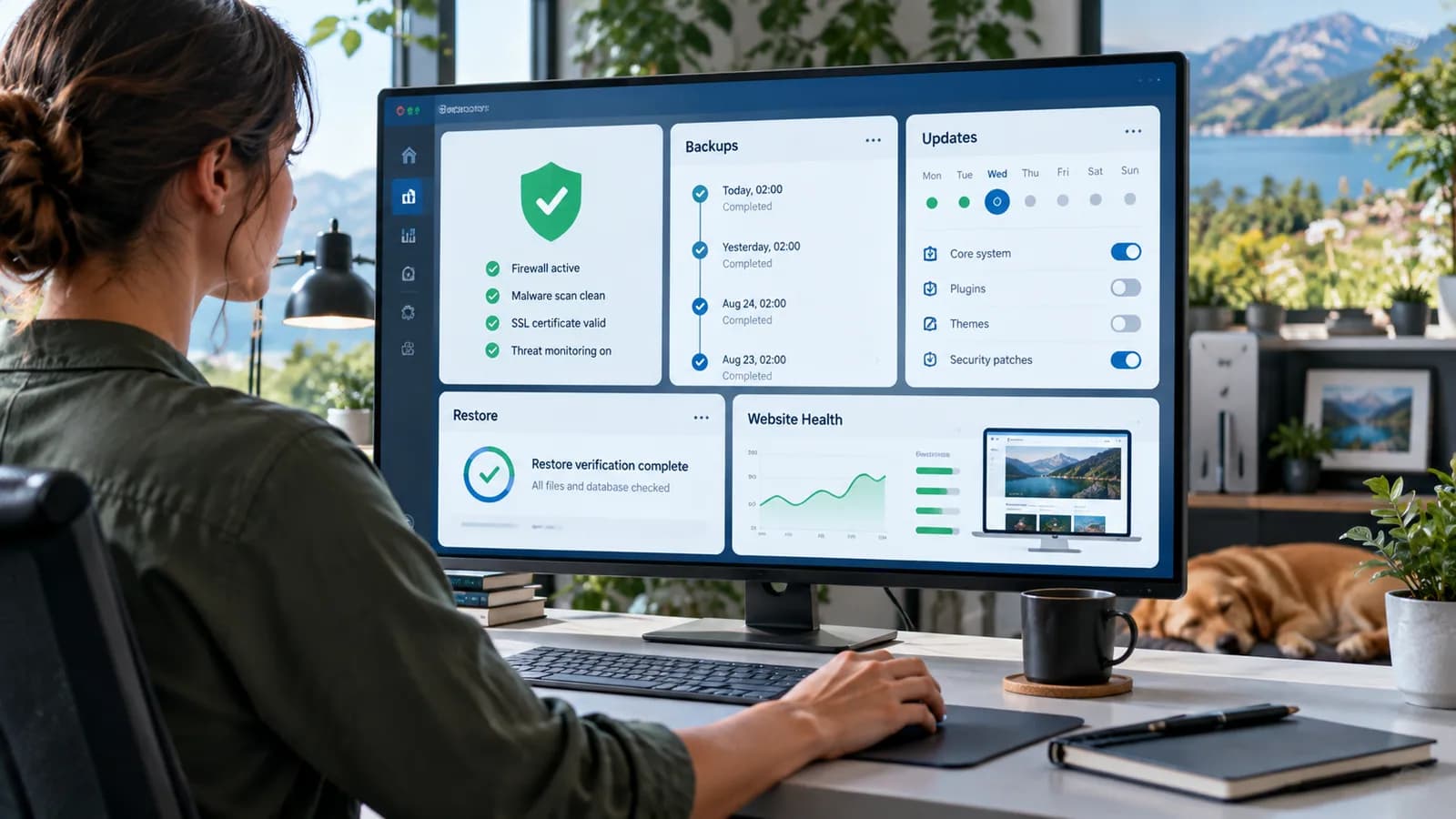
A website is not finished when it launches. Launch day is the beginning of maintenance.
Without a website maintenance plan, small problems slowly become business problems. A plugin goes out of date. A form stops sending leads. A payment callback fails. A backup is never tested. A page becomes noindexed by mistake. A staff account remains active after someone leaves. Analytics breaks. Search traffic drops. Nobody notices until revenue, trust or rankings are already damaged.
Maintenance is not glamorous work. It is the quiet work that keeps a business website useful, secure and profitable.
This guide is written for business owners, agencies, marketing teams, developers and operations managers who need a practical maintenance schedule for a WordPress site, Next.js site, e-commerce site, lead generation website, client portal or custom web application.
Use this with the Staging vs Production Deployment Workflow, Website Redesign Checklist, WordPress Performance Audit, Technical SEO Audit Guide, and Website Maintenance Service.
Key Takeaways
- Website maintenance should be scheduled, documented and owned by a specific person or team.
- Security updates, backups, monitoring, forms, analytics and SEO checks all belong in maintenance.
- Backups are only useful if restore has been tested.
- Updates should be risk-based: urgent security patches first, routine changes through staging where possible.
- Google Search Console should be checked for indexing, sitemap, crawl and page problems.
- WordPress, plugins, themes, frameworks, dependencies and server components need different update rhythms.
- A maintenance plan should include incident response, not only routine checklists.
- The goal is not endless tinkering; it is stable business operation.
Why Website Maintenance Matters
Your website is often part of the business infrastructure.
It may generate leads, sell products, collect payments, publish content, support clients, host portals, process forms, connect to CRMs, track marketing campaigns or answer customer questions.
When it fails, the impact can be real:
- lost inquiries
- broken checkout
- wasted ad spend
- damaged search visibility
- security incidents
- customer frustration
- staff time wasted
- reputational damage
- emergency developer costs
Maintenance reduces avoidable surprises.
OWASP's vulnerability management guidance frames security as a repeatable lifecycle, not a one-time scan. That same idea applies to business websites. You identify risk, prioritize it, fix it, verify it and keep repeating the cycle.
What a Maintenance Plan Includes
A complete maintenance plan should include:
- security updates
- dependency updates
- plugin/theme/framework updates
- backups
- restore testing
- uptime monitoring
- error monitoring
- form testing
- payment testing if relevant
- analytics checks
- SEO/indexing checks
- content review
- performance review
- access review
- incident response
- documentation
Every item should have:
- owner
- frequency
- checklist
- escalation path
- evidence of completion
If nobody owns the task, it is a wish, not a plan.
Security Update Schedule
Security updates need urgency based on risk.
Risk factors include:
- public exploit exists
- vulnerability is known to be exploited
- affected component is internet-facing
- issue allows account takeover
- issue exposes customer data
- issue allows remote code execution
- issue affects payment, login or admin areas
- patch is available
CISA and NIST both emphasize prioritizing high-risk or known-exploited vulnerabilities. For small businesses, the practical lesson is simple: not every update has the same urgency, but security-critical updates should not wait for a casual monthly slot.
Suggested update rhythm
| Item | Suggested frequency |
|---|---|
| Critical security patches | Same day or as soon as safely possible |
| High-risk plugin/theme updates | Within days after testing |
| Routine WordPress/plugin updates | Weekly or biweekly |
| Framework/dependency updates | Monthly, or faster for security |
| Server/package updates | Monthly, with urgent patches sooner |
| Major version upgrades | Planned project with staging tests |
WordPress security releases are a useful reminder that maintenance is active work. When WordPress publishes a security release and recommends immediate updates, site owners need a process for testing and applying it.
Backup and Restore Plan
A backup that cannot be restored is a comforting illusion.
Backups should cover:
- database
- uploaded files
- source code or theme files
- configuration
- environment variables where safely documented
- media library
- invoices/orders if relevant
- user records if relevant
Backup frequency
Choose frequency based on how often the site changes.
- Static brochure site: weekly may be enough.
- Active blog: daily is safer.
- E-commerce site: frequent database backups are important.
- Client portal: backups and retention need stronger governance.
- Membership site: user/account changes may require frequent backups.
Restore testing
Test restore:
- after launch
- after major changes
- quarterly for important sites
- before risky migrations
- after backup provider changes
Document:
- where backups are stored
- who can access them
- how long they are retained
- how to restore
- expected restore time
- what data may be lost between backups
Monitoring and Alerts
Monitoring tells you when something is wrong before a customer does.
Monitor:
- uptime
- SSL certificate expiry
- server errors
- application errors
- failed background jobs
- database connection errors
- payment webhook failures
- email delivery failures
- form failures
- unusual traffic spikes
- security alerts
- storage usage
- domain expiry
Alerts should go to someone who can act.
Avoid alert noise. If every small warning becomes an emergency, the team will ignore alerts. Separate critical alerts from informational reports.
Forms, Leads and Revenue Checks
For many business websites, forms are revenue infrastructure.
Check:
- contact form submission
- quote request
- booking form
- newsletter signup
- payment form
- checkout
- thank-you page
- notification email
- CRM entry
- analytics conversion event
- spam protection
Run a test lead regularly. Confirm it reaches the right inbox or CRM.
If you run paid ads, test before major campaigns. Nothing is more tragic than paying for traffic to a form that quietly throws leads into the void.
SEO and Indexing Checks
Website maintenance should include SEO health.
Google Search Console's page indexing report can reveal drops in indexed pages, noindex mistakes, robots blocking, sitemap issues, redirects and crawl problems. These are not only SEO details; they can affect whether customers find the business.
Monthly SEO checks:
- indexing status
- sitemap submitted and accessible
- robots.txt not blocking important pages
- no accidental noindex on live pages
- top 404 errors
- redirect problems
- canonical issues
- mobile usability issues
- Core Web Vitals status
- search clicks and impressions
- top landing pages
- sudden traffic drops
Also check important pages manually:
- homepage
- service pages
- contact page
- top blog posts
- campaign landing pages
- product/category pages
SEO maintenance prevents slow decay.
Content Maintenance
Content ages.
Review:
- old pricing
- outdated services
- broken internal links
- outdated screenshots
- expired offers
- old statistics
- staff/team changes
- old contact details
- outdated legal/policy content
- duplicate articles
- thin pages
- missing calls to action
For blog content, categorize pages:
- keep as is
- refresh
- merge
- redirect
- remove
Do not delete old content casually. Check traffic, backlinks and business value first.
Performance Maintenance
Performance can degrade over time.
Common causes:
- oversized images
- too many plugins
- old scripts
- tracking tags
- slow database queries
- heavy third-party widgets
- unoptimized fonts
- cache misconfiguration
- hosting limits
- unused JavaScript
Monthly or quarterly checks:
- key page speed
- Core Web Vitals
- image sizes
- plugin/theme impact
- database size
- cache status
- CDN status
- mobile load experience
- checkout or form speed
Performance is not only technical. Slow pages reduce conversion and trust.
Access and Account Review
Old accounts are a security risk.
Review:
- admin users
- editor users
- developer accounts
- agency access
- hosting access
- domain registrar access
- analytics access
- Search Console access
- payment gateway access
- CRM/integration access
- API keys
Remove access for people who no longer need it. Require multi-factor authentication for high-value accounts where possible.
For client portals and custom systems, review roles and permissions regularly.
Monthly Maintenance Checklist
Use this simple monthly checklist:
- confirm backups completed
- test one restore path or verify restore readiness
- apply routine updates after review
- check critical security advisories
- scan for dependency/plugin vulnerabilities
- test contact forms
- test payment/checkout if relevant
- check uptime report
- review error logs
- check Search Console indexing
- check sitemap and robots rules
- review top 404s
- test key pages on mobile
- check analytics/conversion events
- review admin accounts
- review content needing updates
- record what was done
For high-value sites, add weekly checks for forms, uptime, security updates and backups.
Emergency Response Plan
Maintenance should include emergencies.
Plan for:
- website down
- malware or defacement
- broken checkout
- payment failure
- lost admin access
- database issue
- accidental content deletion
- SEO noindex mistake
- expired domain
- SSL certificate issue
- exposed secret
- failed deployment
Emergency plan:
- 1Identify the issue.
- 2Assign incident owner.
- 3Preserve evidence where relevant.
- 4Disable risky functionality if needed.
- 5Restore service or roll back.
- 6Rotate credentials if exposed.
- 7Communicate with stakeholders.
- 8Verify recovery.
- 9Document root cause.
- 10Prevent recurrence.
Do not invent the emergency plan during the emergency. That is when everyone becomes creative in the least helpful way.
100-Point Maintenance Readiness Score
Use this score to audit your maintenance plan.
| Area | Points | What 100 percent work looks like |
|---|---|---|
| Ownership | 10 | Maintenance owner, backup owner and escalation contact are assigned |
| Security updates | 15 | Critical patches, routine updates and major upgrades have schedules |
| Backups | 15 | Database/files/config backups run and restore is tested |
| Monitoring | 10 | Uptime, errors, SSL, forms and key systems have alerts |
| Forms/revenue checks | 10 | Lead, checkout, email and CRM flows are tested regularly |
| SEO health | 10 | Search Console, sitemap, robots, indexing and 404s are reviewed |
| Content review | 5 | Outdated pages and broken links are refreshed or resolved |
| Performance | 5 | Speed, images, cache and Core Web Vitals are checked |
| Access control | 10 | Admin accounts, integrations and MFA are reviewed |
| Incident response | 10 | Recovery, rollback, credential rotation and communication steps are documented |
Score interpretation
- 90 to 100: Strong maintenance plan.
- 75 to 89: Good, but a few risk areas need ownership.
- 50 to 74: Website is being maintained informally; formalize the process.
- Below 50: The site is at avoidable operational risk.
Frequently Asked Questions
What is website maintenance?
Website maintenance is the ongoing process of keeping a website secure, backed up, updated, monitored, functional, accurate, fast and visible in search.
How often should a website be maintained?
Important business websites should have weekly or monthly checks. Critical security updates should be handled as soon as safely possible. Backups and uptime monitoring should run continuously or automatically.
Do small websites need maintenance?
Yes. Even small websites can break forms, lose leads, become outdated, suffer security issues or disappear from search because nobody checked them.
What is the most important maintenance task?
Backups, security updates and form/revenue checks are the most important foundations. If those fail, the business impact can be immediate.
Should updates be done directly in production?
Minor low-risk updates may be safe with backups. Higher-risk updates should be tested in staging first, especially for e-commerce, portals, login systems and custom applications.
How do I know if my maintenance plan is working?
You should have records showing updates applied, backups completed, restore tests performed, forms tested, SEO issues reviewed, accounts checked and incidents resolved.
Final Recommendation
Treat website maintenance as business operations, not technical housekeeping.
Assign ownership. Keep backups. Test restore. Patch based on risk. Monitor uptime and errors. Test forms and payments. Watch Search Console. Review content. Remove old access. Document incidents. A maintained website quietly protects traffic, trust and revenue every week.
If you want a maintenance plan for a business website, WordPress site, Next.js site, e-commerce system or custom portal, start with the Website Maintenance Service.
Related posts

Shared vs VPS vs Managed Hosting for a Small Business Website or Store
A plain comparison of shared hosting, VPS and managed hosting or PaaS for small business sites and online stores: responsibilities, isolation and performance, the signs a WooCommerce store or Next.js app has outgrown shared hosting, GDPR data residency, and a decision table.
Read article →

How to Secure a New Ubuntu VPS: A Setup Checklist for Business Websites
A step-by-step hardening checklist for a fresh Ubuntu 26.04 or 24.04 LTS VPS that will host a business website, with copy-paste commands for SSH keys, ufw, unattended-upgrades, fail2ban, time sync, swap, monitoring and backups.
Read article →

Deploy a Next.js 16 App on a VPS with Nginx, systemd or PM2, and HTTPS
A working guide to running Next.js 16 on your own VPS: Node.js LTS, build-time versus runtime environment variables, a systemd unit and PM2 alternative, an Nginx server block with certbot HTTPS, the standalone output option, logs, and a two-port release script.
Read article →
Author
Anushka Dahanayake
Anushka Dahanayake builds SEO-focused websites, e-commerce platforms, dashboards, and automation systems for businesses worldwide.