
Google Business Profile Website Alignment Guide
A practical guide to making Google Business Profile and website pages support each other.
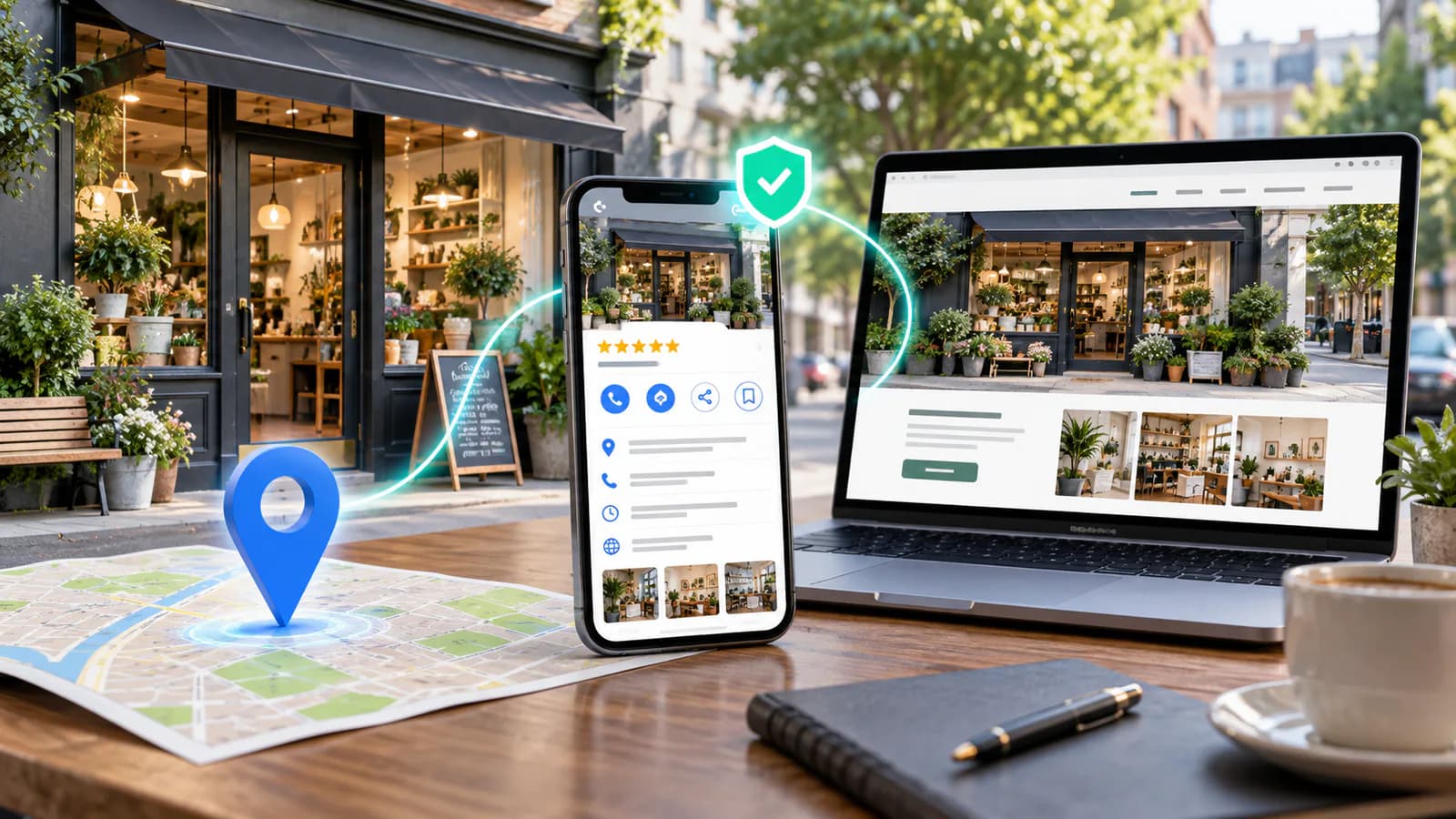
Your Google Business Profile and website are two parts of the same customer journey. Someone may discover the business on a map, inspect the hours, open the website, compare a service and call. If those steps tell different stories, the customer has to decide which information to trust.
Alignment means more than matching an address character for character. The business name, services, operating model, availability and next action should be consistent. Begin with a factual record of how the business operates, then compare both surfaces against it.
Establish the business information source
Create a private master record containing the public business name, primary phone, customer-facing address where applicable, service areas, ordinary hours, special hours and website destinations. Assign an owner who can confirm changes with operations.
Distinguish the legal entity name from the name customers actually encounter where relevant. Do not add service keywords or place names to a profile merely because they might attract attention. Google's representation guidelines require businesses to represent themselves accurately and provide detailed guidance on names and locations.
Record which facts vary by location. A shared company phone may be appropriate for some businesses, while others need location-specific contact routes. The website should make that relationship understandable rather than displaying several unexplained numbers.
Compare services and categories by meaning
Review the profile's categories and listed services against what the website actually offers. The wording does not need to be identical everywhere, but the meaning should agree. A profile promoting a service that has disappeared from the site can generate unsuitable inquiries.
Use the most accurate available profile categories and confirm their current options in the product. Do not choose loosely related categories simply to reach more searches. On the website, explain the service in customer language with scope and limitations.
For an illustrative repair company, the profile might describe appliance repair while the website explains the specific appliance types and exclusions. If the team no longer repairs one category, update the profile and relevant pages together so customers do not discover the restriction only after calling.
Choose the website destination deliberately
The main website link should lead to a page that helps the profile visitor continue. For a single-location business, the homepage may be suitable if it clearly explains the offer and contact details. For a multi-location company, a useful location page may provide better continuity.
Check the actual landing experience on a phone. Does it show the same business, location and service? Can the visitor find the phone, hours or appointment route without navigating several unrelated pages? Avoid sending a specific location's visitors to a generic campaign page with no local context.
Use campaign tracking parameters only through a documented measurement convention. The destination must still load correctly and preserve the relevant page. Keep ordinary internal links clean so attribution parameters do not spread throughout the website.
Reconcile hours and appointment expectations
Separate public opening hours, telephone availability and appointment-only service where those differ. A website that says open while the profile says closed can waste a trip. Explain whether customers may arrive without booking.
Plan for holidays, temporary closures and exceptional schedules. Updating ordinary hours does not necessarily express a one-day exception correctly. Have the responsible person verify the current profile controls and update the website notice where customers need it.
Avoid promising response speed that the team cannot maintain. If an inquiry sent after hours receives attention the next working day, the confirmation should say that. Any contact route actually offered through the profile, and the website form, needs an assigned response owner. Check which contact options are available for the account instead of assuming a built-in messaging feature exists.
Make contact details work, not merely match
Test phone links, contact forms, booking links and directions. Confirm that the receiving team recognizes the inquiry source and can answer the services advertised. A consistent number is still ineffective if calls are routed to an unmonitored line.
For businesses with several numbers, label the purpose of each. Customers should not have to guess whether a line is for sales, support or a particular branch. Keep the main route simple while providing specialized routes where they improve service.
Check maps and address presentation against the real entrance. A correct street address can still be confusing in a large building or shared premises. Useful arrival instructions may include the entrance, floor or parking arrangement, provided they are accurate and relevant.
Align visual evidence and customer expectations
Review profile photographs and website imagery together. They should represent the current premises, team, products or work. An old storefront image can make a customer think they have reached the wrong place even when the address is correct.
Use original, authorized visuals where possible. Do not imply that a stock photograph is the actual local team or premises. If a service-area business does not receive customers at an office, avoid imagery that suggests a walk-in showroom.
Keep testimonials and project examples accurate to the service described. Obtain permission where required and preserve enough context to avoid overstating the result. A review about a different offering should not be presented as proof of expertise in a service the customer never purchased.
Work through an alignment audit
Create a worksheet with the master fact, profile value, website value, discrepancy and owner. Start with the information most likely to block a visit or inquiry: identity, location, hours and contact. Then review services, visuals and secondary links.
For a hypothetical appointment-based studio moving premises, the audit might reveal an updated profile address, an old footer address and a booking confirmation that still links to the former map. Fix all three touchpoints and test a new booking from discovery through confirmation.
Do not declare the move complete after editing one screen. Ask someone unfamiliar with the change to follow the journey and identify where they would go. That practical rehearsal is often better at finding contradictions than a quick visual inspection of the homepage.
Measure local outcomes with appropriate limits
Review the profile's available performance information alongside website analytics and actual inquiries. Definitions differ across tools, so do not add every reported interaction together as though each represents a unique customer.
Google's local-ranking guidance identifies relevance, distance and prominence as main factors. Accurate, complete information supports the customer journey, but alignment does not remove geographic limits or guarantee a position in map results.
Track practical outcomes such as calls reaching the right team, bookings for supported services and fewer questions about the address. When traffic changes, consider seasonality, availability and competition before attributing the entire change to one profile edit.
Resolve a mismatch without adding more profiles
Imagine a company whose website promotes home visits across a region while its profile suggests a walk-in location. Customers begin arriving at an administrative address. The first task is to verify the actual operating model and correct the relevant representation, not create another profile to absorb the confusion.
Review the website's address label, map, photographs and appointment instructions together. A small phrase such as by appointment may be insufficient if the rest of the page strongly implies open public access. Make the customer-facing information consistent with the real service and Google's applicable rules.
After the changes, repeat the journey from profile discovery to contact confirmation. Ask a reviewer where they believe the service happens and whether they should travel to an address. Record the answer and any remaining ambiguity. This tests the practical consequence of alignment rather than only checking whether the same text appears in two places.
Keep the two surfaces synchronized
Add website and profile updates to the operational change checklist. New service, changed hours, moved premises and replaced phone numbers should each trigger a coordinated review. Keep access under business control and document who can make edits.
The local SEO service-business guide helps review the wider local presence. The website maintenance plan is useful for turning one-time corrections into an assigned routine.
Frequently Asked Questions
Must every sentence match exactly?
No. A profile is concise and a website can explain more. The essential facts and service meaning should agree, while each surface uses the detail appropriate to the customer's task.
Should I create profiles for every area I serve?
Do not assume that a service area qualifies as a separate business location. Follow Google's current eligibility and representation rules and describe coverage honestly on the website.
What does an alignment project include?
An alignment project should audit the factual record, landing destinations and local customer path. It needs access to the existing assets and a verified operations record so the work corrects actual contradictions and leaves a clear update owner. If you want help with it, you can send a project inquiry to discuss the scope.
Related posts

How to Adapt a Master Product Description Across Marketplaces
Keep product facts consistent while adapting titles, attributes, variants and descriptions to each sales channel's requirements.
Read article →

Marketplace Review and Trust Signal Guide
A practical guide to marketplace trust signals that help buyers feel safer before ordering.
Read article →

Pinterest and WooCommerce Strategy Guide
A practical guide to using Pinterest traffic with WooCommerce product and category pages.
Read article →
Author
Anushka Dahanayake
Anushka Dahanayake builds SEO-focused websites, e-commerce platforms, dashboards, and automation systems for businesses worldwide.