
Website Inquiry to Email Automation Workflow
A practical guide to automating website inquiry emails without losing a human touch.
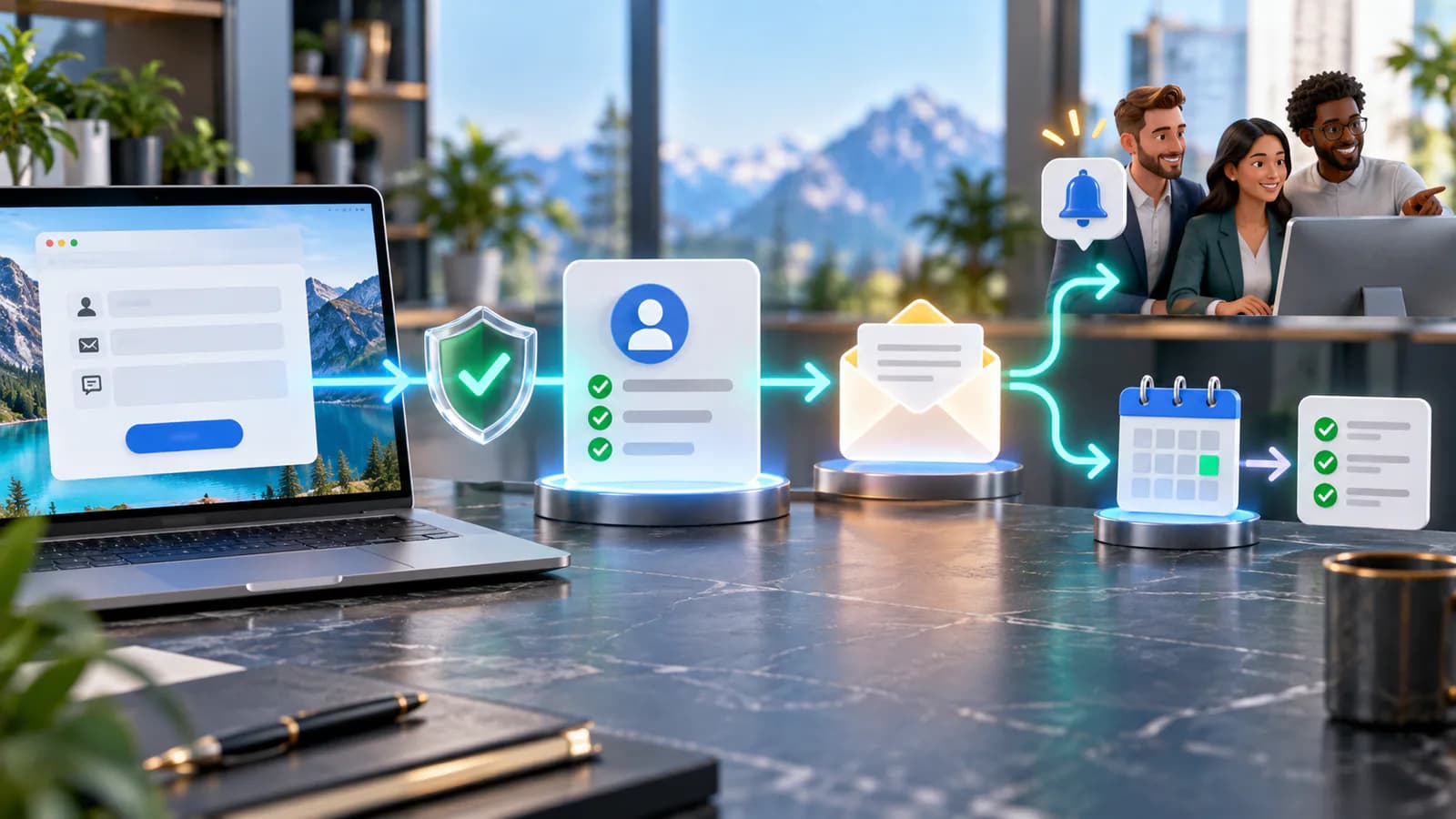
The first email after a website inquiry should confirm receipt, explain the next step and provide a way to correct the request. It should not imply that a person has reviewed the message when only an automation has run.
Save The Inquiry Before Sending
Treat the stored inquiry as the durable record. Give it an identifier, submission time, selected service and delivery status. Trigger confirmation and staff notification from that record. If email delivery fails, the business should still have the inquiry and a retryable task.
A useful confirmation for a design project might say that the project outline was received, name the service requested and state the team's actual review window. Do not promise an immediate quotation when scope assessment is still required. Avoid echoing attachments or sensitive free-text details into email unnecessarily.
Separate Customer And Staff Messages
The customer needs reassurance. The assigned colleague needs context and a link to the protected record. Avoid forwarding every submission to the entire company. Add a fallback owner for unknown services and absences, with an alert when an inquiry remains unassigned.
Distinguish acceptance by the email service from arrival in the inbox. Record delivery failures where the provider exposes them. Keep a manual contact path for urgent inquiries whose confirmations fail.
Exercise Failure Cases
Submit twice, disconnect the email provider, enter a malformed address and send a message outside office hours. Verify that retries do not create a new lead each time. A browser retry should not generate several identical confirmations.
Design The Inquiry Record And Send Queue
Separate the inquiry from the messages sent about it. The inquiry should have a stable reference, submission time, selected service, contact details and assignment. Each outgoing message needs its own purpose and delivery state. This lets staff distinguish a valid inquiry with a failed confirmation from a form that never stored anything.
Ask the developer how storage and message scheduling remain consistent. If the application saves the inquiry but crashes before asking the email provider to send, something must discover the unsent message later. One approach is to store the intended email work alongside the inquiry and process it from a queue. The exact implementation can vary; the acceptance requirement is that an interruption cannot silently lose the next step.
Use separate operation identifiers for customer confirmation and staff notification. Retrying a failed staff alert should not resend the customer receipt. Keep the approved email content version in the delivery record so a support colleague can establish what the prospect was actually sent.
Work Through A Submission During An Outage
Consider an illustrative engineering consultancy receiving a project inquiry at 4:50 p.m. The form stores reference INQ-204 and shows a receipt state. Its email provider is briefly unavailable, so both outgoing messages remain pending. The inquiry still appears in the internal queue, with a warning that notification has not completed.
At 5:05 p.m., the provider becomes available. The sender processes the existing queued messages and records provider references. It does not create INQ-205 or repeat the sales assignment. If the visitor also presses submit again after a browser timeout, duplicate-handling logic should prevent an accidental second copy while allowing a deliberately new request later.
The customer's receiving server subsequently rejects the confirmation because the address was mistyped. That event changes the email record to failed and creates a staff review task. It does not delete the original inquiry or mark it spam. If the visitor supplied an optional telephone number for contact, staff can use the business's agreed follow-up process to resolve the issue.
The required outcomes are straightforward: one inquiry, one accountable owner, a visible delivery failure and no false claim that the customer received an email. Write these as acceptance criteria before development. They are much stronger than a test that checks only whether the provider returned a successful API response.
Understand What Delivery Events Mean
An email provider accepting a send request is one stage. A recipient server accepting the message is another, and neither proves that a person read it. A later bounce can change the operational picture. Amazon SES explains asynchronous bounces and complaint handling; use the equivalent event documentation for your actual provider.
Keep the state names understandable to staff. Queued, submitted to provider, delivered to recipient server and failed are more useful than a single sent flag. Not every provider exposes identical events, so show unknown where evidence is missing instead of inventing certainty.
Choose retry behavior by error type. A temporary provider outage may justify a delayed retry. A permanently invalid address usually needs correction, not repeated sends. Repeated failures should become visible in a monitored queue with a clear owner and a route to stop retries.
Write Two Different Emails
The customer receipt should identify the business, reference the request and explain the next step in plain language. Include a reply route monitored by the team. Avoid wording such as your project is approved when nobody has reviewed it, or a response-time promise the team cannot cover outside working hours.
For example, a useful message could confirm receipt of a redesign outline, explain that a consultant will review scope during stated working hours and say that replying adds information to the request. This gives the visitor something practical without pretending that automation performed an assessment.
The staff message has a different job. Include the selected service, a brief safe summary, assignment and a link to the protected inquiry. Do not copy every attachment or sensitive answer into a broad distribution list. If several departments need awareness, distinguish the owner from observers so everyone does not assume someone else will reply.
Decide how replies attach to the inquiry. If the team uses a shared inbox, preserve enough reference information to find the record. Test a customer who changes the subject line or replies from another address. The system needs an exception path for messages it cannot confidently associate.
Prevent Abuse Without Hiding Real Requests
Public forms receive automated submissions as well as genuine inquiries. Validate fields on the server, limit unreasonable payload sizes and restrict accepted attachment types. Keep bot controls proportionate to the form and provide a way to report problems. A challenge that blocks a legitimate visitor is still a broken inquiry path.
Do not let arbitrary form text become email headers or unescaped markup. Confirm that the implementation treats visitor content as data. Avoid including full inquiry bodies in diagnostic logs when identifiers and error categories are sufficient for troubleshooting.
Separate permission for responding to an inquiry from broader marketing enrollment. The confirmation should not quietly subscribe the visitor to unrelated sequences. If the form includes an optional marketing choice, store that choice distinctly and confirm how subsequent updates respect it.
Test The Workflow From Both Sides
Create a small acceptance matrix and have someone outside the implementation team run it. They should use the visible website while a colleague checks the inquiry record and message history. This catches cases that look successful in the browser but leave no actionable internal record.
Include a normal inquiry, repeated submission, malformed address, provider outage, large attachment, missing required field and an after-hours request. Check whether input survives validation errors. Test the fallback owner by selecting an unknown or newly added service, because routing lists often become stale when a business changes its offers.
The lead-management automation guide covers the next stage of ownership and follow-up. The API integration overview provides context when the form must pass information into several systems. Use those guides to define boundaries rather than asking one email notification to stand in for a complete CRM record.
Frequently Asked Questions
Should a confirmation email contain the whole submission?
Usually it only needs enough context to reassure the visitor and identify the request. Full answers can include sensitive or mistaken information. Decide what is appropriate for the service, and keep protected details in the inquiry system where access and retention can be managed.
What should happen when email fails?
Keep the inquiry, record the failure and assign the next action. Retry temporary failures according to the provider's guidance, but route invalid addresses for correction. The internal dashboard should expose failures even when the alerting email channel is itself unavailable.
What should be included in the website project?
For Business Website Development, specify form storage, customer receipts, owner notifications and test scenarios as part of the inquiry requirements. Confirm any advanced queue, CRM integration or email-provider work in the agreed scope. The useful acceptance test is whether a missed notification becomes visible and recoverable, not whether one test email arrived during development.
Related posts

Inventory Automation Guide for Multi-Channel Sellers
A practical inventory automation guide for sellers managing multiple channels.
Read article →

Internal Operations Dashboard Guide
A practical internal operations dashboard guide for growing teams.
Read article →

Proposal Automation Workflow for Agencies
A practical guide to proposal automation workflows for agencies and consultants.
Read article →
Author
Anushka Dahanayake
Anushka Dahanayake builds SEO-focused websites, e-commerce platforms, dashboards, and automation systems for businesses worldwide.