
Website Content Brief Guide Before Development
A practical guide to preparing website content before design and development begin.
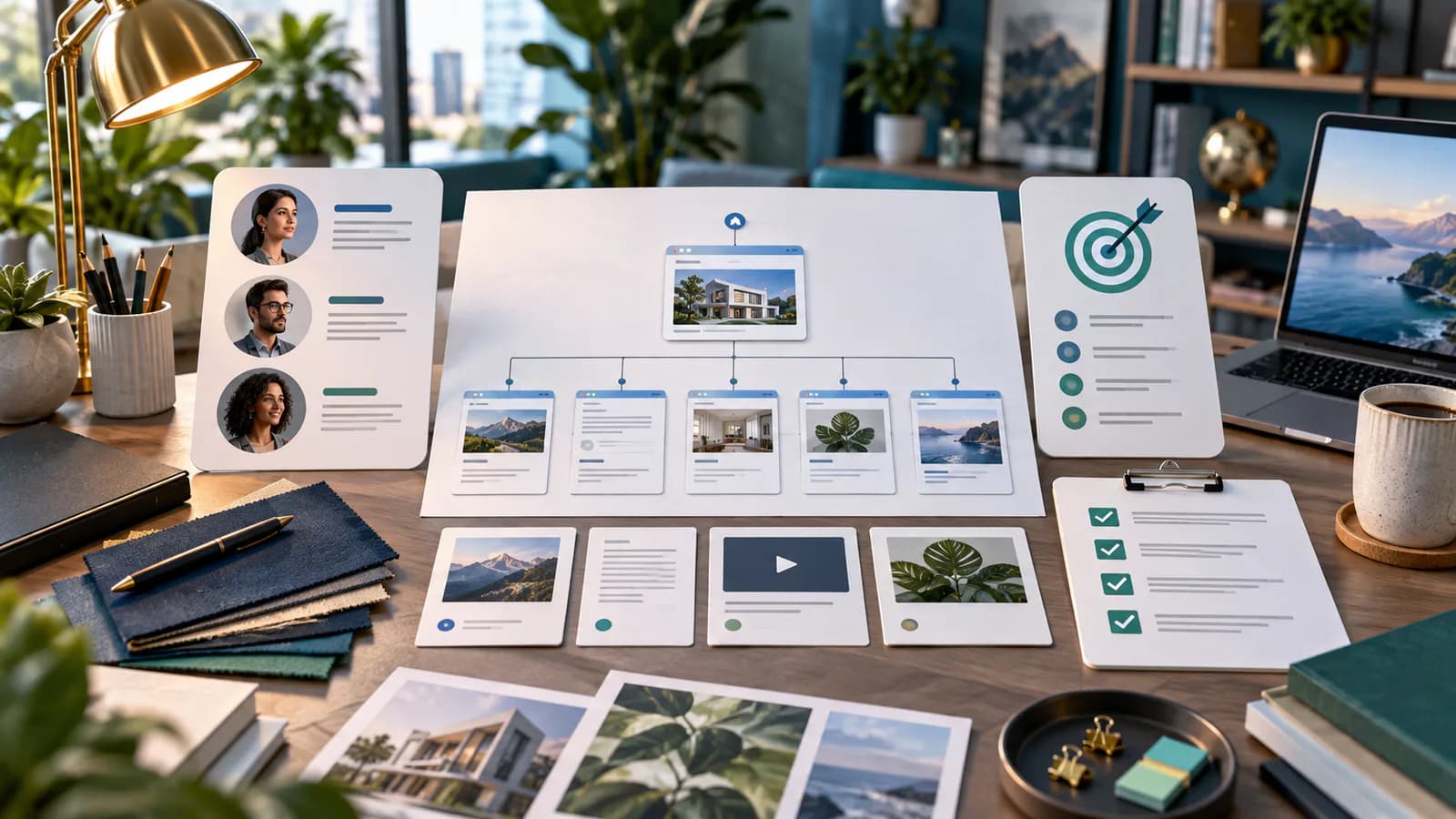
A website content brief turns business knowledge into a clear instruction for each page. It tells the team who the page serves, what it must explain, which evidence is available and what the visitor should do next. Without that preparation, design decisions are often made around placeholder text that bears little resemblance to the final content.
The brief does not require a business owner to deliver perfect copy before speaking with a designer. It requires the underlying facts, decisions and responsibilities to be visible. Writers and developers can help shape the content once they understand what the business actually needs to communicate.
Begin with the business and audience
Describe the business model, priority services or products and the people the site should help. Include the main questions those people ask before buying or contacting. Avoid reducing the audience to a demographic label when the important distinction is their task or level of knowledge.
For an illustrative commercial-maintenance company, a facilities manager may need coverage, service scope and an assessment route. A homeowner seeking an unrelated repair is not the primary audience. That distinction should influence terminology, proof and forms throughout the brief.
State the site's primary outcome and relevant secondary tasks. A business site may prioritize qualified inquiries while also supporting existing customers. The brief should explain that hierarchy so every page does not compete to collect the same action indiscriminately.
Inventory existing pages and assets
List current URLs, page titles, content owners and any useful search or business information. Mark which pages are retained, revised, consolidated or replaced. Preserve important URLs unless a reviewed migration plan requires a change.
Collect brand assets, product or service documents, approved photographs, testimonials and policy information. Record usage rights and the source of technical facts. A folder of unexplained images can slow production almost as much as having no images.
Identify missing evidence early. If the planned site needs project examples but none are approved, assign that work before design depends on them. Do not let placeholder logos or invented statistics become permanent because the layout has already been built around them.
Give every page one primary job
For each page, write the intended reader, question, key message and next destination. A service page explains a particular offer. An about page establishes relevant identity and background. A contact page helps someone choose and complete the appropriate route.
Keep neighboring pages distinct. If two planned service pages would contain the same scope, proof and questions, review whether they represent different offers or only different internal labels. Clear boundaries reduce duplication and make navigation easier.
The business website development guide provides broader context for choosing pages. Use it to check that the brief describes a complete customer path rather than an arbitrary list of familiar page names.
Write a section-level content outline
For each important page, list the sections in the order a reader needs them. Describe the purpose and evidence for each section. You might include the offer, suitable audience, scope, process, proof, practical questions and contact action, but the exact structure should follow the service.
Use actual proposed headings where possible. A heading such as What your maintenance visit includes is more informative than Content block three. It helps the designer understand the hierarchy and gives the writer a concrete assignment.
Avoid treating the outline as a demand for a particular visual component. A comparison may be a table, a short list or a diagram depending on the content. State the information relationship first and let design choose an appropriate presentation.
Develop one worked page brief
For the maintenance-company example, choose the planned commercial inspection page. The reader is a facilities manager assessing a scheduled inspection. The primary question is whether the service covers their premises and what they receive afterward.
The opening should state the service and coverage. Scope should explain included checks using verified operational information. The process should describe booking, preparation, the visit and the resulting report. Proof should use an approved example or relevant credentials. The action should request the details needed for an assessment.
Add dependencies: the operations manager must approve scope, the administrator must confirm the response process and the business must supply authorized photographs. This makes the brief actionable for the team rather than leaving a writer to invent the service from a title.
Separate facts, claims and draft wording
Mark verified facts clearly and identify their source. Distinguish a commercial promise that needs approval from a suggested sentence that can be edited. This prevents the design team from treating an enthusiastic draft as an approved guarantee.
For technical or platform information, link to the relevant official documentation and record the review date. Features, limits and plan eligibility can change. Avoid copying a competitor's explanation without checking whether it applies to your implementation.
Google's people-first content guidance is a useful editorial reference for creating reliable material for an intended audience. The brief should ask for an answered question and credible evidence, not a target volume of repeated keywords.
Specify images by informational purpose
Write a shot or asset requirement for each image: what it shows, why the reader needs it and where it belongs. A real team photograph and a process diagram serve different purposes. Do not request a generic professional image when the page needs evidence of the actual work.
Provide captions or context where a photograph could be misunderstood. Identify whether a scene shows a completed project, a demonstration or a stock illustration. Keep essential details in text as well so the page is usable when an image is unavailable or difficult to interpret.
Record preferred crop constraints and any important subject that must remain visible. The designer can then create responsive layouts without cutting out the product, person or detail the image was chosen to communicate.
Define forms and actions in the brief
Describe what each call to action means and where it leads. Request a quote, book a consultation and send a support question are different workflows. State the information required and the promise shown after completion.
Include the receiving team, notification route and response expectation. Content and functionality meet at these points: a page promising a callback needs a process capable of delivering it. Avoid approving copy independently of the operational owner.
For downloadable resources or gated content, clarify what the visitor receives and whether any follow-up is optional. The brief should make the exchange understandable so the implementation does not rely on ambiguous button labels or hidden conditions.
Plan metadata and internal links
Give each page a clear search intent and a proposed title and description. These should summarize the actual content and offer, not introduce promises absent from the page. Keep important existing URL information visible during redesign planning.
Specify useful internal destinations: related services, preparation guides, evidence and contact routes. Link because the destination helps the reader continue, not because every page must contain an arbitrary number of links.
The website scope and budget guide helps connect content requirements with project effort. Original case material, photography and complex product data need time and ownership in the estimate.
Set review and approval responsibilities
Assign one final content approver and identify specialist reviewers for factual sections. Set review dates and define what approval means. A business owner approving tone does not necessarily verify technical specifications or operational promises.
Use a visible status for each page: facts collected, draft ready, reviewed, approved and implemented. Keep revisions in a controlled location so the developer is not choosing between several conflicting documents. Record late changes that affect layout or functionality.
Review content in the implemented page before launch. Headings may wrap differently, images may crop and a long answer may become difficult to scan on mobile. Final acceptance should include the actual page and working links, not only the source document.
Frequently Asked Questions
Must all copy be final before design starts?
No, but the page purpose, factual content and approximate structure should be sufficiently clear. Detailed design can proceed with representative approved material while remaining drafts are completed through a defined process.
Who should write the brief?
The business supplies knowledge and decisions, while a strategist or writer can organize them into page assignments. The best brief combines operational accuracy with the audience's questions rather than relying on either side alone.
What should planning produce?
Planning should turn rough notes into a sitemap, page briefs and development requirements before Business Website Development begins; that service covers a business site with service pages, inquiry paths and a measurable launch setup. Bring existing content, service information and known gaps so the project begins with clear decisions and realistic responsibilities.
Related posts

How to Adapt a Master Product Description Across Marketplaces
Keep product facts consistent while adapting titles, attributes, variants and descriptions to each sales channel's requirements.
Read article →

Pinterest Seasonal Campaign Guide for Product Brands
A practical guide to seasonal Pinterest planning for product brands and online stores.
Read article →

Pinterest Product Pin Optimization Guide
A practical guide to making Pinterest product pins clearer, more searchable and more useful for shoppers.
Read article →
Author
Anushka Dahanayake
Anushka Dahanayake builds SEO-focused websites, e-commerce platforms, dashboards, and automation systems for businesses worldwide.