
E-commerce SEO Audit Guide for Online Stores
A practical e-commerce SEO audit guide for Shopify, WooCommerce and marketplace-connected stores that need better organic visibility.
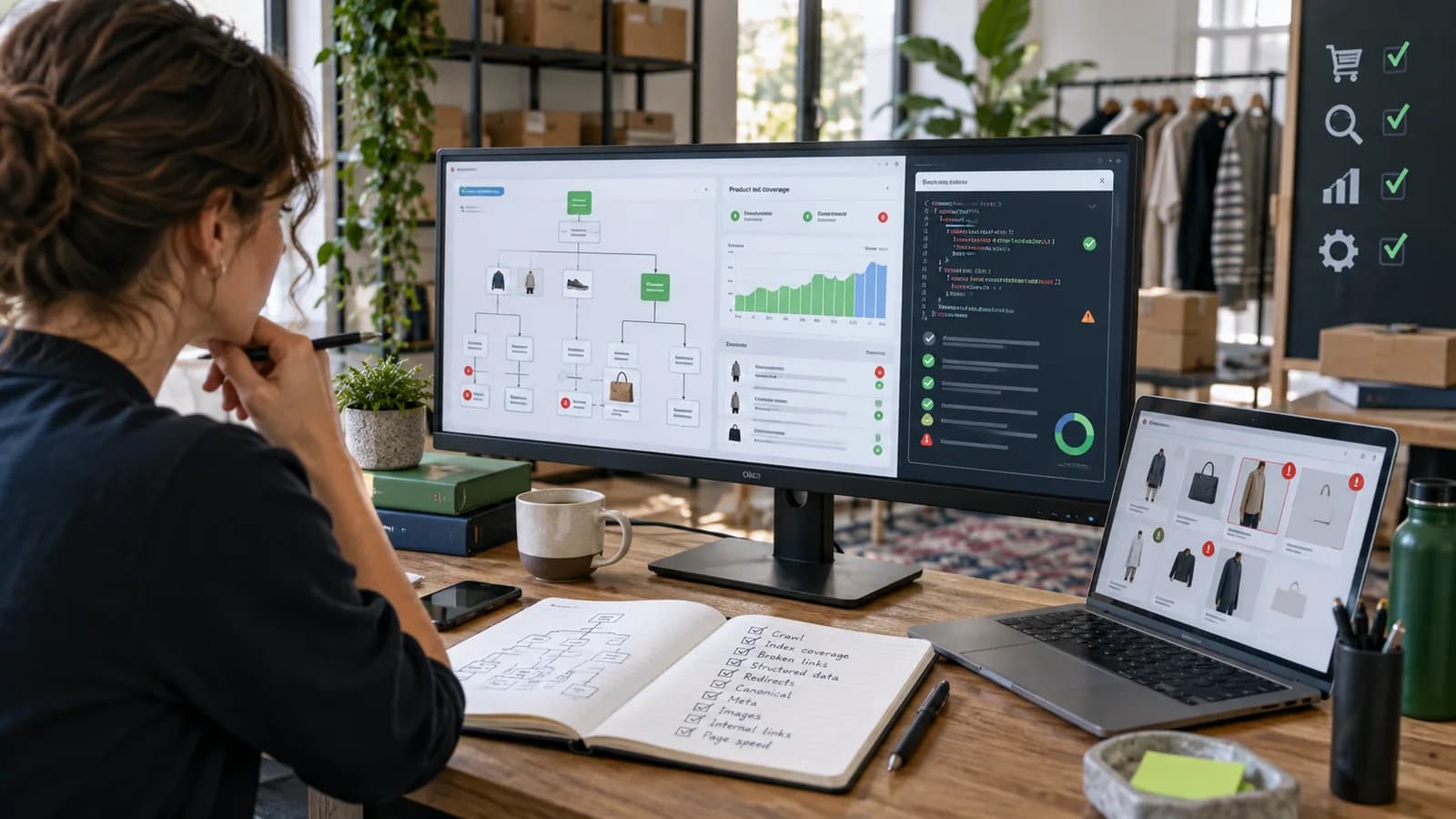
An e-commerce SEO audit checks whether search engines can discover, understand and trust the pages that matter most to revenue. It is different from a basic website audit because online stores have product pages, category pages, filters, variants, stock changes, price data, reviews, structured data, duplicate URLs and checkout-related performance issues.
The purpose of an audit is not to collect a huge list of technical complaints. The purpose is to find the problems that block indexing, weaken rankings, confuse buyers or prevent organic traffic from becoming sales.
This guide supports E-commerce SEO and Product Page Optimization.
Key Takeaways
- E-commerce SEO audits should prioritize revenue pages, not only technical scores.
- Indexation, canonicals, duplicate filters and thin categories are common store problems.
- Product pages need unique copy, useful images, structured data and internal links.
- Category pages often have more SEO value than individual product pages.
- Speed matters most on product, collection, cart and checkout journeys.
- Blog content should support product and category pages through internal links.
- Every audit should end with priorities, owners and expected business impact.
Start With Revenue Pages
Begin by listing the pages that matter most:
- Homepage.
- Main product categories.
- Best-selling products.
- High-margin products.
- Seasonal products.
- Paid campaign landing pages.
- Blog posts that already get traffic.
- Pages with impressions but low clicks.
- Pages with traffic but low conversion.
This prevents the audit from spending all its energy on low-value issues. A missing alt attribute on an old image is less urgent than a blocked collection page or broken product schema on best sellers.
Check Indexation and Crawl Access
Search engines need clean access to indexable pages.
Review:
- Robots.txt.
- XML sitemap.
- Canonical tags.
- Noindex tags.
- Redirects.
- 404 pages.
- Parameter URLs.
- Filter URLs.
- Pagination.
- Product variant URLs.
- Out-of-stock pages.
Stores often create duplicate pages through filters, sorting options, tags, search URLs and variant URLs. Some duplicates are harmless when handled correctly. Others waste crawl budget and confuse ranking signals.
Use Google Search Console to compare submitted pages, indexed pages and excluded pages. Look closely at important category and product URLs.
Audit Category Pages
Category pages are often the strongest SEO landing pages for e-commerce stores because they match broad buying intent.
Check whether each important category has:
- Clear H1.
- Helpful intro copy.
- Relevant products.
- Clean URL.
- Metadata.
- Internal links.
- Breadcrumbs.
- Filter handling.
- Unique purpose.
- Useful sorting.
Avoid category pages that are just product grids with no context. A shopper searching for a product category often needs guidance, comparison and confidence.
Audit Product Pages
Product pages should be unique and useful.
Review:
- Product title.
- Product description.
- Benefits.
- Specifications.
- Images.
- Alt text.
- Price.
- Availability.
- Shipping information.
- Returns information.
- Reviews.
- FAQs.
- Related products.
- Product schema.
Many stores copy manufacturer descriptions or write very short product copy. That weakens search differentiation and does not help buyers. Product content should answer real buying questions.
Review Technical SEO
Technical checks include:
- Title tag uniqueness.
- Meta description quality.
- Heading structure.
- Schema markup.
- Breadcrumb markup.
- Canonicals.
- Sitemap freshness.
- Redirect chains.
- Broken links.
- Image optimization.
- Mobile rendering.
- JavaScript-rendered content.
- International targeting if relevant.
For Shopify stores, check theme output and app scripts. For WooCommerce stores, check plugins, theme templates, hosting and database performance.
Check Internal Links and Content
Internal links help search engines and customers understand priorities.
Useful link paths include:
- Blog guide to related category.
- Category to buying guide.
- Product to related product.
- Homepage to main categories.
- Service or support content to commercial page.
- FAQ to relevant product collection.
Content should not be random. Blog posts should answer questions that lead naturally to products or services. A guide about choosing a payment gateway should link to payment setup or checkout services. A guide about product page SEO should link to product page optimization.
Measure Speed and User Experience
Speed affects both buyers and search performance.
Test:
- Homepage.
- Category page.
- Product page.
- Cart.
- Checkout.
- Blog article.
Review large images, unused scripts, heavy apps, layout shifts, slow hosting, render-blocking files and third-party trackers. Do not optimize only the homepage while product and checkout pages remain slow.
Prioritize Fixes
A useful audit ends with decisions.
Use a simple priority model:
| Priority | Meaning |
|---|---|
| Critical | Blocks indexing, checkout, revenue tracking or important pages |
| High | Affects ranking or conversion on major categories/products |
| Medium | Improves quality but does not block performance |
| Low | Nice to fix when higher priorities are complete |
Assign each issue an owner, expected impact and next action. SEO work becomes much easier when the audit is written as a roadmap, not a complaint list.
Example 30-Day Audit Roadmap
A practical audit should turn into staged work.
Week one should focus on discovery and measurement. Export important URLs, review Google Search Console, check analytics, crawl the site, identify revenue pages and list indexation problems. This creates the baseline.
Week two should focus on technical blockers. Fix accidental noindex tags, broken canonicals, sitemap problems, redirect chains, missing schema, blocked important pages and severe mobile rendering issues.
Week three should focus on page quality. Improve priority category pages, best-selling products, thin descriptions, internal links, metadata and image alt text. This is where search intent and conversion copy meet.
Week four should focus on content and reporting. Update useful blog posts, create missing buying guides, connect articles to products and build a reporting view that tracks impressions, clicks, conversion actions and revenue where possible.
This roadmap prevents SEO from becoming endless. It turns the audit into action.
Common E-commerce SEO Audit Mistakes
Avoid these mistakes:
- Auditing every URL with the same priority.
- Spending days on tiny issues while important categories are not indexed.
- Ignoring product and category page quality.
- Treating speed as a homepage-only issue.
- Forgetting mobile shoppers.
- Adding blog posts without internal links to products or services.
- Failing to check tracking before judging SEO performance.
- Creating recommendations with no owner or next step.
An e-commerce audit should be commercial. It should help the business understand what affects visibility, buyer confidence and revenue.
What to Deliver After the Audit
A strong audit deliverable should include:
- Summary of the highest-risk findings.
- List of affected URLs.
- Screenshots or evidence where useful.
- Priority score.
- Recommended fix.
- Business impact.
- Technical owner.
- Content owner.
- Suggested timeline.
- Follow-up measurement plan.
This makes the audit easier to use. A business owner should not receive a confusing spreadsheet with hundreds of unexplained rows. They should receive a roadmap that helps them decide what to fix first.
Tools and Evidence to Collect
An e-commerce SEO audit should use more than one data source. Search Console shows how Google is discovering, indexing and serving pages. Analytics shows what users do after landing. A crawler shows internal links, titles, redirects, status codes and duplicate patterns. The CMS or store admin shows product status, stock rules, collection rules and app behavior. Server logs, when available, show how bots and users actually request URLs.
Useful evidence includes:
- Google Search Console coverage, performance and sitemap data.
- GA4 landing page, conversion and revenue reports.
- Product export with SKU, status, stock, price and category fields.
- Crawl exports for status codes, canonicals, titles and headings.
- Page templates for category, product, blog and checkout pages.
- Structured data validation results.
- Core Web Vitals and field data where available.
- Payment, shipping and checkout error records when SEO traffic is not converting.
Do not treat automated scores as truth by themselves. Use them as clues. The audit should connect every technical finding to a real URL, intent, business impact or implementation risk.
Schema and Rich Result Checks
Online stores often add structured data through themes, apps, plugins or custom code. That creates duplicate or conflicting markup when more than one tool tries to describe the same product.
Check that product pages use accurate Product, Offer, AggregateRating and Review markup only when the visible page supports it. Price, currency, availability and condition should match what shoppers can see. Do not mark every item in a category grid as a full product offer if the page is not an individual product page. Breadcrumb markup should match the visible breadcrumb path.
For WooCommerce, review theme templates, SEO plugins and schema plugins together. For Shopify, review theme JSON-LD, app-injected schema and any custom snippets. For custom stores, define schema as part of the product data model so price, availability and variant data stay consistent.
Content Pruning and Consolidation
Many stores accumulate low-value pages over time: duplicate tag pages, old sale URLs, empty collections, outdated buying guides, discontinued product pages, copied supplier descriptions and search-result pages that accidentally become crawlable.
Pruning does not mean deleting everything with low traffic. First decide the page's job. Some old URLs should be improved because they have links, impressions or seasonal value. Some should redirect to a close replacement. Some should return 404 or 410 because no equivalent exists. Some should remain available for users but stay out of the index.
Use intent, inventory, backlinks, impressions, conversion and internal-link value before choosing the action. A controlled pruning plan can improve crawl focus and quality signals; a careless deletion pass can remove pages that were quietly supporting revenue.
Store Type Differences
Shopify, WooCommerce and custom commerce systems create different SEO risks.
Shopify audits often focus on theme speed, app script weight, collection URL variants, product handles, duplicate product URLs, structured data conflicts and limitations in checkout customization.
WooCommerce audits often focus on hosting, database performance, plugin conflicts, faceted navigation, category archives, product schema, image sizes, cache behavior and update safety.
Custom stores often focus on rendering strategy, route structure, canonical logic, product data APIs, sitemap generation, schema quality, deployment workflow and analytics event reliability.
The audit should respect the platform instead of applying a generic checklist blindly.
Reporting and Ongoing Monitoring
After fixes are deployed, measure whether the important pages improve. Track impressions, clicks, average position, indexed URL count, crawl anomalies, revenue from organic traffic, add-to-cart rate, checkout completion and assisted conversions.
Create a short monthly SEO operating report:
- What changed this month.
- Which priority pages improved or declined.
- Which technical issues remain open.
- Which new content supports commercial pages.
- Which product/category pages need copy or schema work.
- Which fixes require developer time.
This is especially important for stores that add products weekly. SEO quality is not a one-time launch task; it is part of catalog operations.
Frequently Asked Questions
How often should an e-commerce store run an SEO audit?
Run a full audit before launch, after major redesigns or migrations, and at least a few times per year for active stores. High-change catalogs need more frequent checks.
What is the most important part of an e-commerce SEO audit?
Indexation and revenue-page quality come first. If important category or product pages cannot be indexed or understood, smaller optimizations will not matter much.
Should product pages or category pages be optimized first?
Usually optimize important category pages and best-selling product pages first. The right order depends on search demand, margin and current traffic.
Can blog posts help e-commerce SEO?
Yes, when blog posts answer buying questions and link to relevant products or collections. Random blog posts with no product connection are weaker.
What should an audit deliver?
An audit should deliver findings, priorities, affected URLs, recommended fixes, owners and a practical order of work.
For implementation, connect the audit to E-commerce SEO and Product Page Optimization.
Related posts

Shared vs VPS vs Managed Hosting for a Small Business Website or Store
A plain comparison of shared hosting, VPS and managed hosting or PaaS for small business sites and online stores: responsibilities, isolation and performance, the signs a WooCommerce store or Next.js app has outgrown shared hosting, GDPR data residency, and a decision table.
Read article →

Passkeys and MFA for Small Teams: What to Choose and How to Roll It Out
A practical guide to multi-factor authentication for small businesses: SMS codes vs authenticator apps vs passkeys and security keys, which accounts to protect first, how to avoid lockouts with recovery codes and backup methods, and a phased rollout plan for a small team.
Read article →

Product Page SEO Services Guide for E-commerce Brands
A practical guide to product page SEO services for Shopify, WooCommerce and marketplace-connected stores.
Read article →
Author
Anushka Dahanayake
Anushka Dahanayake builds SEO-focused websites, e-commerce platforms, dashboards, and automation systems for businesses worldwide.