
E-commerce Blog Setup Guide for Store Owners
A practical guide to building a store blog that supports SEO, product discovery and customer education.
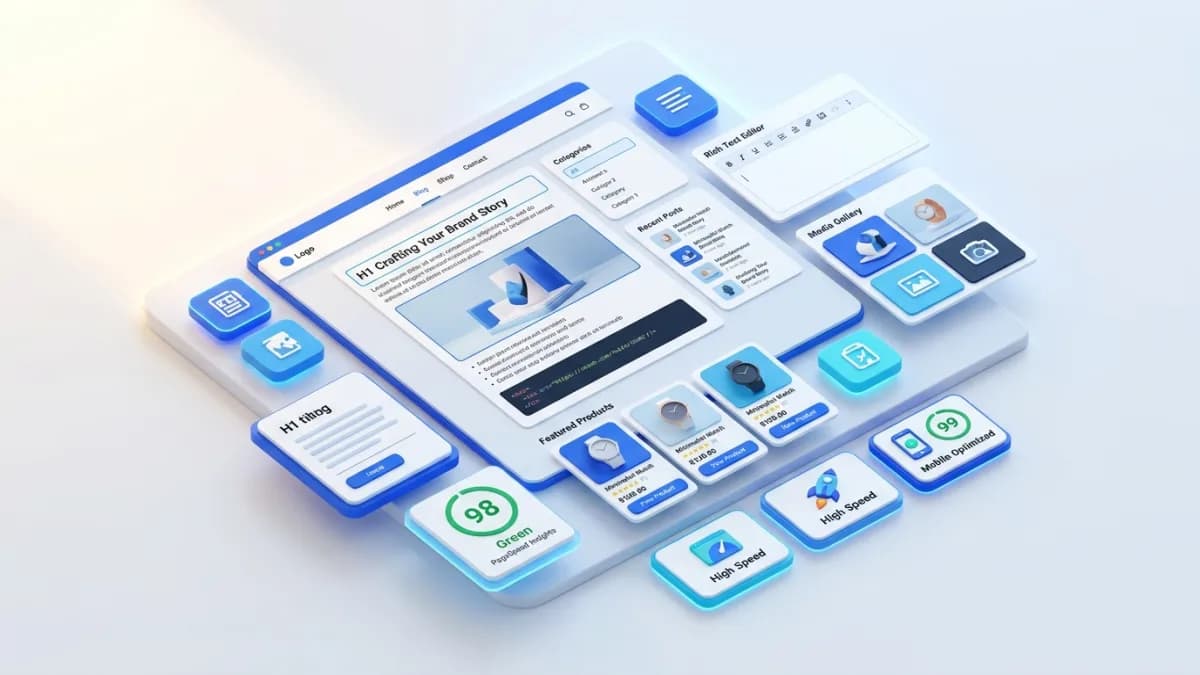
Adding a blog to an online store is a small technical change only when the publishing requirements are simple. Once the store needs multiple authors, product links, review dates, useful categories, structured data, and a dependable editorial workflow, setup becomes a set of important design decisions.
An e-commerce blog setup should create a publishing system the team can operate confidently. The goal is to make useful articles easy to produce, find, and maintain while keeping them connected to the store's products and customer questions.
Define What the Blog Will Contain
List the content types you expect: buying guides, product comparisons, care instructions, project ideas, announcements, and support explanations. Some may belong in a help center or product page instead of the blog.
Give each type a purpose and owner. A product-care article may need approval from the product specialist. A company announcement may need a different review process. Treating every page as an interchangeable text entry can hide those responsibilities.
For an illustrative craft-supply store, the blog could explain material selection and project techniques, while a help section handles order tracking and returns. That distinction makes navigation clearer and keeps policy information in a dependable location.
Choose a Platform Based on Editorial Needs
Review the store's existing publishing capabilities before adding another system. Consider author permissions, previews, revisions, scheduling, image handling, redirects, and the ability to link products cleanly.
A separate content system may be justified by substantial editorial requirements, but it also creates integration and maintenance work. Account for search, navigation, analytics, and consistent customer experience across the store and blog.
The e-commerce platform selection guide helps frame these tradeoffs. Avoid choosing a publishing tool solely because a demonstration looks attractive; test the workflow your team will actually use.
Plan URLs and Categories Before Publishing
Choose stable, descriptive article URLs and a small set of categories that reflect reader needs. Categories should help someone find related material, not merely describe internal campaign ownership.
Do not create a public category for every minor keyword or product variant. Empty or sparsely useful archives can make the blog harder to browse. Keep internal workflow labels separate from public navigation where the platform allows it.
For the craft store, categories such as material selection and project guidance may be more useful than a growing list of near-duplicate tags. Test the labels with someone unfamiliar with the internal catalog.
Document how URL changes are handled. Editors should know when to preserve a slug, how redirects are created, and which internal links need updating. A title revision does not automatically require a new URL.
Define the Article Fields
At minimum, plan a title, excerpt, body, author information, relevant imagery, category, and search metadata. Add publication and substantive review information where the platform supports them accurately.
Distinguish editorial status from publication date. Draft, in review, approved, and published describe workflow. A scheduled date should not imply that factual review has been completed.
Consider structured fields for related products or articles if those relationships need maintenance at scale. The benefit is easier validation and updating, not filling the page with automatic recommendations unrelated to the topic.
Keep claims and source notes accessible to editors. They do not all need to appear as administrative fields on the public page, but the team should be able to trace product-specific statements during updates.
Build a Readable Article Layout
Test headings, paragraphs, lists, tables, images, captions, and quotations using realistic content. A layout that works with a short sample paragraph can fail with a comparison table or a long product name.
Use a comfortable reading width and clear heading hierarchy. Keep paragraphs short enough to scan, especially on mobile. Ensure tables can be used without covering adjacent text or shrinking labels beyond readability.
If the site generates a table of contents from headings, make that the single maintained navigation source. Editors should not have to update a second manual list whenever a section changes.
Product links and calls to action should fit the article's task. Avoid placing a large promotional interruption between a question and its answer. A useful next step belongs where the reader can apply the information.
Prepare Images as Editorial Assets
Define image dimensions and responsive behavior for featured images, inline illustrations, and product examples. Preserve the intended subject across desktop and mobile crops. A diagram loses value if a key measurement is cut off.
Record image rights and credits where required. Do not treat any image found online as reusable. Product demonstrations should show the actual item accurately, with essential information available in text when needed.
Write meaningful alternative text for informative images and avoid repeating decorative descriptions unnecessarily. Keep captions separate when they explain context visible to all readers.
Test image loading and layout stability. Articles should remain readable while images load, and a missing asset should not make the entire page unusable.
Configure Search Presentation Accurately
Provide unique, descriptive title and description fields, then preview the rendered output. Google's title-link guidance explains that search titles can be generated from several page signals. A metadata field influences presentation without guaranteeing exact display.
Article markup should reflect the actual headline, author, images, and dates. The official Article structured-data documentation is the reference for supported properties and validation.
Confirm canonical URLs, intended index settings, and sitemap inclusion for published articles. Draft and preview access need their own controls. Do not rely on an obscure preview URL alone to protect unpublished or private material.
Connect the Blog to the Catalog
Plan links from articles to relevant products and collections, and from product pages to genuinely useful buying or care guidance. The relationship should follow the customer's question.
For the craft-supply example, an article comparing paper types can link to appropriate collections with clear selection criteria. A product page can link back to the technique guide where it explains compatible uses.
The product-page SEO guide provides context for maintaining accurate information at the buying destination. An excellent article cannot resolve a product page that omits dimensions or availability.
Establish Roles and Release Checks
Assign who drafts, checks facts, edits, approves, and publishes. The same person may hold several roles in a small team, but the responsibilities should be explicit.
Create a focused release checklist covering factual accuracy, working links, approved imagery, readable rendering, correct metadata, and the intended publication state. Include a check that product recommendations remain available and suitable.
Test scheduled publishing with the platform's timezone behavior before relying on it for campaigns. Keep a way to correct or unpublish an erroneous release through the normal authorized process.
Measure and Maintain the System
Define analytics events for useful article-to-product actions where appropriate, and validate them before building reports. Avoid counting every scroll as evidence of commercial success.
Assign review triggers for product changes, broken links, outdated platform instructions, and source updates. A blog setup should include the ability to maintain content, not only create it.
Keep backups and revision history according to the platform and business needs. Confirm that the team can recover content and associated assets, especially when a separate publishing system is involved.
Frequently Asked Questions
Should the blog use a separate domain?
Base the decision on the existing architecture, editorial requirements, and maintenance capacity. A separate domain introduces additional navigation and measurement considerations. It should have a clear reason beyond visual preference.
How many categories should launch with the blog?
Use enough to organize the actual content meaningfully. Start with a small, understandable set and expand when the body of work justifies it. Empty categories do not make a new blog more complete.
Is technical setup enough to make the blog useful?
No. The system enables publishing; useful research, product knowledge, editing, and ongoing review create the value readers receive.
Related posts

Shared vs VPS vs Managed Hosting for a Small Business Website or Store
A plain comparison of shared hosting, VPS and managed hosting or PaaS for small business sites and online stores: responsibilities, isolation and performance, the signs a WooCommerce store or Next.js app has outgrown shared hosting, GDPR data residency, and a decision table.
Read article →

How to Secure a New Ubuntu VPS: A Setup Checklist for Business Websites
A step-by-step hardening checklist for a fresh Ubuntu 26.04 or 24.04 LTS VPS that will host a business website, with copy-paste commands for SSH keys, ufw, unattended-upgrades, fail2ban, time sync, swap, monitoring and backups.
Read article →

Deploy a Next.js 16 App on a VPS with Nginx, systemd or PM2, and HTTPS
A working guide to running Next.js 16 on your own VPS: Node.js LTS, build-time versus runtime environment variables, a systemd unit and PM2 alternative, an Nginx server block with certbot HTTPS, the standalone output option, logs, and a two-port release script.
Read article →
Author
Anushka Dahanayake
Anushka Dahanayake builds SEO-focused websites, e-commerce platforms, dashboards, and automation systems for businesses worldwide.