
Local SEO for Multi-Location Service Businesses: Structuring Landing Pages and Schema Hierarchies
Scaling local search traffic across multiple regions? Discover the routing structures and nested local Schema layouts needed to rank Google Maps profiles.
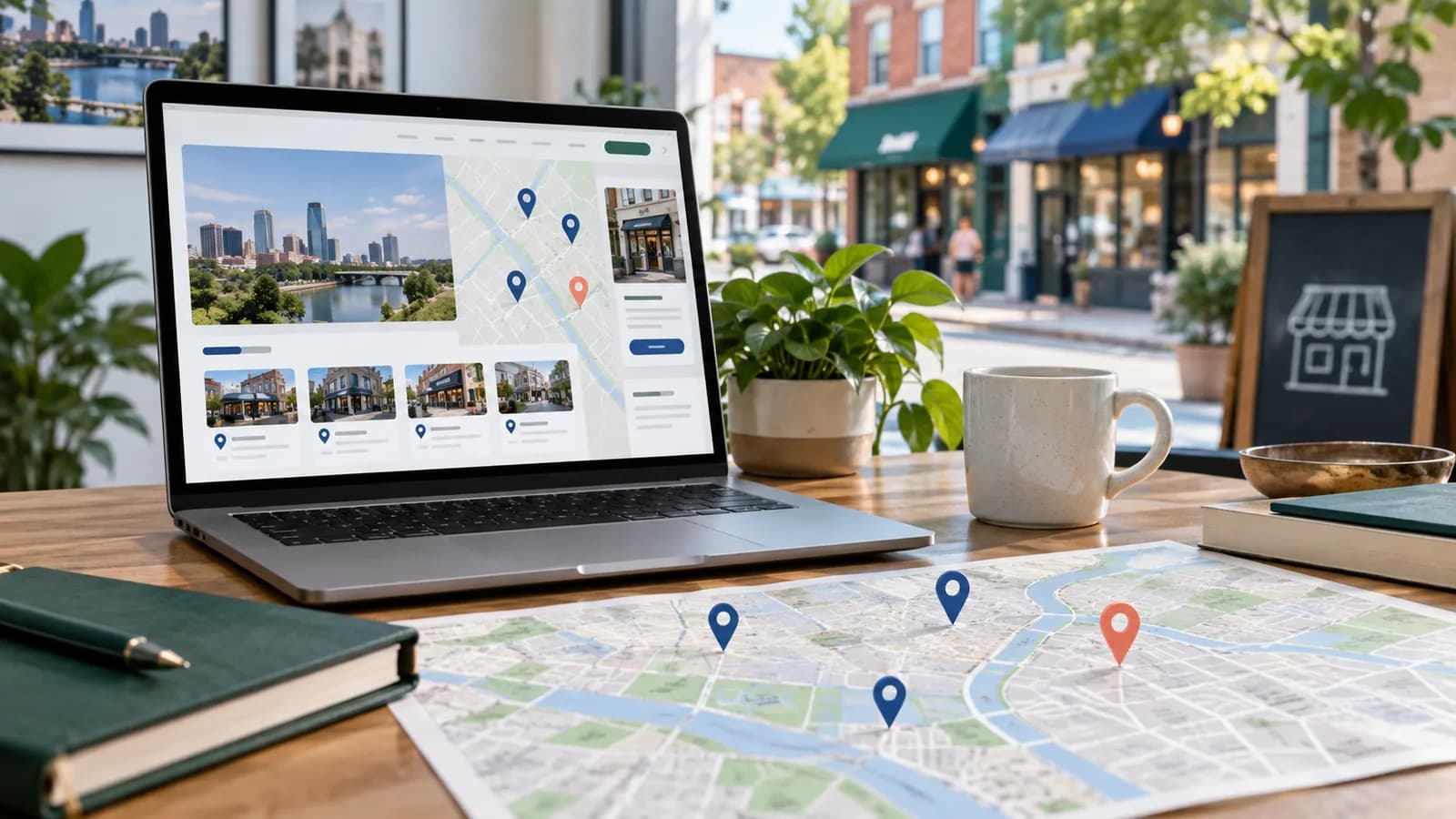
For service-based agencies, healthcare clinics, and logistics providers operating across multiple cities, local organic search is the highest-value source of business leads. However, simple landing page setups often fail to rank when targeting different geographic regions.
To capture search queries like "accountant in Manchester" or "emergency plumber in Austin," your platform needs a specialized architecture. You must deploy localized landing pages with unique content and connect them directly to your Google Business Profiles using nested LocalBusiness Schema markup.
This guide details how to structure multi-location URL hierarchies, write high-performance local page content, and configure valid search-engine-readable schemas.
1. Planning Your URL and Page Hierarchy
A common error is grouping all locations onto a single "Contact Us" page. Search engines index pages, not entire sites, which means a single contact page cannot rank effectively for multiple target cities.
Recommended URL Routing Structures:
- Directory Root:
/locations/(Lists all cities with links to specific branches) - Location Landing Pages:
/locations/austin/,/locations/dallas/,/locations/houston/
Avoid query parameters (e.g. ?location=austin) for location pages. Clean, descriptive paths are easier for users to read and share, and they avoid parameter-driven duplicate URLs.
2. Writing High-Quality Local Landing Page Content
To prevent search engines from flag-marking your location pages as "thin content," each page must feature unique local information. Do not simply swap out the city name in templated paragraphs.
Location Page Checklist:
- 1Local Address and Map Embed: Include the localized phone number, operating hours, and a secure embedded Google Map.
- 2Local Customer Reviews: Fetch and display testimonials from clients located specifically in that target city.
- 3Local Projects or Case Studies: Detail work completed within the region to prove local presence.
- 4Geo-Targeted Metadata: Write custom SEO titles and description meta tags matching local intents:
- Title: *Emergency Plumbing in Austin, TX | Example Plumbing Co.*
- Description: *Licensed plumbers serving Austin and Round Rock. Same-day repairs, upfront quotes and weekend call-outs.*
3. Nested LocalBusiness Schema Code
To link your landing page directly to Google's Local Search graph, you must inject valid JSON-LD Schema into each page header.
Example Schema for a Location Page (placeholder business):
`json
{
"@context": "https://schema.org",
"@type": "ProfessionalService",
"name": "Example Plumbing Co. - Austin",
"image": "https://www.example.com/images/austin-branch.jpg",
"@id": "https://www.example.com/locations/austin/#branch",
"url": "https://www.example.com/locations/austin/",
"telephone": "+1-512-555-0100",
"priceRange": "$$",
"address": {
"@type": "PostalAddress",
"streetAddress": "100 Example Street",
"addressLocality": "Austin",
"addressRegion": "TX",
"postalCode": "78701",
"addressCountry": "US"
},
"geo": {
"@type": "GeoCoordinates",
"latitude": 30.2672,
"longitude": -97.7431
},
"openingHoursSpecification": {
"@type": "OpeningHoursSpecification",
"dayOfWeek": [
"Monday",
"Tuesday",
"Wednesday",
"Thursday",
"Friday"
],
"opens": "09:00",
"closes": "18:00"
}
}
`
Replace every placeholder with the real branch details. Schema must match the name, address, phone and hours shown on the page and in the Google Business Profile.
4. Connecting Pages to Google Business Profiles (GBP)
To maximize local ranking:
- 1Copy the exact URL of your location landing page (e.g.
https://www.example.com/locations/austin/). - 2Open your Google Business Profile manager and paste this URL into the Website field.
- 3Ensure the business name, address, and phone number (NAP data) printed on your landing page matches your Google Business Profile configuration exactly.
Implementing dedicated location page directories, writing geo-specific copy, and injecting schema configurations will improve your visibility on both Google Maps and local search queries.
Avoid Doorway Location Pages
Multi-location SEO fails when every page is the same template with only the city name changed. Google and users both need real local value. Each location page should explain the actual service area, local proof, team or appointment details, directions, parking, photos, opening hours, contact method and service availability.
If the business does not genuinely serve a city, do not create a page for it. Thin location pages can weaken trust and create low-value content problems.
Local Page Content Checklist
- Unique local introduction.
- Correct business name, address and phone.
- Embedded or linked Google Business Profile.
- Service list for that location.
- Real photos where possible.
- Local testimonials or proof.
- Directions and parking notes.
- Opening hours.
- Staff or service owner details.
- FAQ specific to the location.
- Internal links to core service pages.
- LocalBusiness schema matching visible content.
100-Point Multi-Location SEO Score
| Area | Points |
|---|---|
| Real service-area validity | 15 |
| Unique local content | 20 |
| NAP consistency | 15 |
| Google Business Profile connection | 10 |
| Local schema accuracy | 10 |
| Internal links to services | 10 |
| Reviews/testimonials | 10 |
| Indexability and sitemap inclusion | 5 |
| Conversion tracking | 5 |
Internal Linking for Location Pages
Location pages should not sit isolated in the sitemap. Link them from the main locations page, relevant service pages, footer or contact page when appropriate. Each page should also link back to the main service category and nearby related locations when useful.
For service businesses, connect location pages to service intent. An Austin plumbing page should link to the relevant service pages, emergency call-out details and booking/contact options. That helps users move from local discovery to action.
Measurement Plan
Track impressions, clicks, calls, form submissions, direction requests, booking clicks and qualified leads by location. If a page gets impressions but no leads, review the offer, page proof, local relevance and contact friction. If it gets no impressions, review indexability, content uniqueness, internal links and Google Business Profile connection.
Local SEO is operational. Pages, profiles, reviews and service information must stay current.
Rollout Plan for Multiple Locations
Do not publish 50 location pages in one rushed batch. Start with the strongest real locations or service areas. Build three to five high-quality examples, measure indexing and lead quality, then use that learning to improve the rest.
For each new page, collect local proof before writing. That may include photos, staff details, nearby landmarks, service availability, client examples, delivery limits, appointment rules and local questions. This evidence keeps the page from becoming generic.
Final Recommendation
Build location pages only where the business can provide real local value. Keep NAP consistent, connect each page to the relevant service, use accurate schema and measure qualified leads rather than rankings alone.
30-Day Location Page Rollout
In week one, choose the first three to five real locations or service areas. Gather proof: address or service-area rules, photos, opening hours, team details, local testimonials, services offered and common local questions.
In week two, build the page template and internal linking structure. Create a main locations hub, link each location to relevant service pages and make contact actions easy on mobile.
In week three, publish the first pages and connect them to Google Business Profile where appropriate. Submit updated sitemaps and inspect the pages in Search Console.
In week four, measure impressions, clicks, calls, form submissions and qualified leads. Use that evidence to improve the template before expanding to more locations.
Content Quality Rules
Each page should stand on its own. If two location pages are nearly identical, rewrite them with real local details or consolidate them. Local content should help a visitor decide whether the business is relevant in that area.
This is especially important for AdSense and organic trust. Publishing many near-duplicate city pages can look like low-value content. Publishing fewer, stronger pages is safer.
Common Mistakes
Avoid swapping only city names, using fake addresses, creating pages for areas the business does not serve, hiding contact details, copying testimonials across every page and adding schema that does not match visible content. These shortcuts can make the site look low value.
Do not measure success only by rankings. A location page should produce calls, form fills, bookings, direction requests or qualified local leads. If the page ranks but sends poor-fit inquiries, the page needs clearer service scope.
Final QA Checklist
- Location is real or service area is legitimate.
- Page has unique local proof.
- NAP matches Google Business Profile.
- Schema matches visible content.
- Services are linked clearly.
- Mobile contact actions work.
- Page is indexable and in sitemap.
- Leads are tracked by location.
Example Location Page Structure
A strong location page can follow a predictable structure without becoming duplicate content. Start with a clear H1 naming the service and location. Add a short local introduction, then explain available services, who the location serves, proof of local experience, contact options, map or directions, FAQs and links to core service pages.
For example, a service page for Austin should discuss the actual types of customers served, local response times, project process, support availability and relevant service links. A page for another city should not copy the same paragraphs with the city name swapped.
This structure gives users useful local context and gives search engines a clearer reason to index the page.
Ownership and Maintenance
Location pages need a business owner. Someone must update opening hours, phone numbers, staff details, service availability, testimonials, maps, holiday notices and Google Business Profile links. Outdated local information creates poor user experience and can reduce trust.
Review location pages quarterly. Remove locations that no longer operate, consolidate weak pages, improve pages with impressions but no leads and update internal links when services change. Local SEO works best when the website reflects the real business.
For multi-country businesses, avoid mixing markets without clear intent. A page targeting the United States, the United Kingdom or an EU country should make service availability, currency, contact method and delivery expectations clear.
Red Flags
Pause publication if the location is not real, the page has no unique proof, the NAP data conflicts with Google Business Profile, or the content is almost identical to another city page. Those signals can look low value to users and search engines.
Final Business Note
Location SEO should make the business easier to trust locally. A good page helps someone understand whether you serve their area, what you offer there, how to contact you and why the page exists. If that value is missing, the page should be improved before publication.
When expanding to more locations, keep a simple evidence folder for each page: photos, profile links, service notes, testimonials, staff details and last review date. That habit protects the site from publishing pages that look real in a spreadsheet but feel empty to a visitor. Review it regularly with owners.
Frequently Asked Questions
Should every city have a landing page?
Only if the business genuinely serves that city and can provide useful local information. Do not create doorway pages.
Can one business have multiple Google Business Profiles?
Only for eligible real locations or service-area configurations that comply with Google's current rules.
Should location pages be indexed?
Yes when they are unique, useful and connected to real local service intent. Thin or duplicate pages should be improved or kept out of the index.
What should location pages link to?
Link to core service pages, related local articles, contact or booking pages, and nearby relevant location pages.
For implementation support, connect this work with Business Website Development.
Related posts

Product Page SEO Services Guide for E-commerce Brands
A practical guide to product page SEO services for Shopify, WooCommerce and marketplace-connected stores.
Read article →
US State Privacy Laws for Small Business Websites: What Applies and What to Do
A practical 2026 guide to US state privacy laws for small business websites: CCPA/CPRA thresholds, the other comprehensive state laws, Texas and Nebraska small-business rules, privacy notices, opt-out of sale and sharing, Global Privacy Control, pixels, forms, vendor contracts and CAN-SPAM.
Read article →

Magento Migration Guide: Moving to Shopify or WooCommerce
A practical guide for Magento Open Source and Adobe Commerce merchants: support lifecycle triggers, Shopify vs WooCommerce vs staying, data inventory, redirect mapping at scale, and a cutover checklist.
Read article →
Author
Anushka Dahanayake
Anushka Dahanayake builds SEO-focused websites, e-commerce platforms, dashboards, and automation systems for businesses worldwide.