
Core Web Vitals for E-commerce: Resolving Cumulative Layout Shift (CLS) on Dynamic Product Listings
Losing mobile search traffic due to poor Core Web Vitals? Learn how to identify, measure, and resolve Cumulative Layout Shift (CLS) on product listing pages.
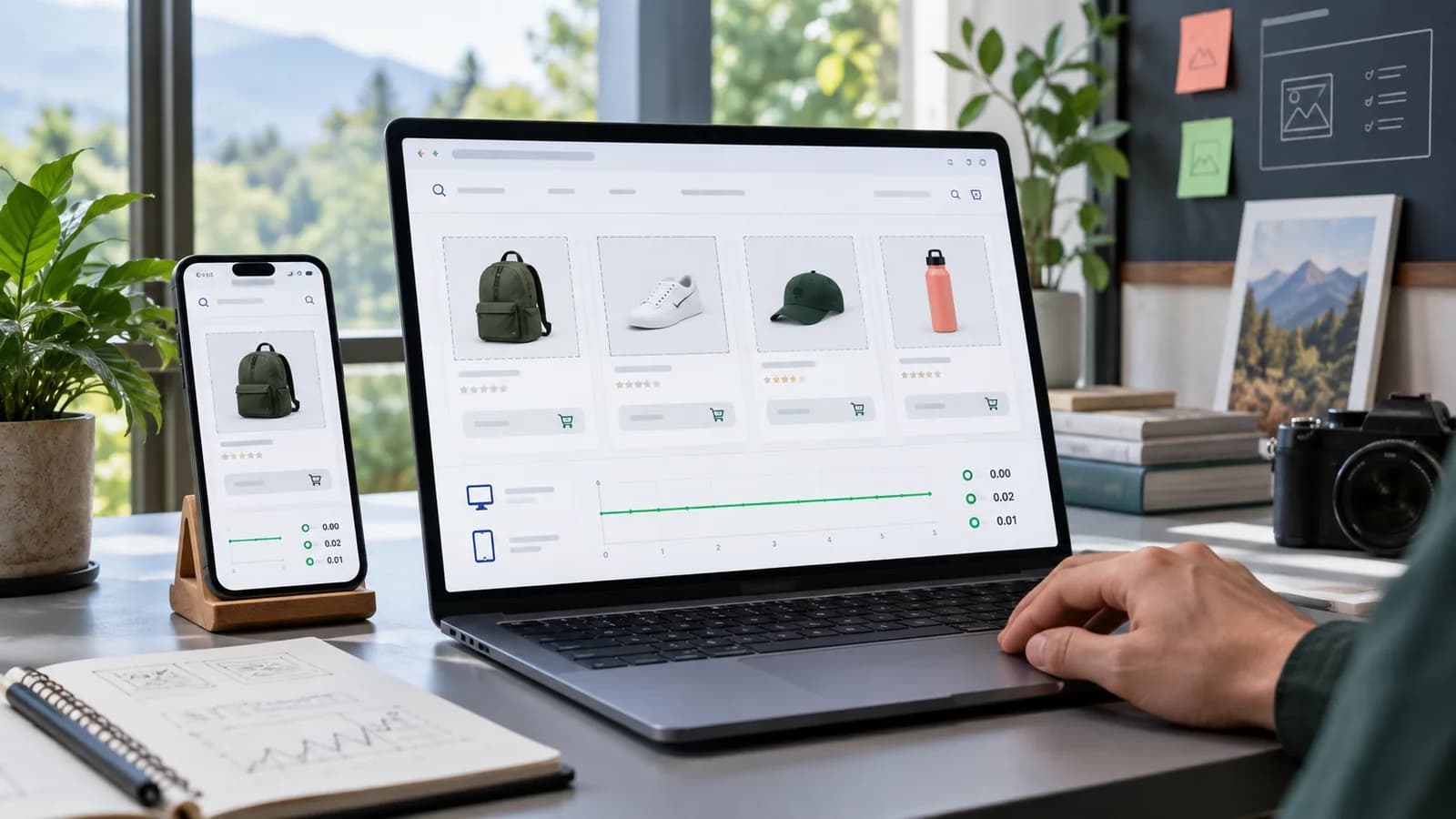
For online storefronts in 2026, search engine rankings and conversion rates are tightly coupled with page experience metrics. The most common Core Web Vitals failure on e-commerce product and category pages is Cumulative Layout Shift (CLS).
CLS measures the visual stability of a page by tracking unexpected layout shifts across the whole page visit, not only during initial load; the score is the largest burst of shifts. It sits alongside Largest Contentful Paint (LCP) and Interaction to Next Paint (INP) as one of the three Core Web Vitals. When a visitor tries to tap an add-to-cart button but the page shifts, causing them to click an ad or another product link instead, user experience degrades and conversions fall.
This engineering guide provides a checklist of methods to resolve layout shifts caused by lazy-loaded product grids, dynamic ad insertions, custom web fonts, and dynamic review elements.
1. Defining the Core Causes of CLS on Product Pages
Layout shifting occurs when the browser renders HTML components before downloading the stylesheets or media files that determine their dimensions. The main offenders include:
- Images Without Dimensions: Product images loading lazily without explicit height and width declarations, forcing the page wrapper to snap open when the asset arrives.
- Dynamic Ad Banners: Ad widgets or promotional bars inserted at the top of the viewport after page load.
- Dynamic Reviews and Badges: Trust badges or rating stars injected by external client-side JavaScript.
- Custom Web Fonts: Flash of Invisible Text (FOIT) or Flash of Unstyled Text (FOUT) shifting lines when a remote custom font loads.
2. Resolving Images Without Explicit Dimensions
Always declare aspect-ratio placeholders on e-commerce product grids so the browser reserves layout space before the image is fetched.
The CSS Aspect-Ratio Fix
Ensure product cards use CSS styling to block out image slots:
`css
.product-card-image {
width: 100%;
height: auto;
aspect-ratio: 1 / 1; /* Forces square placeholder grid */
object-fit: cover;
background-color: #f3f4f6; /* Subtle grey placeholder box */
}
`
If loading images lazily via native lazy-loading, always supply the raw width and height parameters:
`html
<img src="product.jpg" width="400" height="400" loading="lazy" alt="Product Image" class="product-card-image" />
`
3. Handling Dynamic Reviews and Trust Badges
Trust badges, size advisors, and star reviews are often loaded asynchronously via JavaScript. When they pop in above or below product titles, they push content downward.
Reserve Space with CSS Min-Height
Wrap dynamic modules in placeholders that match their expected heights:
`html
<!-- Reserve 24px height for the review stars block -->
<div class="reviews-placeholder" style="min-height: 24px;">
<div id="dynamic-star-rating"></div>
</div>
`
This ensures that whether the stars load in 50ms or 2 seconds, the surrounding text remains perfectly stationary, keeping the CLS score at 0.
4. Resolving Web Font Layout Shifts
When custom web fonts load, they can render with different line heights and spacing than system fallbacks, causing paragraphs to shift.
Best Practices:
- 1Preload Critical Fonts: Add preload links in the document head for your primary body and heading fonts:
`html
<link rel="preload" href="/fonts/outfit.woff2" as="font" type="font/woff2" crossorigin>
`
- 1Use font-display: swap (or optional):
swapshows a system fallback immediately and replaces it when the custom font arrives. That swap still shifts text if the two fonts have different metrics, so pair it with step 3.font-display: optionalavoids the late swap entirely at the cost of sometimes showing the fallback:
`css
@font-face {
font-family: 'Outfit';
src: url('/fonts/outfit.woff2') format('woff2');
font-display: swap;
}
`
- 1Match Fallback Metrics: Use modern CSS tools to adjust the fallback system font sizing to match your custom font's metrics precisely:
`css
@font-face {
font-family: 'Outfit-Fallback';
size-adjust: 97%;
src: local('Arial');
}
body {
font-family: 'Outfit', 'Outfit-Fallback', sans-serif;
}
`
Tune size-adjust (and, if needed, ascent-override and descent-override) until the fallback occupies the same space as the custom font. Frameworks such as Next.js (next/font) can generate these fallback metrics automatically.
By declaring image dimensions, wrapping dynamic elements in height-controlled placeholders, and preloading critical web fonts, you eliminate layout shifts, achieve an optimal CLS score under 0.1, and maximize your organic search positions.
Product Page CLS Audit
Audit the page from the buyer's perspective. Load the product page on a throttled mobile connection and watch what moves. Check image galleries, price blocks, variant selectors, stock messages, reviews, sticky add-to-cart buttons, cookie banners, sale timers, app badges, recommendation widgets and ads.
CLS is especially damaging near purchase controls. If the add-to-cart button moves while a buyer is trying to tap, the store loses trust.
Template-Level Fixes
Fix CLS in the template, not one product at a time. Product images should have stable aspect ratios. Review widgets should reserve height. Sale banners should render server-side or reserve space. Fonts should use matching fallback metrics. Recommendation grids should reserve card dimensions before products load.
For category pages, keep product-card heights stable even when titles wrap, badges appear or prices change. A stable grid is easier to scan and less frustrating on mobile.
100-Point CLS Score
| Area | Points |
|---|---|
| Image dimensions and aspect ratios | 20 |
| Font loading strategy | 10 |
| Dynamic widgets reserve space | 15 |
| Product grids remain stable | 15 |
| Mobile sticky elements tested | 10 |
| Ads and banners reserve space | 10 |
| Lab and field data reviewed | 10 |
| Theme/app ownership documented | 10 |
Lab Data Versus Field Data
Lighthouse can show likely CLS problems, but field data from real users is more important. A page may test well on a developer laptop and still shift for mobile shoppers on slower networks, different fonts, translated content or third-party scripts.
Use PageSpeed Insights, Chrome UX Report where available, Search Console Core Web Vitals and your own real-user monitoring if the store has enough traffic. Compare product pages, category pages and checkout steps separately. Do not assume the homepage represents the whole store.
App and Theme Ownership
Many CLS problems come from apps: review widgets, badges, payment messaging, recommendations, ads and chat. Assign ownership for each script. If nobody owns an app, it becomes technical debt. Remove unused widgets and replace unstable ones with server-rendered or reserved-space components where possible.
For Shopify and WooCommerce stores, test after theme updates and app updates. A layout that was stable before an app release can shift the next morning.
Fix Priority Order
Start with shifts above the fold because they affect first impression and Core Web Vitals most strongly. Then fix shifts around product images, price, variant selectors and add-to-cart controls. After that, address lower-page modules such as reviews, recommendations and recently viewed products.
If a third-party widget causes repeated shifts and cannot reserve space, move it lower, replace it or remove it. A conversion widget that disrupts the purchase path may cost more revenue than it claims to create.
Final Recommendation
Fix CLS at the template and component level. Reserve space, stabilize product grids, control fonts, test third-party widgets and monitor field data. A stable e-commerce page feels more trustworthy and gives buyers fewer reasons to abandon.
30-Day CLS Fix Plan
In week one, measure representative pages. Test the homepage, top category, top product, sale product, product with reviews, cart and checkout. Record lab data and field data if available.
In week two, fix the largest visible shifts: product image ratios, hero banners, sticky bars, review widgets and font loading. Deploy changes through staging and compare screenshots before and after.
In week three, audit third-party scripts. Remove unused widgets, move non-critical modules lower and reserve space for anything that must remain. Ask whether each app improves revenue enough to justify its performance cost.
In week four, monitor Search Console Core Web Vitals and conversion behavior. If add-to-cart or checkout completion improves after layout stability work, document the connection so future design changes respect it.
Business Impact
CLS is not only a technical score. It affects buyer confidence. Product pages must feel stable while shoppers inspect images, choose variations and tap buttons. Fixing layout shift can improve SEO, usability and conversion at the same time.
Common Mistakes
Avoid testing only the homepage, ignoring mobile throttling, letting third-party widgets inject content without reserved space, and treating CLS as solved because one lab test passed. Also avoid fixing shifts with fixed heights that cut off translated text or long product names.
Another common mistake is adding promotional bars, cookie banners or chat widgets after performance work. Every new element that appears above existing content can reintroduce layout shift. Performance QA must be part of design and marketing changes.
Final QA Checklist
- Product images reserve space.
- Category cards keep stable dimensions.
- Fonts use a safe loading strategy.
- Review widgets reserve height.
- Sticky bars do not push content.
- Cookie banners do not shift the viewport.
- Mobile tests run on slow network profiles.
- Field data is monitored after deployment.
Example Fix Scenario
A product page has a strong design but poor mobile CLS. On inspection, the product image gallery loads without reserved height, the review widget appears after the title, and a free-shipping bar pushes the page down after JavaScript loads. The fix is not one magic plugin setting.
The developer adds aspect ratios to gallery images, reserves space for reviews, renders the shipping bar immediately, and delays lower-priority recommendation widgets. The team retests on mobile and compares add-to-cart behavior after deployment.
This kind of work matters because product pages combine SEO, design and checkout intent. A buyer who loses their place on the page may not complain; they simply leave.
Ownership and Maintenance
Assign visual stability ownership to the team changing templates, apps and promotional modules. Marketing may add banners, reviews or widgets, but someone should verify that those additions do not shift the layout.
Create a lightweight release checklist for product templates: mobile screenshot, slow-network test, add-to-cart interaction, app widget loading and Core Web Vitals check. This prevents layout shift from returning after every campaign change.
Red Flags
Pause release if add-to-cart moves during load, product images resize after render, review widgets push content downward, or mobile banners appear above existing content without reserved space. These are buyer-experience issues, not cosmetic details.
Final Business Note
For e-commerce, layout stability is part of merchandising. Buyers compare images, price, options, delivery and trust signals quickly. If the page jumps while they decide, the store feels less reliable. Treat CLS fixes as revenue protection, especially before seasonal campaigns, paid ads or marketplace traffic pushes.
Frequently Asked Questions
What is a good CLS score?
Google's Core Web Vitals guidance treats 0.1 or less as good. Product and checkout pages should aim for stable layouts even beyond the score.
Can lazy loading cause CLS?
Yes, if the browser does not know the image dimensions before loading. Use width, height and aspect-ratio placeholders.
Do app widgets cause layout shift?
Often. Reviews, badges, recommendations and chat tools can shift layouts when injected late. Reserve space or load them lower on the page.
Should CLS be fixed before SEO content?
For commerce templates, yes when shifts affect product discovery or purchase actions. Content cannot compensate for a frustrating buying page.
For implementation support, connect this work with Store Optimization, Product Page Optimization, and E-commerce SEO.
Related posts

Shared vs VPS vs Managed Hosting for a Small Business Website or Store
A plain comparison of shared hosting, VPS and managed hosting or PaaS for small business sites and online stores: responsibilities, isolation and performance, the signs a WooCommerce store or Next.js app has outgrown shared hosting, GDPR data residency, and a decision table.
Read article →

How to Secure a New Ubuntu VPS: A Setup Checklist for Business Websites
A step-by-step hardening checklist for a fresh Ubuntu 26.04 or 24.04 LTS VPS that will host a business website, with copy-paste commands for SSH keys, ufw, unattended-upgrades, fail2ban, time sync, swap, monitoring and backups.
Read article →

Deploy a Next.js 16 App on a VPS with Nginx, systemd or PM2, and HTTPS
A working guide to running Next.js 16 on your own VPS: Node.js LTS, build-time versus runtime environment variables, a systemd unit and PM2 alternative, an Nginx server block with certbot HTTPS, the standalone output option, logs, and a two-port release script.
Read article →
Author
Anushka Dahanayake
Anushka Dahanayake builds SEO-focused websites, e-commerce platforms, dashboards, and automation systems for businesses worldwide.