
Web Development••6 min read
Portfolio Website Development Guide for Freelancers and Experts
A practical portfolio website guide for freelancers, consultants and creative experts who need better client trust.
Read article →
A practical WooCommerce setup guide for brands that need flexible e-commerce with clean operations.
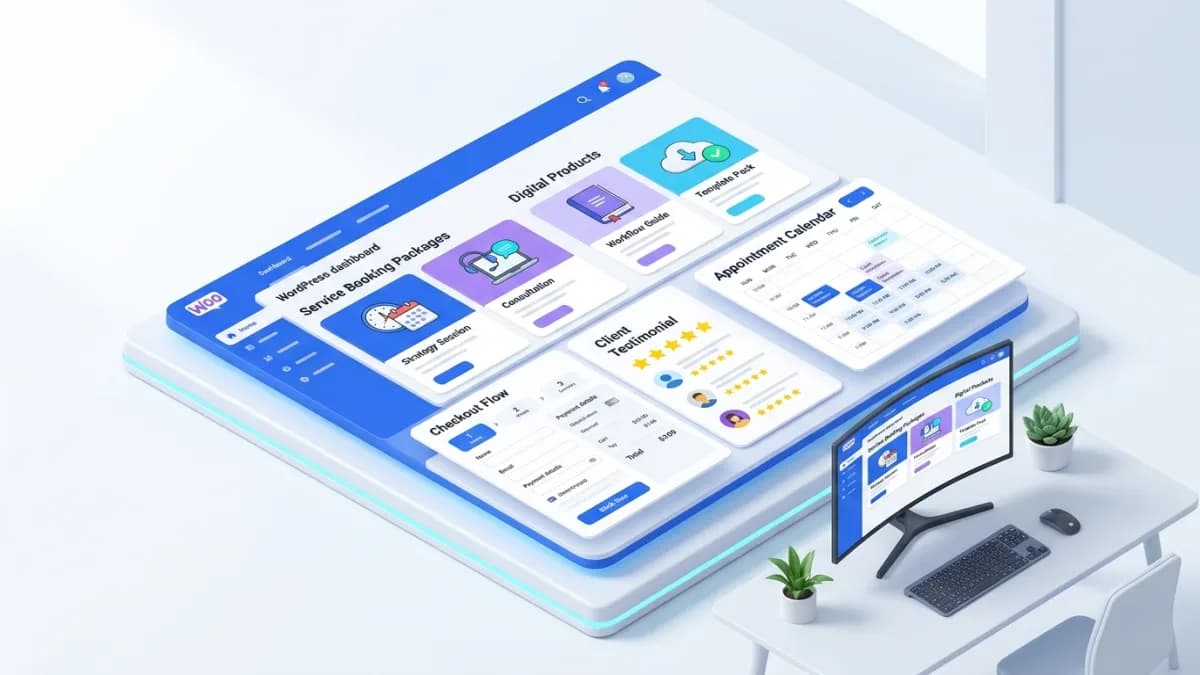
WooCommerce can suit a service-led business that sells products, digital resources, or clearly defined service packages alongside its existing WordPress content. Its flexibility also creates responsibility: the business must decide how payments, fulfillment, plugins, maintenance, and support will work together.
WooCommerce Store Setup should begin with those requirements. Installing the plugin is one step; launching a dependable store means testing the complete purchase and delivery process with the products the business actually sells.
Separate fixed products from work that requires assessment. A downloadable workbook or a defined consultation package may suit direct checkout. A complex project with variable scope may need an inquiry and proposal process first.
For an illustrative design studio, the store might sell document templates, a fixed-duration review session, and physical sample packs. Each has different fulfillment requirements. Treating all three as ordinary shipped products would create confusion.
Write the contents, limits, delivery method, and customer responsibilities for every offer. If a service purchase requires scheduling later, explain that before payment. Do not imply that buying a package automatically reserves a time slot unless the booking integration actually does so.
Review the existing WordPress site, hosting, theme, plugins, and editorial workflow. Determine whether commerce can be added cleanly or whether current technical problems need repair first.
Budget for hosting, extensions, payment costs, backups, support, and maintenance. Open-source software does not mean the operating store has no recurring expenses. The appropriate cost depends on the requirements and ownership model.
The platform selection guide helps compare those responsibilities with other e-commerce approaches. Choose based on the full operating model rather than a single feature or license price.
Set the business location, selling regions, currency, and product configuration according to actual operations. Review the current WooCommerce setup documentation for the supported setup workflow, then verify the resulting settings.
Do not treat a completed setup checklist as proof that every product type works. Wizards provide a starting point; the business still needs to test its own combinations of products, customers, and destinations.
Decide how tax settings will be determined and reviewed for the applicable business and markets. Obtain appropriate advice for obligations rather than assuming a generic setting establishes compliance. The implementation should reflect an approved requirement.
Use product types and attributes that fit the offer. Physical goods need shipping information. Digital products need access and delivery controls. Services may require scheduling, intake questions, or manual fulfillment steps.
For the design-studio example, a template download should explain file format, required software, licensing, and support scope. A review session should state duration, preparation requirements, and how scheduling occurs. A sample pack needs accurate contents, weight, and delivery coverage.
Give variants stable identifiers when price, inventory, or fulfillment differs. Avoid using free-text customization where a controlled choice would reduce ambiguity, but preserve space for genuine customer requirements when necessary.
List the capabilities the store needs before shopping for plugins. Booking, subscriptions, invoicing, local payment methods, and advanced shipping may require additional components, but every extension introduces compatibility and maintenance work.
Check current support, licensing, update history, and compatibility with the checkout implementation in use. A plugin supporting one checkout arrangement does not automatically support every block-based or customized flow.
Avoid installing overlapping tools for the same function without a clear reason. Duplicate SEO, caching, analytics, or payment behavior can create contradictory output and difficult troubleshooting.
Document which component owns each critical function. This makes later support more efficient when a form, payment, or download stops working.
Create shipping zones and methods that match where the business can deliver. WooCommerce's shipping-zone documentation explains zone matching and ordering. Test representative addresses, especially where zones overlap or have exceptions.
Check weights, dimensions, free-shipping conditions, local pickup, and mixed carts. A cart containing a digital item and a physical sample pack should not inherit an incorrect all-digital delivery assumption.
Explain handling and transit timing separately where they differ. If a product is assembled or prepared after purchase, the delivery promise should include that work rather than reflecting carrier time alone.
Verify provider eligibility and the gateway's supported features using official documentation. The WooCommerce payments reference provides a starting point for method-specific setup and capabilities.
Test success, decline, cancellation, and any delayed confirmation flow supported by the chosen method. Confirm how the store handles pending orders and when fulfillment begins. A thank-you page alone should not determine whether a payment succeeded.
For service packages, verify that payment, booking, and intake do not create conflicting states. A paid order without an available appointment needs a clear operational resolution, not an unexplained gap between plugins.
Check order emails, downloadable access, booking confirmations, and staff notifications. Customers should receive the correct instructions and a usable support route. Test with a realistic customer account and device.
For digital products, inspect download permissions and link behavior. For physical items, follow the order through packing and shipment. For services, confirm that staff can see the purchased scope and required preparation.
Test cancellation and refunds as well as purchase. Decide separately whether inventory is restocked, access changes, or a booking is released. These consequences depend on the product and the business's actual policy.
Use clear product titles, specifications, images, categories, and relevant internal links. The product-page guide explains how those details help customers evaluate an offer.
Validate purchase tracking against order records, including currency and transaction identifiers. Exclude test activity appropriately and document measurement limitations. An analytics event should not be treated as the financial record of payment.
Check canonical URLs, index settings, and sitemaps after theme or SEO-plugin configuration. Avoid exposing staging content or sending search engines contradictory product information.
Create backups covering the necessary files and database, and verify restoration in a suitable environment. WordPress's hardening guidance emphasizes risk reduction through appropriate access, trusted components, and ongoing preparation.
Test important updates before relying on them in live commerce. The staging workflow guide explains why realistic preview checks and controlled releases matter.
Assign ownership for hosting, licenses, updates, payment settings, and product changes. A store is easier to maintain when the business knows which party handles each dependency.
Yes, when the product configuration and workflow match the offer. Confirm whether scheduling, intake, or recurring billing requires additional functionality and test the complete customer journey.
No. It depends on whether customers must reserve availability during purchase. A manual scheduling process can work for some offers if expectations and ownership are clear.
Record ownership and renewal responsibility explicitly. The business needs to know whether a license remains available when a developer or maintenance provider changes. Include renewal dates, account ownership and replacement options in the handover without exposing credentials in shared documents.
Evidence that representative customers can purchase, receive the correct product or instructions, and obtain support, with staff able to process refunds and maintain the system. Plugin installation alone does not establish readiness.
A practical portfolio website guide for freelancers, consultants and creative experts who need better client trust.
Read article →

Author
Anushka Dahanayake builds SEO-focused websites, e-commerce platforms, dashboards, and automation systems for businesses worldwide.
A practical guide for companies planning a more structured corporate website with room for growth.
Read article →