
Business Automation Guide: Build Reliable Workflows
A practical guide to selecting, mapping, implementing and measuring reliable business automation, with controls for approvals, security, errors, ownership and return on investment.

Business automation uses software to complete repeatable steps, move information between systems, apply defined rules, request approvals, and notify people. Done well, it reduces avoidable administration and gives staff more time for decisions and customer work. Done badly, it makes errors travel faster.
The best starting point is therefore not a fashionable automation tool. It is a stable process with a clear owner, structured inputs, measurable delays, known exceptions, and a worthwhile business outcome.
This guide provides a practical method for choosing automation candidates, mapping workflows, assigning controls, selecting an implementation approach, calculating return on investment, testing failures, and improving the system after launch.
Key Takeaways
- Fix an unclear process before automating it.
- Prioritize frequent, rules-based work with reliable data and measurable cost.
- Keep judgement, sensitive decisions, refunds, payments, access changes, and unusual cases under appropriate human control.
- Define a system of record so two applications do not silently disagree.
- Design for duplicate events, missing fields, timeouts, expired credentials, API limits, and partial failure.
- Use least-privilege access, protected secrets, logs, alerts, retention rules, backups, and an incident owner.
- Start with one bounded workflow and a reversible pilot.
- Measure business outcomes, not the number of automated tasks.
- Review every live workflow because vendors, fields, permissions, staff, and business rules change.
What Business Automation Actually Includes
Automation can be as simple as creating a CRM contact after a validated form submission. It can also coordinate a multi-step process across a website, CRM, calendar, payment gateway, document system, help desk, accounting platform, and reporting database.
Common forms include:
- Rule-based workflow automation: when a defined event occurs, apply conditions and perform actions.
- Business process automation: coordinate an end-to-end process involving people, approvals, records, and systems.
- Integration automation: synchronize data through APIs, webhooks, scheduled imports, or integration platforms.
- Document automation: create proposals, contracts, invoices, certificates, or reports from approved data.
- Robotic process automation: operate an interface when a reliable API is unavailable.
- AI-assisted automation: classify, summarize, extract, draft, or recommend while deterministic controls govern the process.
- Reporting automation: collect validated data and refresh operational dashboards or scheduled reports.
These approaches can be combined. The important distinction is whether a step follows a deterministic rule, requires human judgement, or uses a probabilistic model.
What Should You Automate First?
A strong first candidate is frequent, repetitive, rules-based, time-consuming, and currently measurable. Its inputs should be reasonably consistent, its exceptions understandable, and its failure reversible.
Score each candidate from 1 to 5:
| Factor | Question |
|---|---|
| Frequency | How often does the task occur? |
| Manual effort | How much staff time does each case consume? |
| Standardization | Are the inputs and decisions consistent? |
| Error cost | How much rework or risk does manual handling create? |
| Customer impact | Does delay directly affect response or delivery? |
| Data readiness | Are the required fields accurate and accessible? |
| Reversibility | Can an incorrect action be stopped or repaired? |
| Strategic value | Does improvement support revenue, capacity, or service quality? |
High frequency and effort make a candidate attractive. Poor data, unclear ownership, dangerous irreversible actions, or many subjective exceptions reduce readiness.
Good early candidates
- Validate a website enquiry and create or update a CRM record.
- Assign a lead by service, territory, availability, or account owner.
- Send an acknowledgement and create a follow-up task.
- Create a client workspace after a signed agreement.
- Remind an approver about an outstanding proposal.
- Match a successful payment notification to an invoice.
- Route a support request using a controlled category.
- Compile weekly operational metrics from approved sources.
Weak early candidates
- A process staff cannot explain consistently.
- High-value payments without independent approval.
- Hiring, credit, legal, medical, or disciplinary decisions.
- Work based on free-form data with no validation.
- A process whose exceptions are more common than its normal path.
- Actions using shared administrator credentials.
- A workflow with no owner, log, alert, or recovery plan.
Map the Current Process Before Choosing Tools
Interview the people who perform the work and observe real examples. The documented procedure may differ from actual practice.
Record:
- 1The event that starts the process.
- 2Required and optional inputs.
- 3Validation rules.
- 4Every decision and approval.
- 5Systems read from and written to.
- 6Normal output.
- 7Common exceptions.
- 8Sensitive information involved.
- 9Current time, wait, error, and rework.
- 10Owner and escalation contact.
Use a simple structure:
`text
Trigger
-> validate input
-> find or create customer
-> classify request
-> assign owner
-> send acknowledgement
-> create follow-up deadline
-> log outcome
-> alert if any required step fails
`
Then remove unnecessary steps, standardize names and statuses, define required fields, and agree on the authoritative system for each record.
Define the Automation Contract
Before implementation, write a short contract for the workflow.
| Element | Example |
|---|---|
| Trigger | Valid website form submission |
| Preconditions | Consent recorded; email valid; service selected |
| Source of truth | CRM contact and deal records |
| Actions | Upsert contact, create deal, assign owner, send receipt |
| Human approval | Required before sending a custom quotation |
| Success | CRM IDs saved and acknowledgement accepted by provider |
| Failure | Retry temporary error; queue permanent error for review |
| Duplicate rule | Same event ID cannot create another deal |
| Alert | Notify operations after final retry |
| Recovery | Replay corrected event from controlled queue |
| Owner | Sales operations manager |
| Review | Monthly and after every material system change |
This turns a vague idea into something testable.
Example: Lead-to-Client Workflow
A practical service-business flow may include four controlled stages.
1. Enquiry capture
The website validates required fields, records consent, applies spam controls, and creates an immutable event identifier. The visitor receives a neutral acknowledgement—not a promise that cannot yet be fulfilled.
2. Qualification and routing
Deterministic rules can route by requested service, location, budget range, or existing-client status. An AI model may summarize a long message, but it should not silently make a consequential eligibility decision.
3. Proposal and approval
The system can prepare a draft from approved CRM data and a controlled template. A responsible person verifies scope, price, tax, terms, recipient, and attachments before sending.
4. Onboarding
After an independently verified acceptance or payment event, the workflow can create tasks, folders, meetings, and client records. It should log each result and alert the owner if only part of the sequence succeeds.
The architecture should prevent a duplicate webhook from producing two invoices, two folders, or two welcome sequences.
CRM Automation
CRM automation works when lifecycle definitions are explicit.
Define:
- What qualifies as a lead, opportunity, client, inactive record, or duplicate.
- Which application owns identity and contact information.
- Required fields for each lifecycle transition.
- Who can merge, delete, export, or reassign records.
- How consent and communication preferences are stored.
- How bounced, unsubscribed, or invalid addresses are handled.
- Which changes need an audit trail.
Prefer an upsert pattern—find and update an existing record or create one when none exists—using a stable identifier. Email alone may be insufficient when people share addresses or change them.
Avoid continuous two-way synchronization unless conflict behavior is defined. If the CRM says “Active” and the billing system says “Suspended,” the integration needs a documented authority and resolution rule.
Billing and Payment Automation
Payment workflows require stronger controls than ordinary notifications.
A safe design should:
- Verify payment-provider signatures or equivalent authenticity controls.
- Treat the provider's confirmed event as authoritative, not a browser redirect.
- Make processing idempotent so a repeated notification has no duplicate effect.
- Match currency, amount, reference, customer, and expected status.
- Separate “payment received” from “funds settled” where relevant.
- Restrict refunds, payout changes, discounts, and write-offs.
- Reconcile automation records against provider and accounting records.
- Avoid storing prohibited card data.
- Alert a human when matching fails.
Automation can prepare an invoice or reconciliation candidate. Financial authority should remain aligned with the organization's approval policy.
Client Onboarding Automation
A useful onboarding workflow can create a project, folder structure, task template, contact record, and welcome message from one approved client record.
Before doing so, check:
- Has the agreement been executed?
- Has the required payment condition been met?
- Is the legal entity and contact correct?
- Which package, region, tax rule, and template apply?
- What information may each team member access?
- When should access expire?
- What happens if project creation succeeds but the email fails?
Use templates with version numbers. Otherwise an old automation may continue sending superseded terms or instructions.
For a deeper implementation, see the Agency Client Onboarding Automation blueprint.
Reporting Automation
A dashboard is not trustworthy merely because it refreshes automatically.
Document each metric's:
- Business definition
- Data source
- Time zone
- Currency
- Inclusion and exclusion rules
- Refresh frequency
- Owner
- Acceptable delay
- Reconciliation method
For example, “monthly revenue” could mean orders created, payments authorized, cash settled, invoices issued, or revenue recognized. Choose one definition and label it clearly.
Validate row counts, totals, date boundaries, duplicates, refunds, and missing records. Display the last successful refresh and alert when data is stale.
Where AI Fits—and Where It Does Not
AI is useful for unstructured work such as:
- Summarizing enquiries or support histories.
- Extracting candidate fields from documents.
- Suggesting categories.
- Drafting replies for human review.
- Finding unusual cases for investigation.
- Converting natural-language requests into a proposed workflow.
AI output can be incorrect, inconsistent, or sensitive. Place it inside a controlled process:
- 1Limit the data provided.
- 2Require structured output where possible.
- 3Validate allowed values and required fields.
- 4Set confidence or escalation rules.
- 5Require review for consequential actions.
- 6Log model, prompt/version, result, and reviewer where appropriate.
- 7Provide a non-AI fallback.
Do not let generated text become an approved price, contract, refund, permission, or customer promise without the required validation.
Choose an Implementation Approach
| Approach | Best fit | Main trade-off |
|---|---|---|
| Native application automation | Simple workflows inside one platform | Limited cross-system control |
| No-code integration platform | Fast delivery across supported applications | Subscription, task limits, and vendor dependency |
| Low-code workflow platform | Governed organizational workflows | Administration and licensing complexity |
| Custom API integration | Unique rules, scale, or product-critical processes | Development and maintenance responsibility |
| Robotic process automation | Legacy interfaces without usable APIs | Fragile interface dependency |
| Scheduled scripts/jobs | Controlled batch processing | Less suitable for immediate user-facing events |
Evaluate total lifecycle cost rather than the first build. Include licences, implementation, testing, monitoring, exception handling, vendor changes, security review, documentation, and staff training.
Security, Privacy and Governance
Automation expands the number of systems that can act on business data. Apply controls in proportion to impact.
- Use named service identities instead of a former employee's account.
- Grant the minimum scopes and resources needed.
- Store secrets in an approved secret manager or protected environment.
- Rotate credentials and document ownership.
- Encrypt data in transit and use platform controls for stored data.
- Minimize fields transferred between systems.
- Define retention and deletion behavior.
- Log important actions without exposing secrets or unnecessary personal data.
- Review vendors, subprocessors, data regions, and contractual requirements.
- Test backup and recovery.
- Maintain an incident response contact and disable path.
The NIST Cybersecurity Framework 2.0 organizes risk outcomes around Govern, Identify, Protect, Detect, Respond, and Recover. That is a useful cross-check for automation governance even though it does not prescribe a specific workflow product.
Legal and privacy obligations depend on jurisdiction and data. If a workflow handles personal data of people in the EU or UK, GDPR and UK GDPR require a lawful basis for each purpose, data minimisation, and a written processor agreement with each vendor that processes that data on your behalf. In the US, California residents have rights under the CCPA as amended by the CPRA. This is general information, not legal advice; obtain qualified advice when the process involves regulated or high-impact information.
Approvals and Separation of Duties
An approval must be meaningful. The reviewer needs enough context, clear choices, and a reliable identity.
Require stronger approval for:
- Payments, refunds, bank or payout changes.
- Contract or price changes.
- Bulk customer communication.
- Deletion or export of records.
- Access and permission changes.
- DNS or production deployment.
- High-impact AI-generated decisions.
Avoid making the same account both requester and approver. Define expiry, delegation, absence cover, and what happens when nobody responds. Microsoft's documentation on Power Automate approval errors illustrates why ownership, active accounts, valid inputs, and platform limits need operational attention.
Reliability and Error Handling
Assume every external system can be slow, unavailable, duplicated, or changed.
Build for:
- Validation: reject or quarantine incomplete input.
- Idempotency: process the same event safely more than once.
- Retries: retry temporary failures with delay and a maximum count.
- Timeouts: stop waiting and record an actionable error.
- Dead-letter handling: preserve failed cases for controlled review.
- Rate limits: slow or queue requests when a provider limits usage.
- Partial success: record exactly which actions completed.
- Compensation: reverse safe actions or guide manual repair.
- Monitoring: track volume, success, failure, latency, and backlog.
- Alerting: notify the right owner with a record identifier and runbook.
- Replay: retry a corrected case without recreating successful steps.
“Run completed” is not sufficient. Verify that the intended business record exists and contains the correct state.
Testing Before Launch
Test in a sandbox or staging environment with synthetic or appropriately protected data.
Include:
- Normal cases.
- Missing and malformed fields.
- Duplicate events.
- Existing customer records.
- Unexpected status values.
- Expired credentials.
- Provider timeout and rate-limit responses.
- Approval rejection and expiry.
- Partial downstream failure.
- Different time zones and date boundaries.
- Currency rounding.
- Permission denial.
- Alert and recovery procedures.
Use a limited pilot, compare automated output with the previous manual process, and keep a rollback switch.
Calculate Automation ROI
Use conservative, auditable inputs.
`text
Monthly manual cost =
monthly cases × minutes per case ÷ 60 × loaded hourly cost
Monthly automation benefit =
manual cost avoided
+ measured error/rework reduction
+ attributable incremental contribution
Monthly net benefit =
monthly automation benefit
- licences
- monitoring
- maintenance
- exception-handling cost
Payback period in months =
implementation cost ÷ monthly net benefit
`
Example: 400 monthly cases at 8 minutes each equal 53.3 hours. At a loaded cost of $40 per hour, the gross manual cost is about $2,133. If the system still needs $500 in licences, maintenance, and exception handling, the estimated monthly net benefit is about $1,633 before including any revenue benefit. A $6,000 implementation would have a simple payback of about 3.7 months.
This is an illustrative calculation, not a guaranteed result. Use actual process observations, include review time, and do not claim every saved minute becomes cash savings.
A Practical Implementation Roadmap
Phase 1: Discover
Inventory processes, interview owners, establish baseline metrics, classify data, identify dependencies, and score candidates.
Phase 2: Design
Map the target workflow, choose systems of record, define validation and approvals, document exceptions, estimate ROI, and create the automation contract.
Phase 3: Build
Use separate development credentials, least privilege, version control where supported, reusable components, protected secrets, clear names, and operational logs.
Phase 4: Test
Run the complete test matrix, conduct user acceptance testing, verify alerts and recovery, review permissions, and obtain owner approval.
Phase 5: Pilot
Limit users, volume, products, or locations. Keep the old path available where practical and compare outcomes.
Phase 6: Launch
Record the version, owners, credentials, dependencies, release time, rollback decision, and support contacts.
Phase 7: Operate
Review performance, exceptions, costs, access, vendor changes, documentation, and business rules. Retire workflows that no longer provide value.
Automation Operating Checklist
Before launch, confirm:
- [ ] The process and business goal are documented.
- [ ] A named business owner and technical owner exist.
- [ ] Baseline volume, time, error, and cost are recorded.
- [ ] Source systems and systems of record are defined.
- [ ] Required fields and allowed values are validated.
- [ ] Duplicate events are safe.
- [ ] Human approvals match the risk.
- [ ] Credentials use least privilege and protected storage.
- [ ] Logs exclude secrets and unnecessary personal data.
- [ ] Retries, failure queues, alerts, and replay are tested.
- [ ] Data retention and deletion are defined.
- [ ] Staging, pilot, rollback, and recovery are tested.
- [ ] Staff know how to handle exceptions.
- [ ] ROI and service metrics have owners.
- [ ] A recurring review is scheduled.
Common Mistakes
Automating a broken process
Software preserves unclear rules at scale. Simplify and standardize first.
Building one enormous workflow
A single flow spanning every business function is difficult to test and recover. Use bounded workflows with explicit interfaces.
Ignoring exceptions
Design the failure path alongside the success path. Real operations always contain missing data, duplicates, delays, and unusual requests.
Using personal credentials
The workflow may stop when a staff member leaves or loses access. Use governed service identities where platforms support them.
Measuring task counts
A large run count does not prove value. Measure response time, cycle time, error, rework, customer outcome, capacity, cost, and qualified revenue.
Removing people from consequential decisions
Automation should deliver the right information to an accountable reviewer, not conceal a risky choice inside a rule or model.
Frequently Asked Questions
What is the best first automation for a small business?
Usually a frequent, rules-based, reversible process such as enquiry capture, CRM creation, assignment, acknowledgement, or a recurring internal report. Confirm with observed time and error data.
Do I need AI for business automation?
No. Many reliable workflows use deterministic rules, APIs, webhooks, and approvals. Add AI only when unstructured input or judgement assistance provides enough value to justify its additional uncertainty.
Should I use no-code tools or custom development?
Use native or no-code tools for standard supported workflows and fast validation. Consider custom integration when the process is strategically important, rules are unique, volume is high, or stronger product control is needed.
How long does automation take?
A bounded workflow may be designed and piloted quickly; a cross-department process involving legacy data, security review, approvals, and custom APIs takes longer. Scope should be based on dependencies and risk, not a generic promise.
Can automation eliminate all manual work?
Rarely. Good systems reduce repetitive handling while preserving exception review, relationship work, accountability, and consequential decisions.
How often should workflows be reviewed?
Monitor continuously and conduct a scheduled operational review at least quarterly for important workflows. Review immediately after material changes to applications, fields, credentials, policies, vendors, or business rules.
Final Recommendation
Start with one observable bottleneck. Map it, remove unnecessary steps, establish its owner, define the automation contract, and measure the baseline. Build the smallest workflow that can deliver a real outcome with validation, approval, logging, alerting, and recovery.
Automation maturity is not the number of connected applications. It is the ability to operate workflows that remain useful, understandable, secure, measurable, and recoverable when real business conditions change.
For help assessing or implementing a controlled workflow, see Business Automation & Integrations. Before any build work begins, define the workflow owner, data sources, approvals, integration risks, automation boundaries and measurement plan.
Related posts
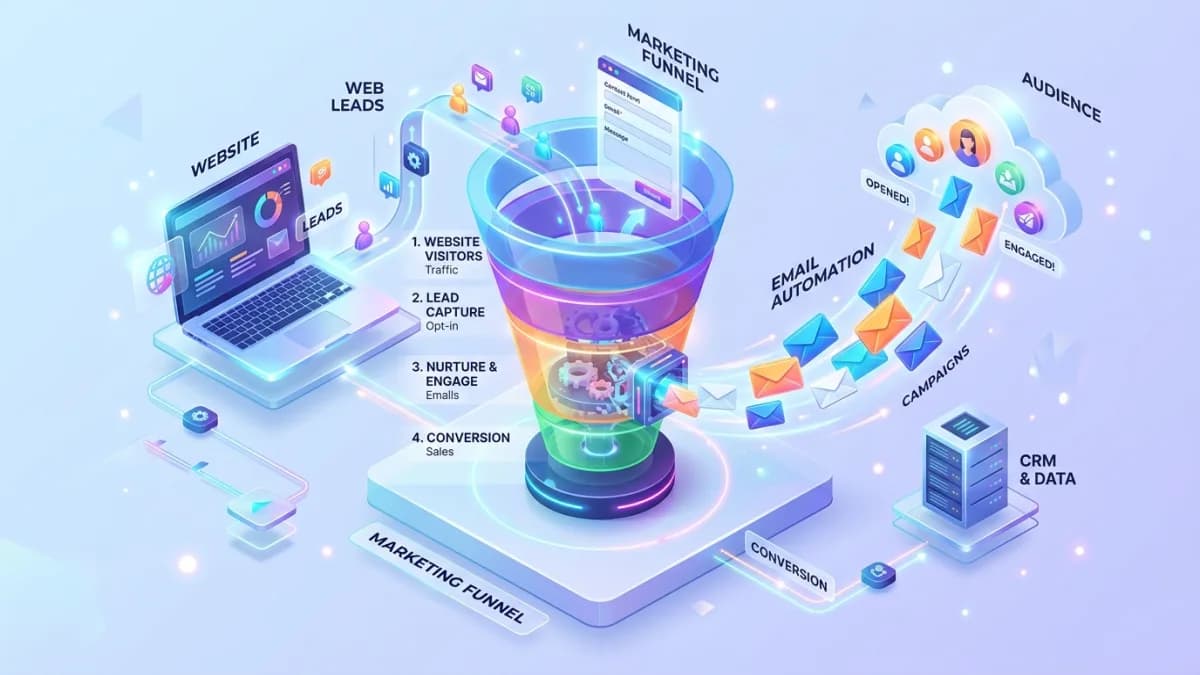
Email Automation Setup Guide for Website Leads
A practical guide to email automation that helps website leads receive faster, more relevant responses.
Read article →
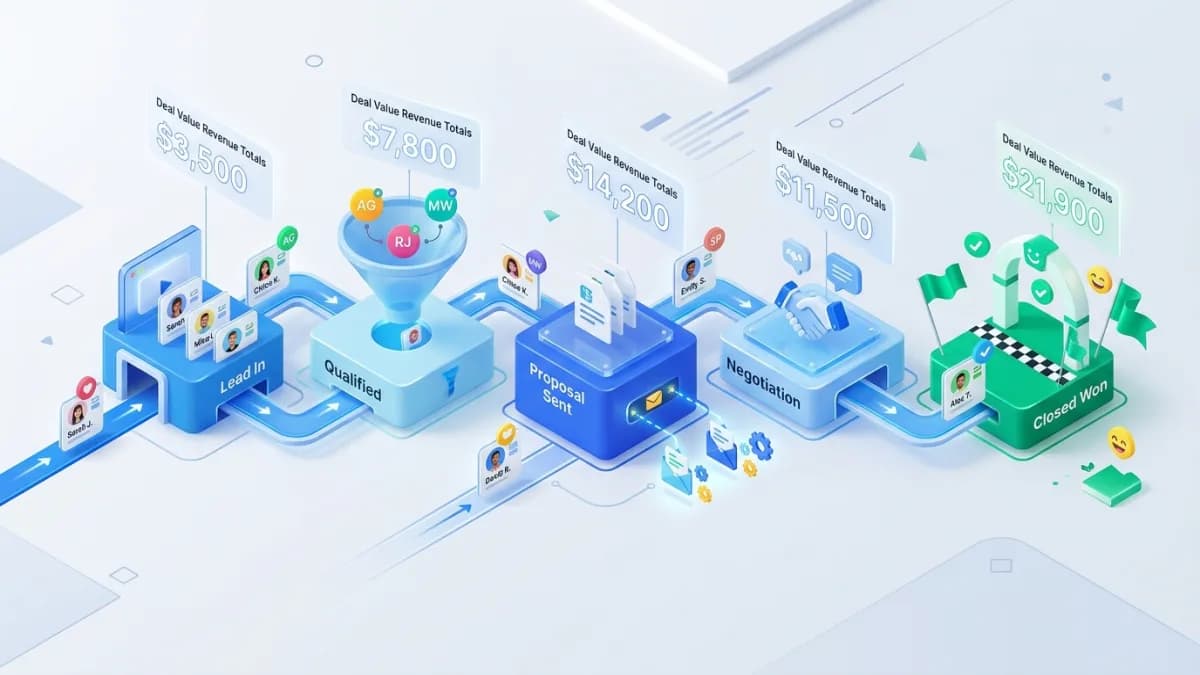
CRM Pipeline Setup Guide for Small Service Teams
A practical CRM pipeline setup guide for service teams that want cleaner lead management.
Read article →

Business Dashboard Data Source Guide
A practical guide to planning dashboard data sources before building custom reporting tools.
Read article →
Author
Anushka Dahanayake
Anushka Dahanayake builds SEO-focused websites, e-commerce platforms, dashboards, and automation systems for businesses worldwide.